
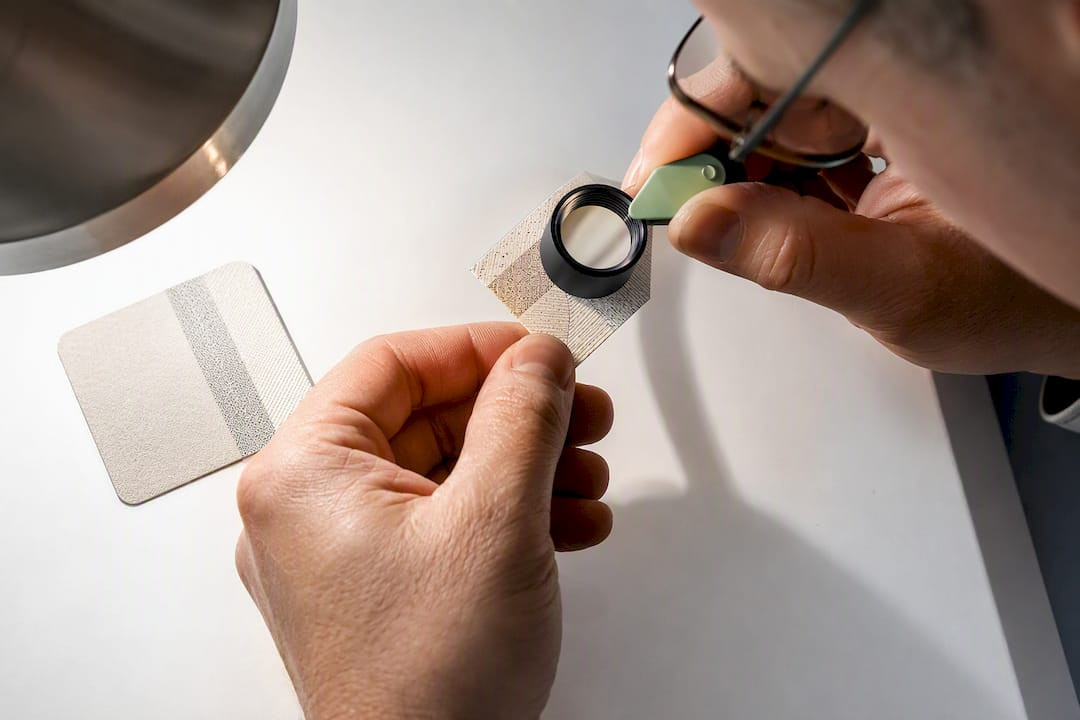
Buyers: Demand Three Proofs for Microtext Parking Tickets
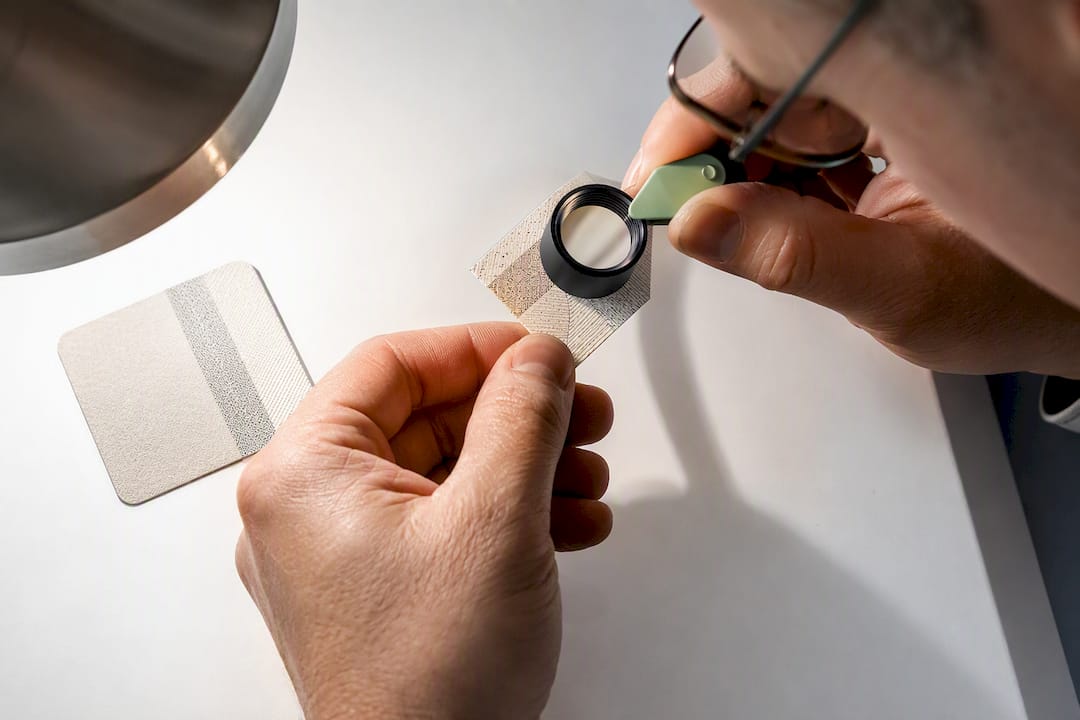
Microtext works as a covert security feature on parking and valet tickets when it’s specified to measurable standards and checked before it goes into production. Characters printed small enough to read as a solid line to the naked eye — but legible under a loupe — defeat most scanners and copiers outright. Getting there requires setting the right size and placement up front, then confirming it with sample proofs. Microtext-enabled tickets can be produced with proof samples supplied before a full production run.
TL;DR:
- Microtext requires precise control over size, placement, and ink to ensure it remains legible under magnification and resists copying or scanning.
- Producing reliable microtext involves specialized offset plates, high-resolution digital printing, or laser etching, with substrate compatibility being crucial for quality.
- Vendors must provide sample proofs—loupe photos, physical samples, and machine compatibility confirmation—before full production, especially for custom microtext patterns.
- Field verification uses a 10x loupe and UV light to distinguish genuine microtext from copies, but worn tickets may cause false positives requiring comparison with authentic samples.
- Microtext should be part of a layered security approach, combined with features like barcodes, holograms, sequential numbering, or UV inks, based on the value and risk level.
Table of Contents
- What Is Microtext and How Does It Stop Ticket Fraud?
- How Is Microtext Printed, and What Are the Constraints?
- What Should Your Microtext Ticket Specification Include?
- How Do You Check Microtext at the Gate or Booth?
- Where Does Microtext Fit in a Broader Security Strategy?
- Procurement Timing: Costs, Lead Times, and What to Accept as Proof
- Manufacturer Perspective: Lessons for Buyers
- Order Microtext-Enabled Tickets Built for Your Ticket System
- Sources
- FAQ
What Is Microtext and How Does It Stop Ticket Fraud?
Microtext is printed text small enough, often under 0.2 millimeters, that it reads as a thin line to the unaided eye and only resolves into legible characters under magnification. That size threshold is what makes it useful: a standard office scanner or copier, even at 600 DPI, typically blurs those characters into an illegible smear rather than reproducing them cleanly. A counterfeiter photocopying a valid ticket to reuse it, or scanning one to print duplicates, ends up with a border that looks slightly fuzzy rather than a working forgery.
That gap between what the eye sees and what a scanner can capture is the entire security case for microtext. It shows up most often in:
- Government-issued IDs, currency, and passports, where the technique originated
- Event tickets and premium seating passes, where resale fraud is common
- Parking permits and valet claim tickets, where operators need a fast, low-cost deterrent that does not slow down the gate
How Is Microtext Printed, and What Are the Constraints?
Microtext isn’t something a standard commercial printer adds by shrinking a font in a layout program. It requires plates, digital imaging setups, or laser matrices capable of holding fine detail without the ink bleeding into an unreadable blob. Producing it reliably takes one of a few approaches:
- Specialized offset plates etched at a resolution well beyond typical commercial print jobs.
- High-resolution digital printing using toolsets built for fraud-resistant document features, similar to the specialty imaging processes Xerox documents for sensitive-document printing.
- Laser-etched matrices for security stock that needs to hold detail across large production runs.
Paper stock matters as much as the printing method. Coated stocks and glossy laminates can cause ink to spread slightly at the microscopic level, turning crisp characters into a mush that fails under a loupe. Uncoated or lightly coated security stock generally holds detail better. Vendor guidance on this feature commonly recommends text under 1 point in size, but going smaller than what the substrate can hold backfires: if the paper can’t resolve the detail, you’ve built a feature that fails its own test.
Pro Tip: Ask any vendor quoting microtext to show you a sample printed on the exact stock and finish you’re ordering, not a generic proof from a different substrate. Ink behaves differently on thermal stock than on carbonless multi-part paper.
What Should Your Microtext Ticket Specification Include?
A vague purchase order asking for “security text” gets you nothing verifiable. Every RFP or order form for microtext-enabled tickets should nail down the following before production starts:
- Size, stated in millimeters or point size, not a vague description like “very small”
- Placement, whether it runs along a border, inside a pantograph void area, or wraps a barcode
- Pattern type, a repeating phrase versus text unique to each sequential ticket number
- Ink and color, since some inks hold fine detail better than others on the same substrate
- Substrate compatibility, confirmed against the actual paper weight, coating, and finish you’re ordering
Format compatibility deserves its own line item. Roll tickets for machine-issued “spitter” formats, thermal rolls, and multi-part carbonless valet tickets each behave differently under a print head or offset press, and a spec that works on 3-part carbonless stock won’t automatically translate to a thermal dispenser roll.
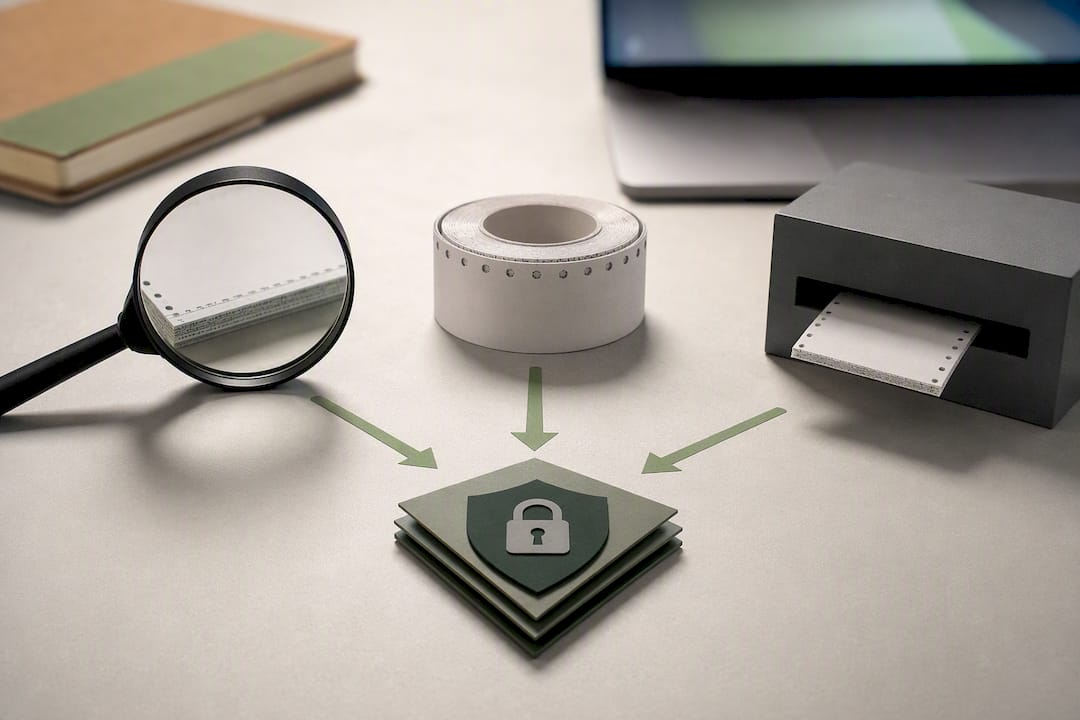
Before accepting a production run, request three proof deliverables: a magnified loupe photo of the actual microtext at true scale, a physical sample roll or ticket batch, and confirmation that the format runs cleanly through your specific dispenser or ticket machine. Trade guidance on ticket security is consistent on this point: buyers should get proof before committing to volume, not after. A layered ticket-security approach treats microtext as one verified component among several, not a checkbox you take on faith.
How Do You Check Microtext at the Gate or Booth?
Field verification needs to be fast enough for attendants to use during a normal shift, not a lab procedure. The core tools are simple:
- Keep a 10x loupe or compact magnifier at every booth, gate, and valet stand handling ticket verification.
- Hold the ticket border perpendicular to the loupe and look for individual characters, not a general impression of texture.
- Compare against a known genuine sample: authentic microtext resolves into crisp letters, while a photocopied or reprinted fake shows a blurred or broken line where the copier couldn’t hold the detail.
- Add a UV light to the check if your tickets also carry fluorescent ink, since that adds a second, independent confirmation.
Worn tickets create false positives more often than actual counterfeits do. Grease, moisture, and fading from a glove compartment or a valet’s back pocket can degrade legitimate microtext to the point it looks suspect. When a ticket fails the loupe test, escalate to a side-by-side comparison against a fresh sample before assuming fraud. For officers doing routine permit checks, a field guide for detecting fake permits walks through what else to look for beyond the microtext itself.
Pro Tip: Train staff on what a genuine ticket looks like under the loupe before you train them on what a fake looks like. Recognition works faster when the baseline is familiar.
Where Does Microtext Fit in a Broader Security Strategy?
Microtext works best as one layer in a stack, not a standalone defense. A single covert feature can be studied and eventually reverse-engineered; multiple independent features, some visible and some hidden, raise the cost and effort of counterfeiting to the point most operators never encounter a serious attempt.
Common complementary features include:
- Sequential numbering for reconciliation and audit trails
- Barcodes or QR codes for machine-readable validation at exit gates
- Holograms or foil elements as an overt, easy-to-spot deterrent
- Void pantographs that reveal a hidden “VOID” pattern when photocopied
- Fluorescent inks visible only under UV light
- Security-grade stock that resists common copying and printing methods
Ticket security guidance for 2026 recommends matching the feature mix to the value at risk: microprinting paired with holograms or UV inks suits high-value events and premium reserved seating, while daily garage parking often does fine with microtext plus sequential numbering and a barcode for reconciliation. A barcoded valet ticket format already handles the machine-readable layer, which leaves microtext to cover the counterfeit-resistance side.
Procurement Timing: Costs, Lead Times, and What to Accept as Proof
Microtext adds cost mainly through specialty plates or imaging processes, variable data setup for unique per-ticket text, and any specialty inks required to hold detail on your chosen stock. Minimum order quantities also factor in, since setting up a microtext plate for a 500-ticket run costs the same as setting it up for 50,000.
Expect longer lead times than a standard ticket order, particularly for fully custom microtext patterns tied to your logo or venue name. If your timeline is tight, ask about:
- Stock designs with microtext borders already tooled, which ship faster than a fully custom pattern
- Smaller custom runs using an existing plate with variable sequential numbering layered on top
- Rush proofing options so you’re not waiting on a full production cycle just to see a sample
Before you sign off on any run, insist on a loupe photo taken at actual scale, a physical test roll or ticket batch you can run through your own dispenser, and written confirmation that the format is compatible with your ticket machine, whether that’s an Amano, TIBA, SKIDATA, FLASH Parking, Scheidt & Bachmann, or Flowbird system. Skipping that step is how operators end up with a pallet of tickets that jam the dispenser or fail the loupe test on delivery.
Manufacturer Perspective: Lessons for Buyers
The most common mistake buyers make is underspecifying microtext and assuming “small text” is close enough. It isn’t. A pattern that reads as sharp on a lab proof can turn to mush on the wrong paper coating, which is why substrate compatibility deserves as much attention as the text size itself. The second most common mistake is skipping proofing entirely and trusting a vendor’s generic sample sheet instead of a proof run on the actual stock ordered.
A workable operational checklist looks like this: confirm your ticket format and dispenser compatibility first, specify microtext size and placement in writing, request a loupe photo and physical sample on your chosen substrate, and test that sample through your own equipment before authorizing full production. Microtext options can be included in valet and parking ticket lines with proofing available on request to verify before order shipment.
— Richard
Order Microtext-Enabled Tickets Built for Your Ticket System
Caymil is the direct source for microtext-enabled tickets built to match the format you’re already running, whether that’s 2-part, 3-part, or 4-part valet tickets, barcoded valet tickets, or machine-issued roll formats compatible with Amano, TIBA, SKIDATA, FLASH Parking, Scheidt & Bachmann, and Flowbird systems. Decades of ticket manufacturing experience mean Caymil can confirm substrate compatibility before you commit to a production run, not after a jammed dispenser tells you something went wrong.
When you request a quote, ask for a loupe photo at true scale, a physical sample roll on your chosen stock, and written confirmation the format runs cleanly through your specific ticket machine. If you’re outfitting a full valet stand, ticket racks and related supplies are available alongside the ticket order itself. Reach out through the product catalog to start a specification conversation, and get proofs in hand before your next print run locks in.
Sources
Technical detail on microtext specifications and why standard reproduction methods fail comes from the EUIPO Anti-Counterfeiting and Anti-Piracy Technology Guide. Layered ticket-security recommendations draw on Eventgroove’s event ticket security guidance and Northern Specialty Supplies’ 2026 ticket security guide. Printer-vendor specifics on minimum text size and substrate testing come from Xerox’s fraud-resistant printing documentation. For related operational training on verification procedures, see this transport operations training resource.
- Microtexts | Anti-Counterfeiting and Anti-Piracy Technology Guide
- Event Ticket Security Features You Should Know About | Eventgroove
- 2026 Ticket Security Guide: Anti-Counterfeit Features for Events - Northern Specialty Supplies, Inc.
- Fraud-Resistant Effects That Protect Your Most Sensitive Documents
FAQ
What Size Should Microtext Be on a Parking Ticket?
Most guidance recommends characters smaller than a certain very small size threshold, though the exact minimum depends on your paper stock and printing method, so always confirm with a proof on your actual substrate.
Can Regular Printers Add Microtext to Existing Tickets?
No. Microtext requires specialized plates, high-resolution digital imaging, or laser-etched matrices; a standard commercial printer working from a shrunk font typically produces text that blurs or fails to print at all.
Does Microtext Work on Thermal or Machine-Issued Roll Tickets?
It can, but thermal coatings and dispenser cuts vary in how well they hold fine detail, so confirm compatibility with a physical sample run through your specific ticket machine before ordering in volume.
Does Caymil Offer Tickets With Microtext and Other Security Features?
Caymil produces microtext-enabled tickets across its valet and parking lines, including barcoded and multi-part carbonless formats, and provides proof samples before full production runs.