
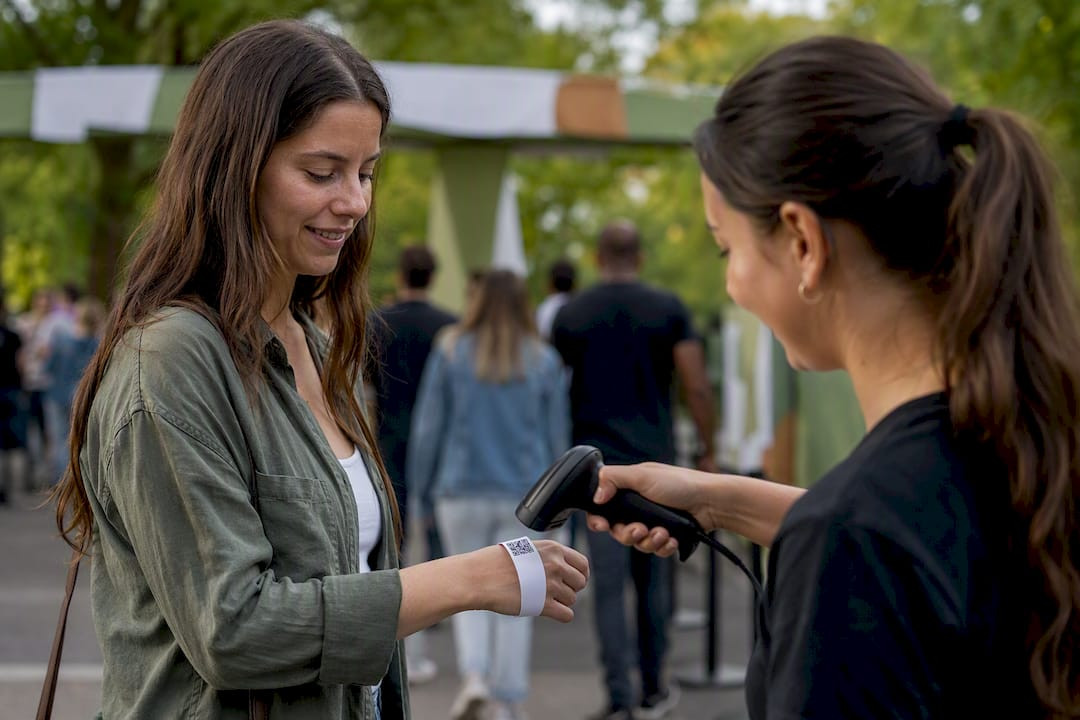
QR vs Barcode Tickets: Which Format Fits Your Event
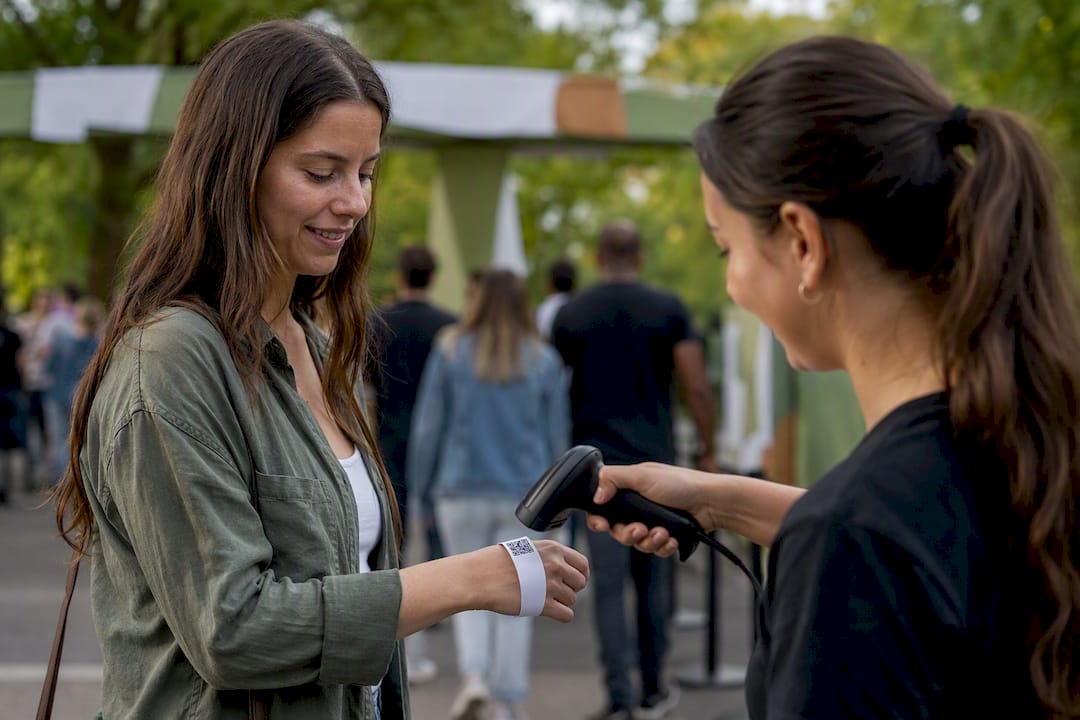
Use QR codes for most mobile-first and hybrid events; keep linear barcodes where legacy 1D hardware or ultra-high turnstile throughput is already in place. QR wins on flexibility and smartphone compatibility. Linear barcodes still win where speed and existing gear matter more than data capacity.
- QR codes carry more data, support built-in error correction, and scan natively on any modern smartphone camera.
- Linear barcodes remain the faster, lower-cost option for stadiums and arenas running dedicated 1D laser scanners at every gate.
- Mixed hardware environments call for a hybrid approach: printing both codes on the same ticket covers whichever scanner shows up at the door.
The right code format depends less on the technology and more on what’s already plugged in at your gates.
Key Takeaways
Choosing between QR and barcode tickets comes down to matching the code’s error correction, data capacity, and scanner compatibility to your venue’s actual hardware and crowd size.
| Point | Details |
|---|---|
| Match code to hardware | Audit existing scanners before choosing a symbology; 1D lasers can’t read QR codes at all. |
| QR wins on flexibility | Higher data capacity and built-in error correction make QR the default for mobile-first events. |
| Linear barcodes win on raw speed | Dedicated 1D laser scanners still outperform QR at ultra-high-throughput stadium gates. |
| Sign your tokens | Use JWT or HMAC-signed QR tokens for offline validation and stronger fraud resistance. |
| Print both when in doubt | Caymil’s custom valet and event tickets can carry QR and linear barcodes together for mixed scanner fleets. |
Table of Contents
- What Are Barcodes and QR Codes for Ticketing?
- Which Code Format Performs Better for Ticketing?
- How Do These Differences Play Out at Your Gates?
- How Do You Choose and Implement the Right Format?
- What Scanners and Apps Should Event Teams Use?
- Printed-Ticket and Security Options From Caymil
- Ready to Print Tickets That Work With Any Scanner You Run?
- Sources
- FAQ
What Are Barcodes and QR Codes for Ticketing?
A linear barcode (also called 1D) stores data in a single row of parallel lines, read left to right by a laser or imager. Code 128 and Code 39 are the most common formats in legacy access-control hardware, and they hold a modest amount of data, usually just an ID number tied to a database record.
A 2D barcode stores data in a grid, both horizontally and vertically, which multiplies the capacity in the same physical space. QR codes are the best-known 2D format, but PDF417 and Aztec show up constantly in ticketing too:
- QR codes dominate mobile wallets, email tickets, and self-print-at-home formats.
- PDF417 appears on boarding passes and some transit tickets where gate readers expect it.
- Aztec shows up in transportation and some venue systems that need compact, high-density codes without a large quiet border.
GS1 sets the standards most retail and logistics barcodes follow, and ticketing systems generally borrow from that same symbology playbook rather than inventing their own.
Which Code Format Performs Better for Ticketing?
The right choice comes down to seven practical dimensions, not brand preference. Here’s how the two formats stack up where it actually counts at the gate:
| Dimension | Linear (1D) Barcode | QR Code (2D) |
|---|---|---|
| Data capacity | Low (ID number only) | High (URLs, tokens, metadata) |
| Error correction | Minimal, damage sensitive | Built-in Reed-Solomon correction |
| Scanner compatibility | 1D laser, most imagers | Smartphone cameras, most 2D imagers |
| Scan speed / throughput | Very fast on dedicated gear | Fast, slightly slower on older cameras |
| Print/display size | Needs width, tolerates small height | Needs a square footprint, more forgiving |
| Security / anti-fraud | Basic; easy to duplicate visually | Supports signed tokens, harder to forge |
| Attendee experience | Requires printed ticket or app that renders it correctly | Reads natively from any phone screen or wallet pass |
The hardware gap matters more than most organizers expect. A 1D laser scanner reads only in a straight line and fails outright on a QR code, while a 2D imager or a phone camera reads both formats without a firmware change. That single fact decides whether your existing gate equipment can even support QR at all, or whether you’re locked into linear barcodes until you upgrade.
Pro Tip: When printing QR codes on wristbands or small tickets, keep the code at least 0.75 inches square and use a higher error-correction level (Q or H) to survive folding, moisture, and ink smudging.
How Do These Differences Play Out at Your Gates?
Linear barcodes still edge out QR at stadium-scale turnstiles, where dedicated 1D laser scanners have been tuned for years to read a moving ticket in a fraction of a second. QR codes pull ahead everywhere mobile wallets and pop-up box offices come into play, since a phone screen scans as reliably as paper and lets you turn a poster into a one-tap Apple Pay or Google Pay purchase for walk-up sales.
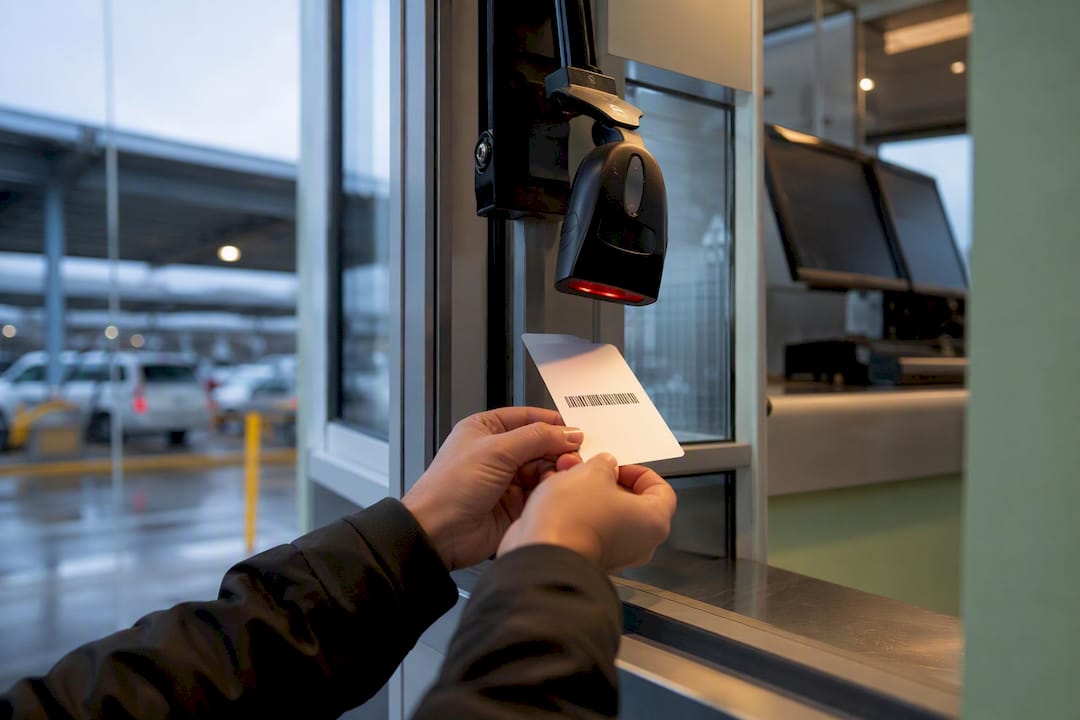
Security design matters as much as the symbology itself. A plain sequential ID barcode is trivial to guess or photograph and reuse. QR codes solve this with signed cryptographic tokens using JWT or HMAC, which let a gate app verify authenticity offline, without a live connection to your ticketing server, and still catch a duplicate.
Printed tickets bring their own friction: glare on glossy stock, low-contrast ink, and undersized codes on wristbands all slow down scans or force a manual override. Mobile tickets swap those problems for screenshots that strip out live token data, dead batteries, and dead zones at crowded entrances with no signal.
Barcode scanning SDKs report meaningfully higher recognition rates on damaged or glare-heavy prints compared to basic camera scanning, which is worth knowing before you commit to a bargain scanning app.
- Expect printed 1D tickets to fail scans more often under glare or crumpling than a well-sized QR code with high error correction.
- Mobile tickets fail differently: screenshots, low brightness, and cracked screens, not print damage.
- Offline-capable signed tokens keep gates moving even when Wi-Fi drops during peak entry.
Pro Tip: Log every redeem attempt in real time across all entry points, not just successful scans. A ticket flagged “already used” at gate 3 two minutes after a valid scan at gate 1 is your clearest signal of duplication or fraud in progress.
How Do You Choose and Implement the Right Format?
Run this checklist before locking in a symbology for your next event:
- Define your throughput target per gate (tickets scanned per minute at peak entry).
- Audit existing scanner hardware: 1D laser only, 2D imager, or smartphone-based.
- Choose your symbology based on that hardware, not the other way around.
- Print and test physical samples under real lighting, including glare and low contrast.
- Test mobile wallet tickets on both iOS and Android under weak signal.
- Decide whether you need offline validation and signed tokens for high-value events.
- Run a multi-station sync test to confirm duplicate scans are caught across every gate simultaneously.
When vetting a ticketing vendor, ask directly:
- Which scanning SDK do you use, and what symbologies does it support?
- Can your app validate signed tokens offline if the venue loses internet access?
- How fast does multi-station duplicate detection sync across gates?
- Can tickets carry both a QR and a linear barcode for mixed hardware environments?
Walk away if a vendor insists on proprietary scanning hardware, can’t demonstrate offline validation, or can’t show you a live multi-gate duplicate catch in a demo.
What Scanners and Apps Should Event Teams Use?
Match the hardware to the event scale, not the other way around. A folding table at a 200-person meetup doesn’t need the same gear as a 20,000-seat arena.
- Small events (under 500 attendees): a smartphone camera with a scanning app is usually enough, and it costs nothing beyond the phone you already own.
- Mid-size events (500 to 5,000): dedicated 2D imagers speed up scans and hold up better under all-day use than a phone screen.
- Stadium-scale events: fixed 1D/2D readers at every gate, backed by a phone-based overflow station as a fallback if a reader fails.
Look for apps built on camera-based SDKs with server-side or offline token verification baked in, since that’s what lets a gate keep validating tickets through a Wi-Fi outage. Running a mixed fleet, phones as a backup to fixed readers, is standard practice and worth budgeting for before doors open, not after a scanner dies mid-rush.
Printed-Ticket and Security Options From Caymil
Caymil manufactures printed tickets built to carry either format cleanly: sequential numbering, barcoding, multi-part carbonless formats, custom logos, and security inks that resist tampering. Thermal and machine-issued “spitter” formats print on demand at the gate, and every stock or custom ticket can include a QR code, a linear barcode, or both, formatted to work with major parking and access systems including Amano, TIBA, SKIDATA, and Flowbird.
A printed ticket is only as secure as its weakest feature. Sequential numbering, tamper-evident stock, and the right code format working together close more gaps than any single fix.
For venues running printed access tickets alongside scanner hardware, barcoded valet parking tickets show how the format pairs with existing systems.
A Practical Recommendation by Event Type
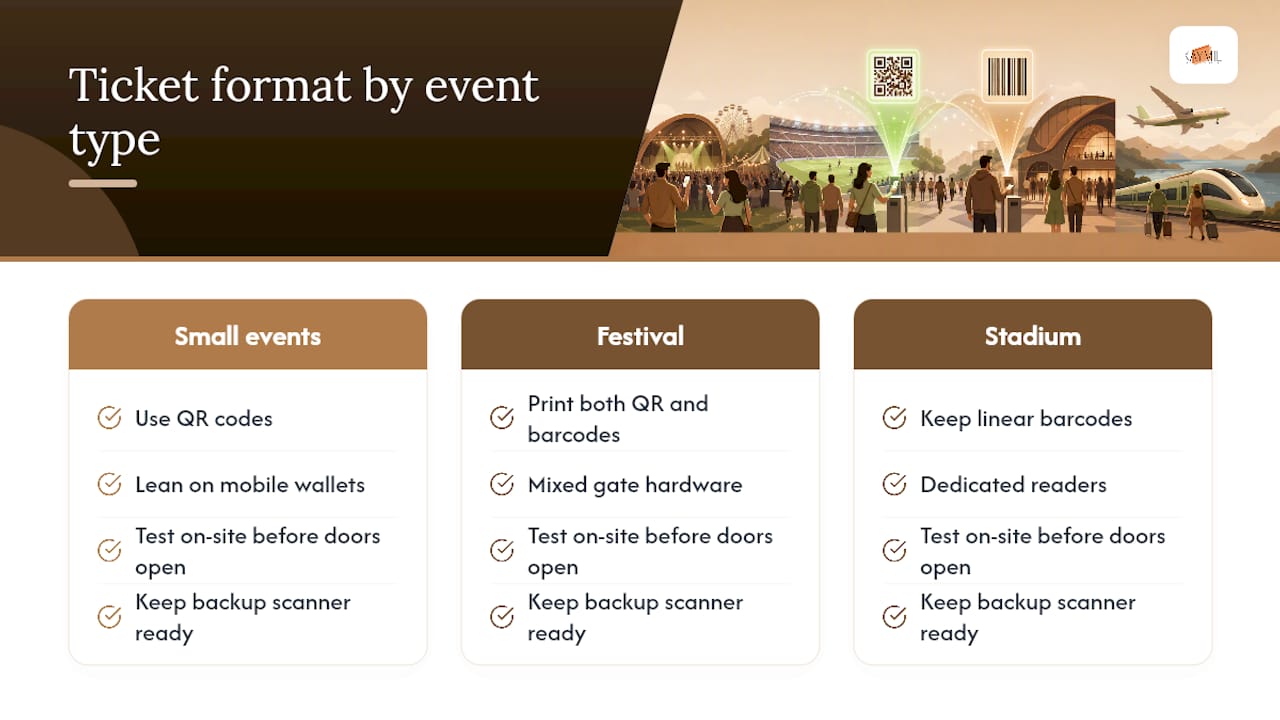
For a small pop-up or a conference, go QR and lean on mobile wallets. For a festival with mixed gate hardware, print both codes. For stadium-scale entry, keep linear barcodes on dedicated readers. Test every format on-site before doors open, and always have a backup scanner ready.
Ready to Print Tickets That Work With Any Scanner You Run?
Caymil is the direct source for printed tickets built around whichever code format your gates actually need, without waiting on a broker or a design agency to translate your specs. Every ticket ships with sequential numbering, your barcode or QR placement, and security features baked into the print run itself, not bolted on after.
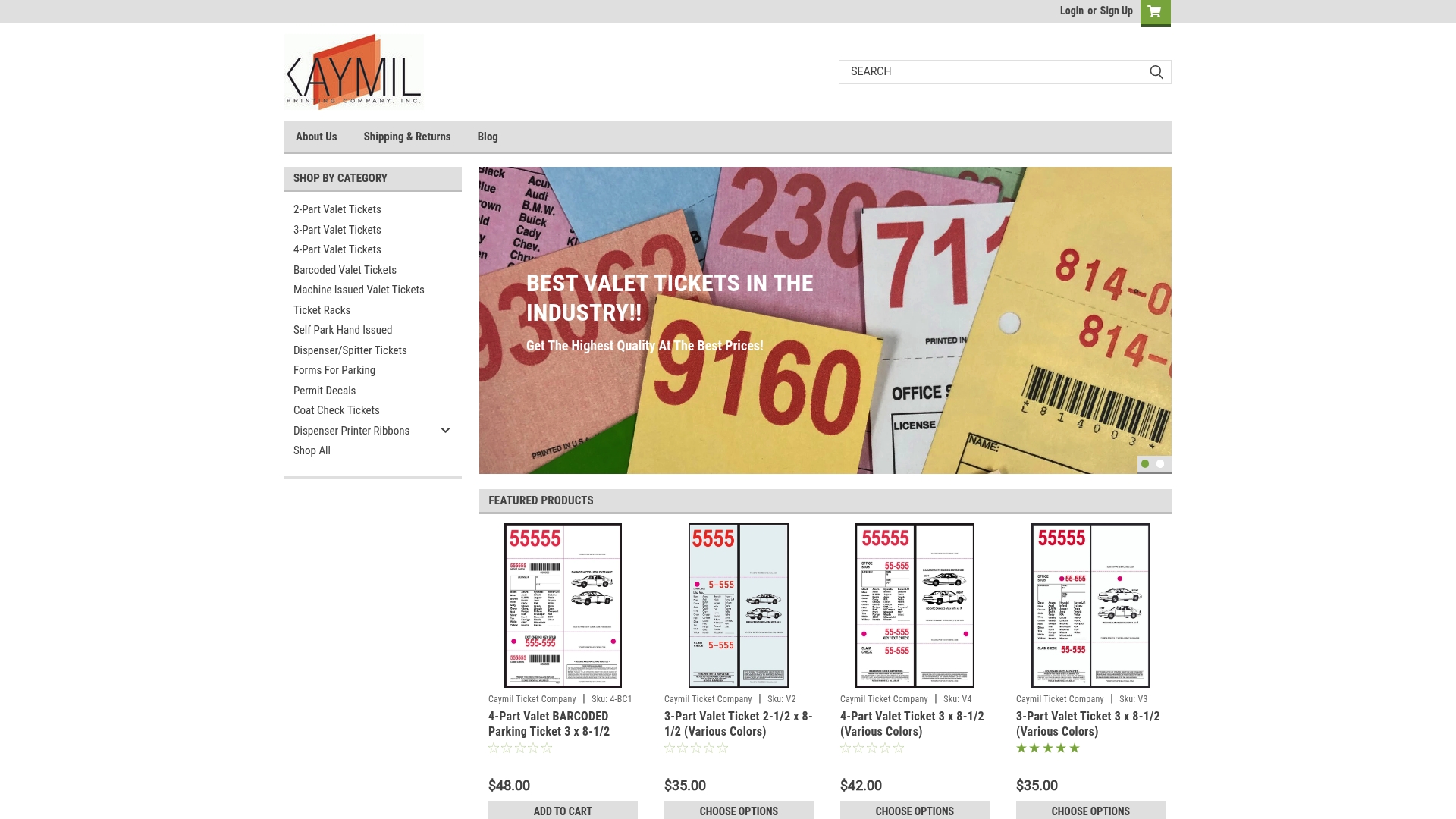
Whether you’re outfitting a single valet stand or a full stadium gate lineup, Caymil’s 2-part valet parking tickets and machine-issued valet ticket options both support QR, linear barcode, or dual-format printing on the same stock. Start by requesting a quote on the forms for parking page and specify your scanner hardware so the ticket layout matches your gates from the first print run.
Sources
- Scan ticket barcodes and QR codes for ticket validation — Dynamsoft
- What is a barcode — GS1 US
- Event ticket QR code — EZQR
FAQ
Which Is Better, QR or Barcode?
Neither wins outright: QR codes offer more data capacity and better fraud resistance through signed tokens, while linear barcodes still scan faster on the dedicated 1D hardware many stadiums already run.
How Do Barcode Tickets Work?
A linear barcode encodes a simple ID number that a laser or imager scanner reads and checks against a ticketing database to confirm validity and catch duplicates.
Are QR and Barcode the Same?
No. A linear barcode is a one-dimensional format read in a single pass, while a QR code is a two-dimensional grid that holds far more data and includes built-in error correction.
Can I Use a QR Code Instead of a Barcode?
Yes, as long as your scanning hardware supports 2D codes; a 1D-only laser scanner cannot read a QR code, so many venues print both formats on one ticket to cover mixed hardware.