
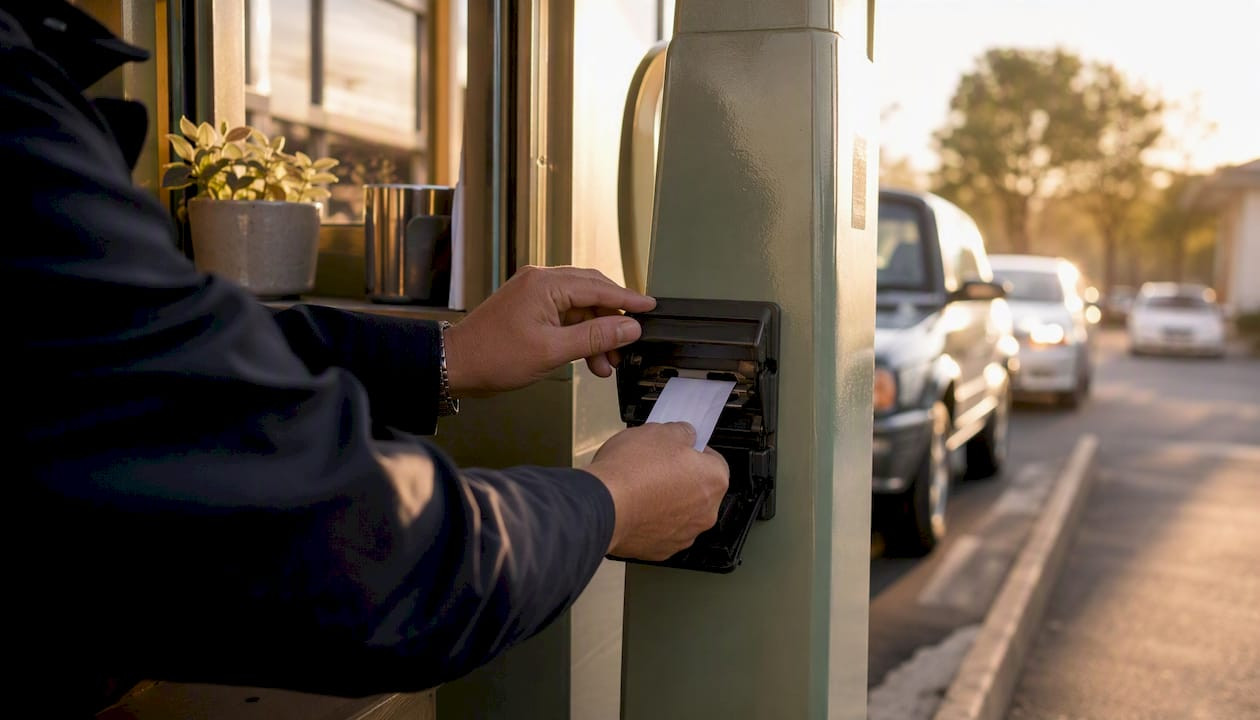
What To Do When Spitter Ticket Jams Stop Your Lane
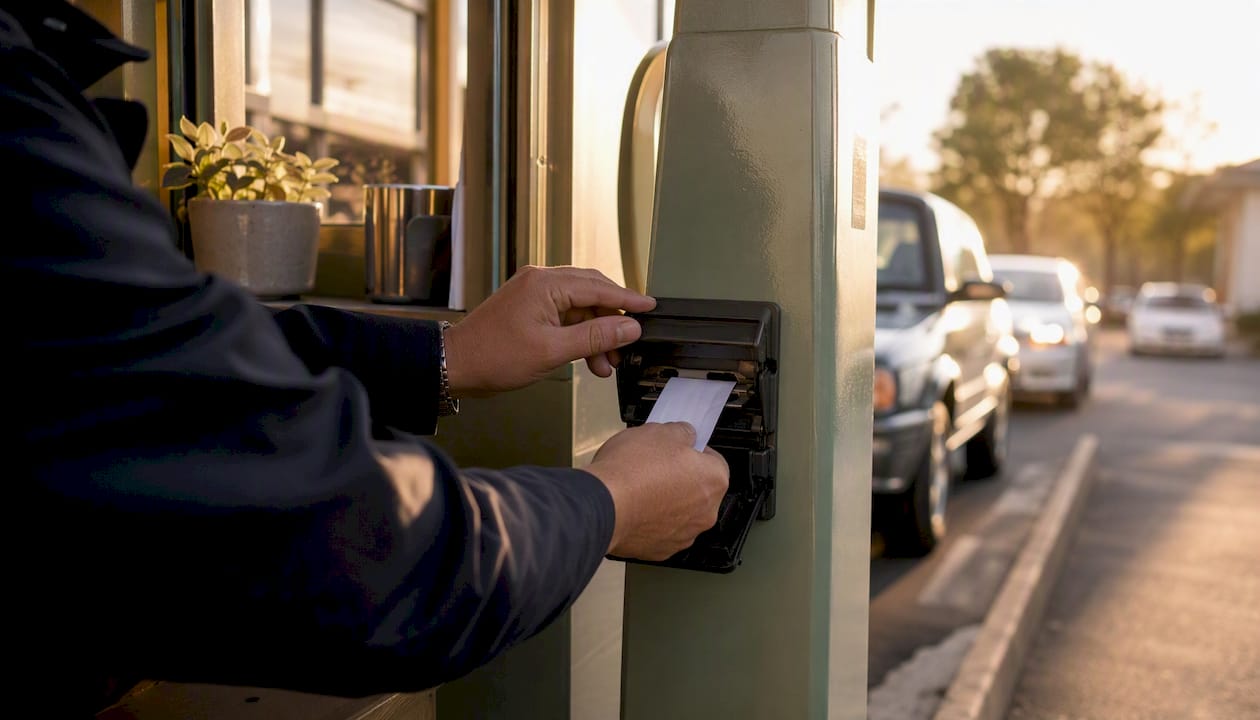
If a spitter ticket jams, stop the lane, secure the vehicle queue, and power down the dispenser before touching the feed path. Most jams clear quickly once you follow the correct sequence, and doing it out of order is what bends feed rollers and cracks print heads. This guide walks you through the immediate fix, the diagnostic checks that stop repeat jams, and the ticket specifications that prevent them in the first place.
Ticket-dispensing machines, often called “spitters,” issue a paper access card at entry and typically handle no payment at all. The card is the transaction token, and payment gets settled at a separate pay station or cashier booth. That single-purpose design is exactly why a jam brings a whole lane to a halt. There’s no backup path for entry once the dispenser stops feeding.
Here’s what to do in the first sixty seconds:
- Stop the lane. Raise the gate manually or wave the vehicle through if your system allows a manual override, so you’re not blocking traffic behind a stalled machine.
- Cut power to the dispenser. A hard power cycle protects the print head and stepper motor from further strain while jammed stock sits in the path.
- Open the housing and locate the jam. Look for buckled stock at the exit slot or a torn edge caught on the tear bar before you pull anything.
Pro Tip: Never yank a jammed ticket straight out. Pulling against the feed rollers can strip the gear teeth, and that turns a two-minute jam into a service call.
Static buildup is a real hazard here too, especially in dry, low-humidity lanes. A quick touch to a grounded metal surface before handling the ticket stock prevents a static discharge from disrupting the dispenser’s control board.
Key Takeaways
Most spitter ticket jams trace back to a core size or caliper mismatch between the ticket stock and the dispenser, not a mechanical defect in the machine itself.
| Point | Details |
|---|---|
| Stop before you clear | Power down the dispenser and never pull a jammed ticket backward against the rollers. |
| Diagnose before reordering | Match the symptom (tearing, misfeeds, crooked barcodes) to its root cause before buying replacement stock. |
| Match specs to your dispenser | Confirm core size, caliper, perforation, and barcode placement with your supplier every time you order. |
| Store rolls correctly | Keep stock in original packaging, climate-controlled storage, and stacked on their sides. |
| Test before full deployment | Order a test roll from Caymil and validate it on a live dispenser before committing to a full case. |
Table of Contents
- How Do You Clear a Spitter Ticket Jam Step by Step?
- What Causes Spitter Ticket Jams in the First Place?
- What Ticket Specs Should You Check Before Ordering?
- What Routine Maintenance Prevents Ticket Jams?
- How Should You Store Spitter Ticket Rolls?
- When Should You Reorder Ticket Stock?
- Quick Reference Card for the Attendant Booth
- Why Ticket-Dispenser Mismatches Keep Happening
- How Caymil Helps You Stop Repeat Ticket Jams
- Sources
- FAQ
How Do You Clear a Spitter Ticket Jam Step by Step?
Once the lane is safe and the unit is powered down, work the jam methodically rather than digging blind.
- Confirm the dispenser is fully powered off at the wall or breaker, not just in standby mode.
- Open the access panel and visually trace the feed path from the roll compartment to the exit slot.
- Remove the jammed ticket using tweezers or a flat plastic pick, pulling in the direction of normal feed travel, never backward against the rollers.
- Check the roll edge for tearing, curling, or moisture damage where the jam originated.
- Clean the feed rollers and sensor windows with a dry swab or a small burst of compressed air to remove paper dust and adhesive residue.
- Re-thread the ticket stock so the leading edge sits flush against the first roller pair, not skewed to one side.
- Power the unit back on and let it complete its self-test cycle before dispensing a test ticket.
- Pull two or three test tickets to confirm clean cuts, correct barcode alignment, and consistent sequential numbering before reopening the lane.
Keep a small kit near every lane so nobody hunts for tools mid-jam:
- Insulated gloves
- Fine-point tweezers or a plastic pick
- Small flashlight or headlamp
- Compressed air canister
- Lint-free cleaning swabs
- A spare, verified-compatible ticket roll
Pro Tip: If the same lane jams twice in one shift, stop clearing it manually and call maintenance. Repeated jams almost always point to a mechanical fault, not bad luck with a single ticket.
Escalate to your equipment vendor or in-house technician immediately if you see a burning smell, a grinding motor, or a sensor that won’t reset after three power cycles. Those are signs of a failing stepper motor or a misaligned optical sensor, not a simple paper jam.
What Causes Spitter Ticket Jams in the First Place?
Clearing the jam gets the lane moving again. Finding the cause is what stops the pattern.
Most dispensers, including the widely used PEET-S platform, print a timestamp and a six-digit sequential number, often prefaced by a two-digit lane code, and encode that data into a barcode before sending an entry message to the host system, according to the Hamilton Manufacturing terminal manual. When the host is offline, the dispenser queues those messages instead of dropping them, which means a jam during an offline period can also disrupt reconciliation once the connection returns.
Common symptoms trace back to a short list of root causes. A misaligned barcode print usually means the print head has drifted or the stock caliper is outside the dispenser’s tolerance. Multiple tickets feeding at once typically points to worn separator pads or ticket stock that’s curled from humidity exposure. Torn edges at the exit slot often mean the perforation depth on the roll doesn’t match what the tear bar expects.
| Symptom | Diagnostic Check | Likely Fix |
|---|---|---|
| Multiple tickets feed together | Inspect separator pad and roll curl | Replace worn pad or swap to flatter stock |
| Barcode prints crooked or faint | Check print head alignment and stock caliper | Recalibrate head or switch to spec-matched caliper |
| Ticket tears before full dispense | Check perforation depth against tear bar | Order stock with correct perforation spec |
| Feed stalls mid cycle | Test loop sensor and roller tension | Clean sensor window or adjust roller tension |
| Core wobbles during feed | Measure core diameter against spindle | Reorder correct core size |
Run these checks in order: sensors first, since a dirty optical sensor mimics a mechanical fault, then rollers, then the ticket stock itself. Most sites find the stock, not the machine, is the actual culprit.
What Ticket Specs Should You Check Before Ordering?
The single biggest lever you control as a buyer is matching ticket stock specifications to your dispenser’s tolerances, and manufacturer documentation consistently flags core size and caliper mismatch as the most common cause of recurring feed jams.
Before you place your next order, confirm these specs with your supplier:
- Stock weight and caliper. Heavier stock feels more durable but can exceed the dispenser’s roller tolerance and cause slow feeds or jams.
- Roll diameter and core size. A core that’s even slightly undersized will wobble on the spindle and throw off feed alignment over time.
- Perforation type and depth. This determines whether the ticket tears cleanly at the tear bar or shreds mid-dispense.
- Sequential numbering format. Confirm digit count and lane-code prefix match what your host system expects to parse.
- Barcode placement. The scan zone has to line up with your specific dispenser model’s read window, not a generic position.
Older dispensers are especially unforgiving of tight tolerances. If your unit is more than a few years old, ask your supplier directly whether their stock has been validated against your exact make and model, not just a general “compatible” label. A reputable supplier will offer a small test roll, confirm core size against your spindle, and provide part numbers matched to your dispenser before you commit to a full case.
What Routine Maintenance Prevents Ticket Jams?
Jams cluster around neglected lanes. A basic maintenance rhythm catches small problems before they become a stalled queue during your busiest hour.
- Daily: Wipe down the print head and check that the roll feeds smoothly by hand before opening the lane.
- Weekly: Clean the feed rollers and optical sensor windows with a dry swab, and inspect the tear bar for burrs or buildup.
- Monthly: Check gate alignment, verify firmware version against your vendor’s current release, and inspect the spindle for wear.
- Quarterly: Schedule a technician visit to check roller tension and motor performance under load.
| Task | Frequency | Why It Matters |
|---|---|---|
| Wipe print head | Daily | Prevents dust buildup that smears barcodes |
| Clean feed rollers | Weekly | Reduces friction that causes misfeeds |
| Inspect tear bar | Weekly | Catches burrs before they tear stock incorrectly |
| Check gate alignment | Monthly | Prevents mechanical strain from misaligned hardware |
| Technician service visit | Quarterly | Catches motor and roller wear before failure |
Keep a maintenance log at each lane and record the date, symptom, and fix every time a jam occurs. Patterns become obvious fast. Three jams in one month on the same lane, all tied to core wobble, tells you it’s a spec problem, not a fluke.
How Should You Store Spitter Ticket Rolls?
Humidity and static damage more ticket rolls than actual mechanical failure. Paper stock absorbs ambient moisture, and a roll that’s even slightly warped from a humid storeroom will feed unevenly no matter how well-tuned your dispenser is.
- Store rolls in their original packaging until the day they’re loaded, since the wrapper protects against moisture and dust.
- Keep storage areas climate-controlled, avoiding damp basements or un-air-conditioned sheds where humidity swings are common.
- Stack rolls on their sides, not standing on end, to prevent core crushing under their own weight.
- Avoid direct exposure to heating vents or sunlight, both of which accelerate paper curling.
- Handle rolls by the core, not the outer paper layer, to avoid crushing the edge that feeds first.
At the lane itself, stage the new roll so the leading edge feeds straight into the first roller pair, with no twist introduced during loading. Caymil’s guide on dispenser roll handling covers roll preparation in more depth if your team is training new attendants on load procedure.
When Should You Reorder Ticket Stock?
Recurring jams are the clearest signal that it’s time to reorder rather than keep troubleshooting the same roll. Watch for these triggers:
- Visible roll damage on arrival, including crushed cores or torn outer wraps
- Two or more jams per week tied to the same roll batch
- Stock that’s been in storage longer than your supplier’s recommended shelf life
- Core wobble on the spindle even after confirming correct loading
When you contact your supplier, give them everything they need to match the right stock the first time:
- Exact ticket dimensions and current core size
- Perforation type and depth
- Sequential numbering format and starting number
- Barcode placement and scan-zone specs
- A request for a small test roll before a full case ships
For example, if you’re seeing recurring jams paired with visible core wobble, that combination usually points to a core-size mismatch, not a defective batch. Caymil’s dispenser-compatible spitter tickets come in core sizes matched to major dispenser lines, which is the detail worth confirming before your next reorder rather than after another jam.
Quick Reference Card for the Attendant Booth
Print this and tape it inside the dispenser housing or at the attendant station.
- Stop the lane and power down the dispenser before touching anything.
- Never pull a jammed ticket backward against the rollers.
- Clear the jam, clean the sensor windows, and re-thread the leading edge flush.
- Power on, run the self-test, and pull two test tickets before reopening.
- If the same lane jams twice in a shift, stop and call maintenance.
Pro Tip: When you call for support, have a photo of the jam, the dispenser’s serial number, and the roll’s part number ready. It cuts diagnostic time roughly in half.
Store the card in a sleeve near the dispenser access panel, not in a binder in the back office. Train new attendants on the five bullets above in under five minutes. That’s the whole procedure.
Why Ticket-Dispenser Mismatches Keep Happening
Most jams I’ve seen traced back after the fact aren’t mechanical failures. They’re spec mismatches that nobody caught before the roll shipped. A core that’s a few millimeters off, a caliper that’s slightly heavier than the dispenser’s roller tolerance was designed for, a barcode printed half an inch outside the scan window. None of these show up until the roll is loaded and running, and by then you’ve already got a jammed lane and an impatient line of cars.
The industry’s own documentation backs this up. Manufacturer manuals point to core and caliper mismatch as the leading cause of recurring feed jams, not sensor failure or motor wear. That’s a supply-chain problem as much as a maintenance one, and it means the fix often has less to do with your technician and more to do with who’s filling your ticket order.
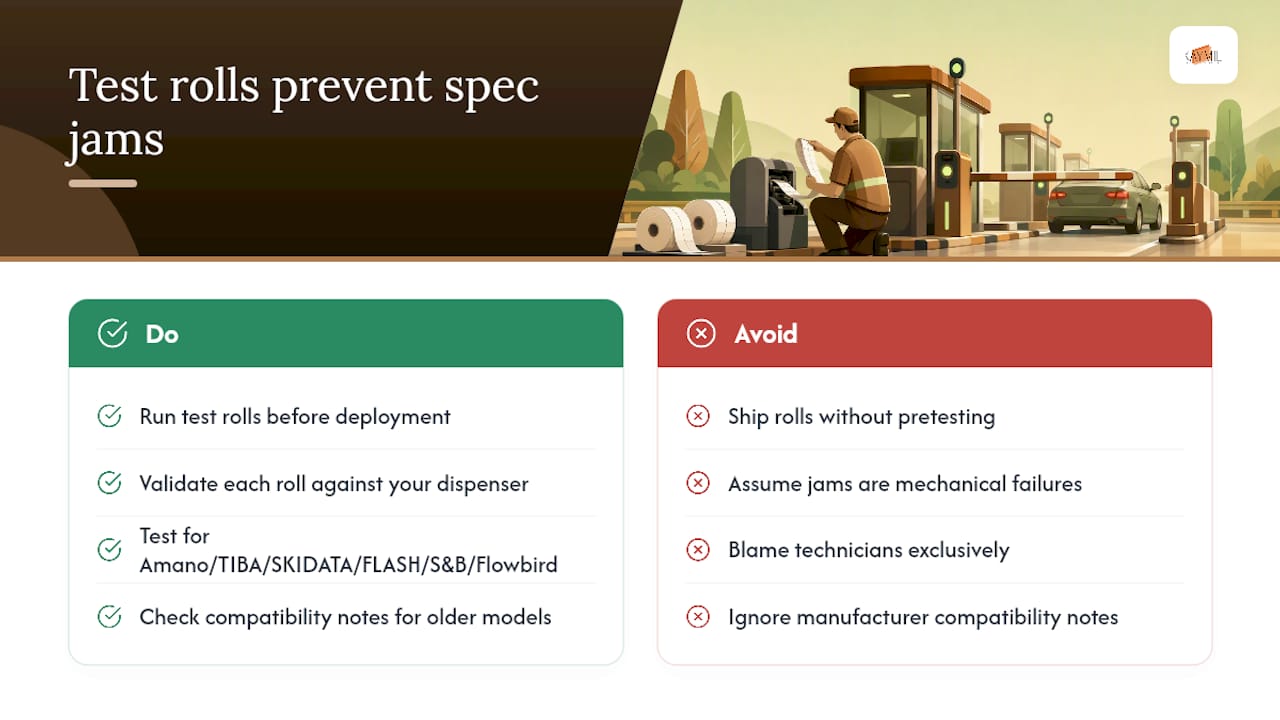
This is why Caymil pushes test rolls before full deployment on any new account, particularly when a facility runs Amano, TIBA, SKIDATA, FLASH Parking, Scheidt & Bachmann, or Flowbird systems. A test roll validated against your exact dispenser catches core wobble, barcode misalignment, and caliper issues before they cost you a jammed lane during a Saturday rush. Caymil has been manufacturing ticketing stock since 1937, and that history means the compatibility notes for older dispenser models actually exist somewhere in the catalog, not just for whatever launched last year.
Test before you deploy. It’s the cheapest insurance against a repeat jam you’ll find in this entire guide.
How Caymil Helps You Stop Repeat Ticket Jams
Caymil makes the ordering side of this problem simple: you tell us your dispenser model and current pain point, and we match stock specs to it instead of shipping generic rolls and hoping for the best.
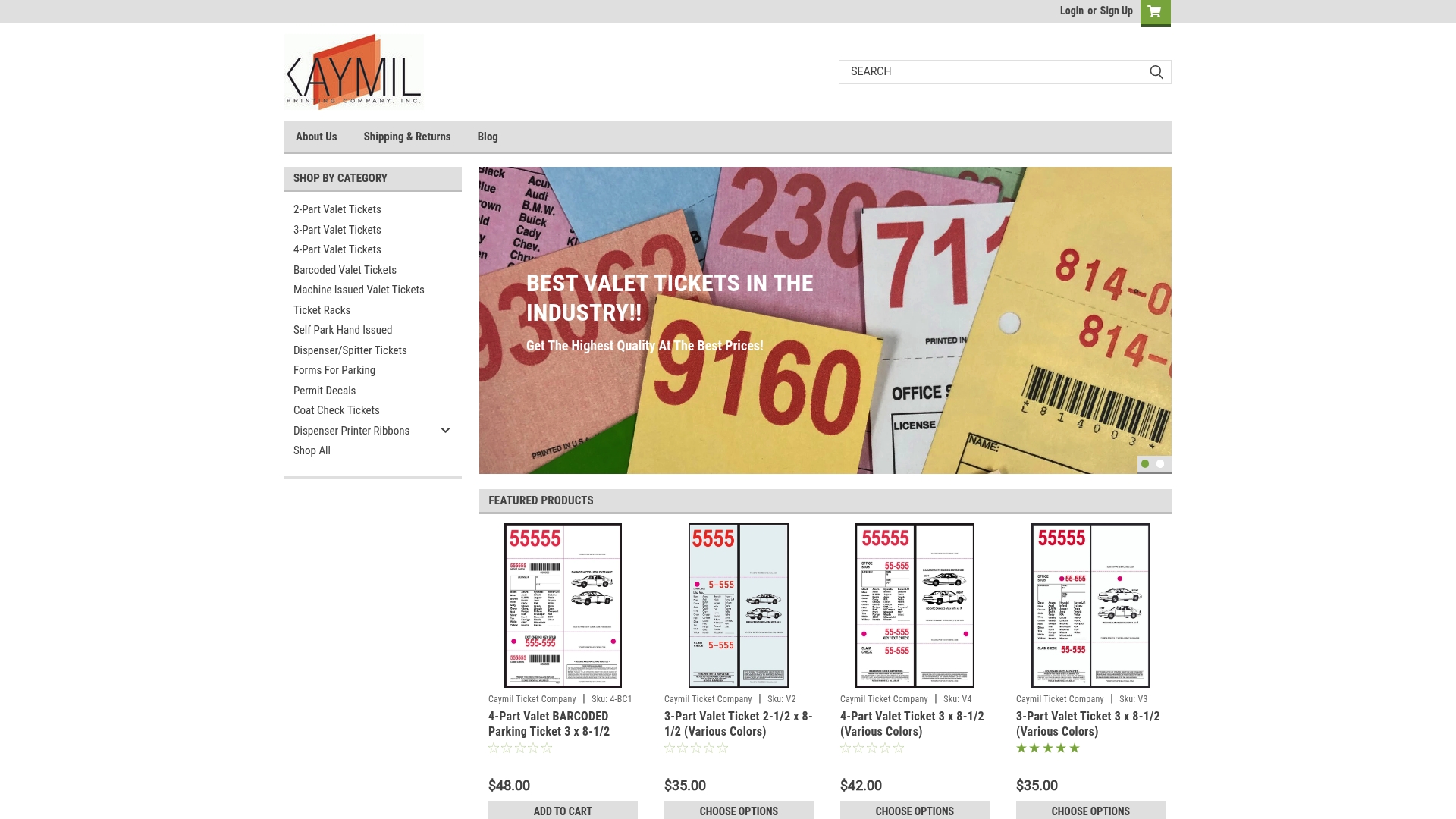
Caymil manufactures dispenser-compatible spitter tickets built to spec for core size, caliper, and barcode placement, along with barcoded stock for host reconciliation and multi-part carbonless formats for valet operations that need duplicate copies at claim time. If your lane runs machine-issued valet tickets and you’re tired of troubleshooting the same jam every week, the fix usually starts with a test roll, not a new dispenser.
Here’s the ordering path: confirm your dispenser make and model, request a test roll with your exact core size and barcode placement, run it through a live lane for a shift, then place your full order once it feeds clean. Visit Caymil’s machine-issued valet ticket page to start that process, or check ticket racks if roll organization at the lane is part of what’s causing handling damage. Millions of tickets are in stock now, with fast nationwide shipping to get a test roll in your hands quickly.
Sources
Keep these bookmarked for your maintenance team and purchasing agent.
- Pay Station vs. Kiosk vs. Ticket Machine: Understanding the Differences | Parking Payment Guide
- Parking Entry / Exit Terminal Users Manual
FAQ
What Causes a Spitter Ticket to Jam Repeatedly?
Recurring jams almost always trace back to a core size or caliper mismatch between the ticket stock and the dispenser, rather than a single defective ticket.
Can I Clear a Ticket Jam Without Calling a Technician?
Yes, most jams clear with a power cycle, careful removal of the jammed ticket, and a sensor and roller cleaning, but call a technician if the same lane jams twice in one shift.
What Ticket Specs Matter Most When Ordering Replacement Stock?
Core size, caliper, perforation depth, and barcode placement matter most, since a mismatch on any of these causes most recurring feed jams.
Should I Test a New Ticket Roll Before Full Deployment?
Yes, ordering a small test roll and running it through a live dispenser catches compatibility issues before they disrupt a full shift.
How Often Should I Clean My Ticket Dispenser?
Wipe the print head daily, clean feed rollers and sensors weekly, and check gate alignment and firmware monthly to prevent buildup that causes jams.