
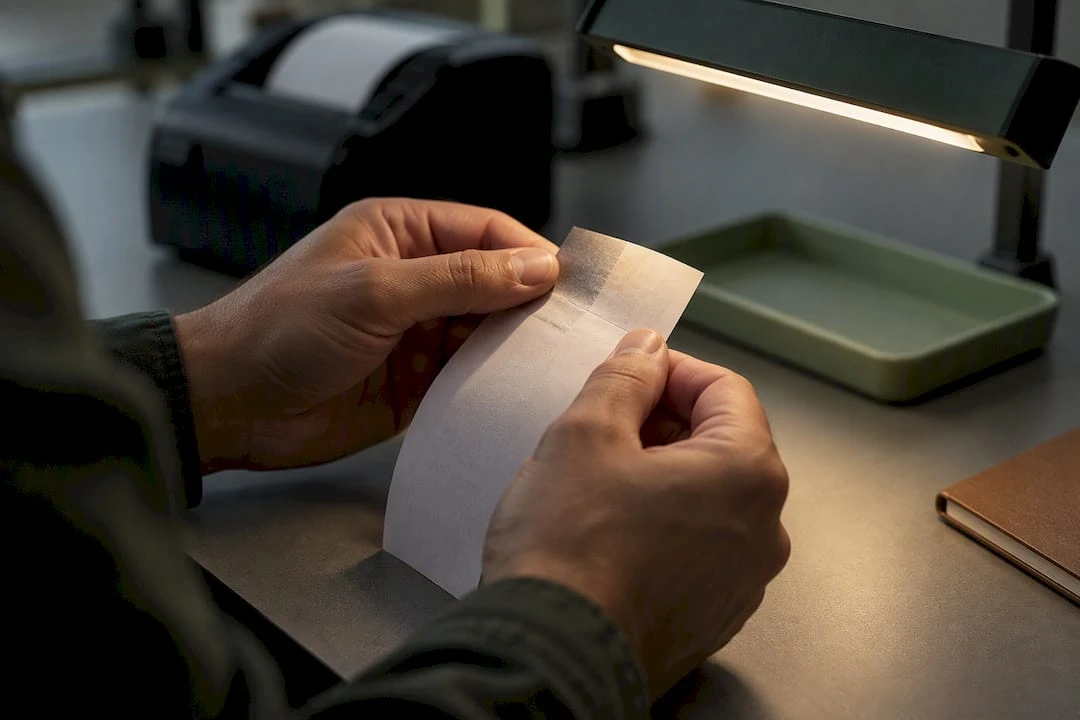
Parking & Valet Operators: Checklist to Stop Thermal Ticket Fading

Thermal ticket fading happens when the heat-sensitive dye layer breaks down from heat, UV light, chemical contact, abrasion, or an image that never fully developed at the printer. The fastest fix is switching to a top-coated or synthetic thermal grade matched to your printer, imaging every ticket at full density, then following basic storage and handling rules. Before placing a bulk order, request coated or synthetic samples from a supplier and test them under your actual conditions.
TL;DR:
- Properly matched top-coated or synthetic thermal media can significantly extend ticket readability from hours to months in outdoor environments.
- High-density printing at full sensitivity and routine printer calibration are crucial for creating durable images that resist fading during handling and exposure.
- Storage in controlled conditions and avoiding direct sunlight, heat, and chemicals dramatically prolong the shelf life of unprinted stock and printed tickets.
- Testing sample batches and conducting exposure tests before large orders can prevent compatibility issues that lead to early fading.
- Selecting the right grade depends on equipment sensitivity, outdoor exposure, and compatibility with specific printers, not on generic or interchangeable media.
Table of Contents
- What causes thermal ticket fading in parking and event applications
- How to choose thermal ticket media and grades that resist fading
- Printer setup and process checks to reduce premature fading
- Storage and handling best practices for printed tickets and unused rolls
- Recommendations for operators facing fading issues
- Get thermal ticket samples and start a compatibility check
- Manufacturer and partner resources on thermal durability
- Sources
- FAQ
What causes thermal ticket fading in parking and event applications
Thermal printing works by applying heat to a dye layer that darkens on contact. When a printer doesn’t deliver enough heat, or the dwell time is too short, the dye only partially reacts, leaving a lighter image that fades faster than a fully developed one from the start. This is why print quality problems often show up as fading complaints months later rather than obvious defects on day one.
Once a ticket leaves the printer, several outside forces keep working against it. High-density printing and top coatings can dramatically increase image durability, but only when the underlying chemistry gets a fair start.
- Heat: a ticket sitting on a dashboard or in a vehicle interior can hit temperatures that continue reacting with the dye and wash out contrast.
- Light and UV exposure: sunlight through a windshield breaks down the dye layer over time, even on a well-printed ticket.
- Chemical contact: oils, hand lotions, solvents, and plasticizers found in soft PVC sleeves or wallets react with the coating and accelerate fading.
- Abrasion: repeated handling, sliding in and out of a pocket, or friction inside a dispenser wears the surface.
- Incomplete imaging: low printer density or high-speed print modes leave the dye under-developed before the ticket even reaches the customer.
The range of outcomes is wide. A mismatched printer and stock combination can produce a fade within hours under a hot windshield, while a properly matched top coated media imaged at full density can hold a readable barcode or number for months in storage or far longer under ideal conditions.
How to choose thermal ticket media and grades that resist fading
Not every thermal stock behaves the same way, and treating them as interchangeable is one of the most common mistakes operators make. Top coatings and synthetic substrates are built specifically to resist the elements that degrade uncoated paper: UV, heat, moisture, chemical contact, and abrasion all do less damage to a properly coated grade, according to a guide to thermal paper covering printer and media interaction.
Selecting the right grade comes down to a few practical steps.
- Match sensitivity to your equipment. Confirm the stock’s required imaging energy against your dispenser or printer’s actual output; a mismatch produces a washed-out image even on premium media.
- Decide between top-coated paper and synthetic media. Top-coated paper suits shorter exposure windows at lower cost, while synthetic media holds up better outdoors, on windshields, or for long-hold applications, per the same guide to thermal paper.
- Confirm compatibility. Sequential numbering, barcode placement, and dispenser fit all need verification before a full production run.
- Request specification detail from your supplier. Ask for coating type, sensitivity rating, and target optical density so the stock arrives ready to perform on your equipment.
Pro Tip: Ask any thermal ticket supplier for a small sample run before committing to volume. A ten-minute exposure test on your own equipment tells you more than any spec sheet.
Printer setup and process checks to reduce premature fading
Media selection only pays off if the printer actually develops the image. Higher printer density and heat settings produce darker, fuller images that resist fading far better than anything printed in a low-density or high-speed mode, according to the same guide to thermal paper.
A short routine catches most problems before they reach a customer’s windshield.
- Run a density calibration test with the exact stock you plan to use, not a generic sample.
- Simulate aging with a brief heat or light exposure test before placing a bulk order.
- Clean print heads on a set schedule and inspect the platen for wear that can cause uneven contact.
- Standardize density and contrast settings across every device in the fleet, not just the newest one.
- Log stock lot numbers alongside printer settings so a fading complaint can be traced to its source.
Pro Tip: Keep a simple log pairing each roll’s lot number with the printer settings used. When a fading complaint comes in months later, that log turns guesswork into a five-minute diagnosis.
Storage and handling best practices for printed tickets and unused rolls
Storage conditions decide how much life a ticket has left before it ever reaches a printer, and how long a printed ticket stays legible afterward. Standard unprinted thermal paper typically holds a shelf life of 2 to 3 years when kept sealed at 18 to 25 degrees Celsius and 40 to 65% relative humidity, and that window shrinks quickly once temperature or humidity climbs above those levels.
Unprinted stock deserves the same discipline as any perishable inventory.
- Keep rolls and sheets sealed until needed and rotate stock on a first-in, first-out basis.
- Store away from direct sunlight, heat sources, and high-humidity areas such as loading docks.
- Track lot dates so older stock gets used before it approaches the edge of its shelf life.
Printed tickets need different protections once they’re in circulation. Avoid direct sunlight, vehicle interiors on hot days, solvents, oils, and any contact with plasticizers found in soft PVC sleeves. Manufacturer guidance recommends avoiding PVC pockets, solvents, and adhesive tapes entirely, since all three accelerate image loss. If a ticket needs a protective sleeve, choose polyolefin or polyester rather than vinyl. For windshield placement or other outdoor exposure, a coated or synthetic ticket combined with short exposure handling, such as issuing tickets by hand rather than leaving them displayed for hours, extends legibility considerably.
Recommendations for operators facing fading issues

Operators who come to us with fading complaints usually find the fix isn’t a new printer, it’s a better match between stock and equipment. We recommend testing a top-coated or synthetic grade against your current printer settings, printing a batch at full density, and running a quick exposure test before committing to a large order. That single step catches most compatibility problems early.
Our catalog includes stock and custom thermal tickets, dispenser spitter tickets, and roll formats built to work with major parking systems. When you contact a supplier about fading issues, come prepared with the coating type you need, your printer’s sensitivity requirements, sequential numbering specifications, barcode placement, and confirmation of dispenser compatibility. Specific requests get specific answers, and that’s what prevents a repeat order from repeating the same problem.
— Richard
Get thermal ticket samples and start a compatibility check
Fading tickets usually trace back to one mismatch between stock, printer, and environment, and fixing it doesn’t require replacing your equipment. Stock and custom coated and synthetic thermal tickets can be supplied, with assistance available to help identify the right grade for your printer before committing to a full order.
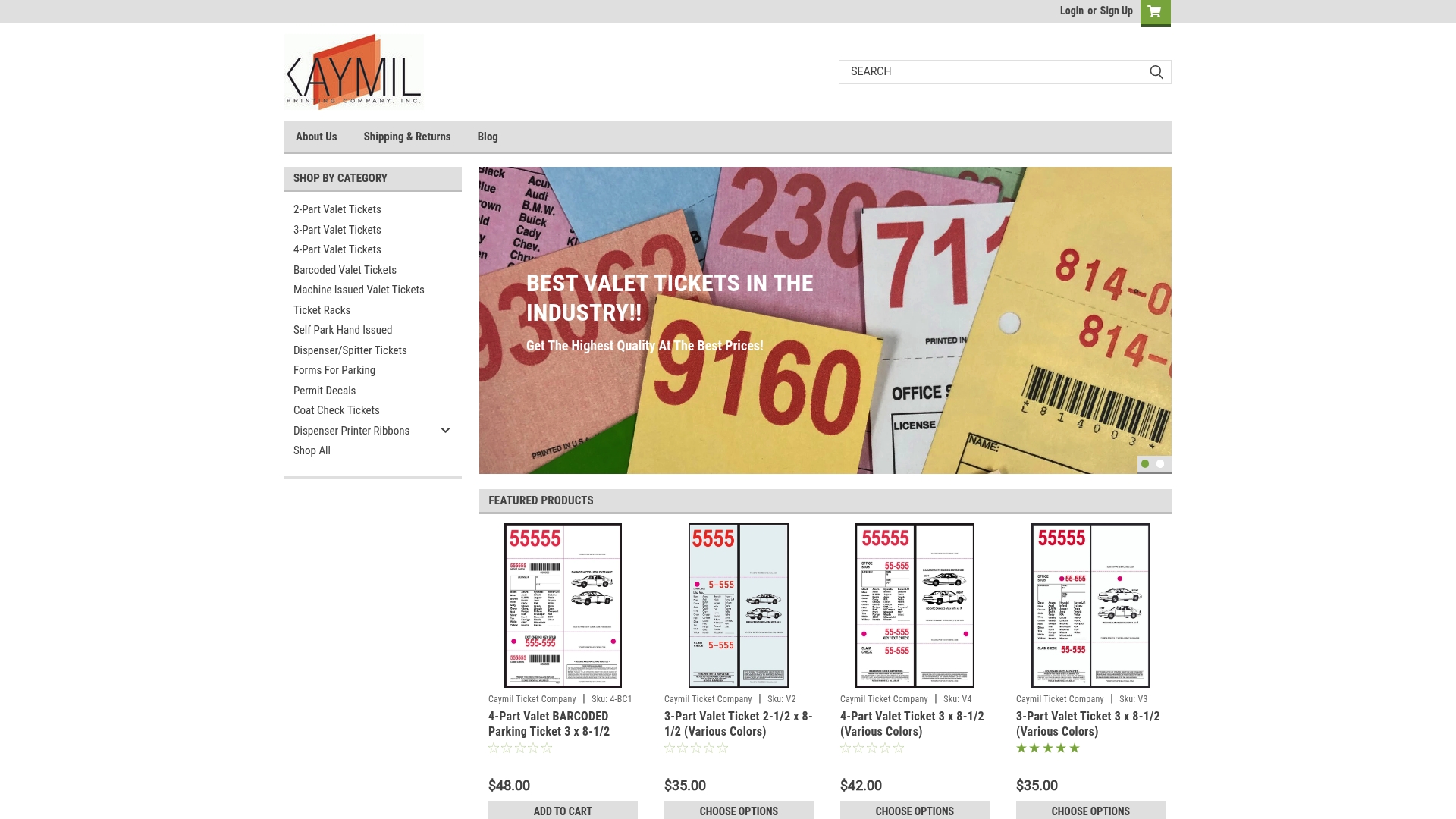
- Browse 2-part, 3-part, and 4-part valet tickets for standard valet formats.
- Check dispenser and spitter tickets and machine-issued valet tickets for automated entry and exit systems.
- Find compatible roll tickets for Intermec printers or browse the full shop for ticket racks and accessories.
Request a small sample run, ask for compatibility guidance on your specific printer, or place a short test order to confirm the grade holds up before a full production run.
Manufacturer and partner resources on thermal durability
Technical storage and image stability specifications referenced here come from thermoscript product documentation and a synthetic stock spec sheet. For additional context on thermal printing methods, see this thermal printing resource.
Sources
FAQ
What makes thermal parking tickets fade faster than expected?
Fading usually comes from a combination of under-developed printing and exposure to heat, sunlight, or chemicals like plasticizers and solvents. An image that wasn’t printed at full density starts out weaker and degrades faster once it faces any of those conditions.
How long does unprinted thermal ticket stock last in storage?
Standard unprinted thermal paper typically lasts 2 to 3 years when stored sealed at 18 to 25 degrees Celsius and 40 to 65% relative humidity. Higher temperatures or humidity outside that range shorten the usable shelf life.
Is synthetic thermal media worth the extra cost for parking operations?
Synthetic thermal media generally holds up better than paper in outdoor or chemically demanding environments, according to a guide to thermal paper covering media performance. For tickets placed on a windshield or exposed to weather, the added durability often justifies the higher unit price.
Can printer settings alone fix a fading problem?
Printer settings matter enormously, since low-density or high-speed modes leave images under-developed and more prone to fading. But settings alone won’t solve a fundamental stock mismatch, so pairing the right density setting with a properly matched top-coated or synthetic grade gives the most reliable result.
Does Caymil offer thermal ticket options built for durability?
Caymil supplies stock and custom thermal tickets, including coated and synthetic grades, along with dispenser spitter tickets and machine-issued formats compatible with major parking systems. Operators can request sample runs and grade-matching guidance before placing a full order.