
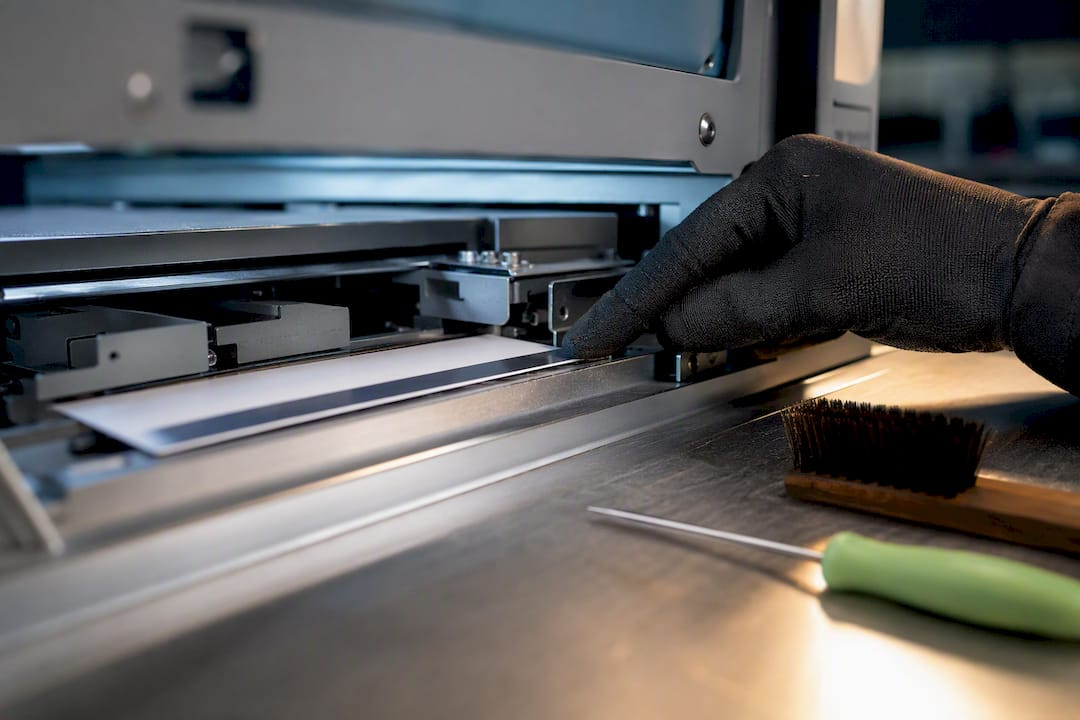
Fix Machine Issued Ticket Alignment: Operator Checklist with Caymil
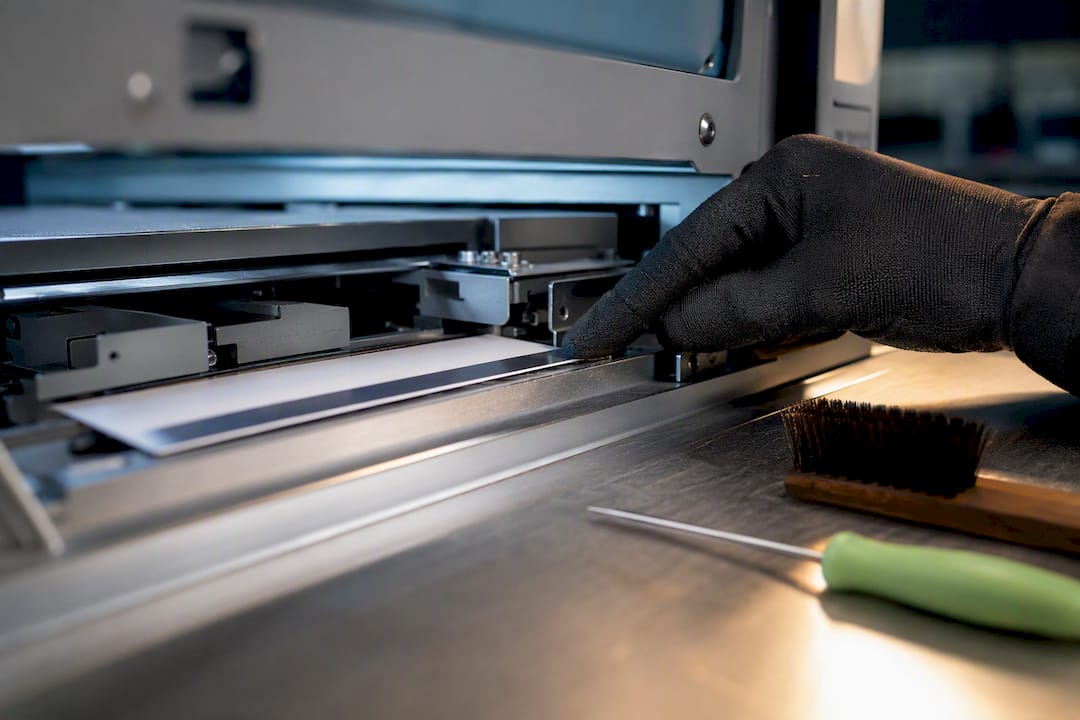
Calibrate the notch and barcode sensors, confirm your ticket stock matches the machine’s media specs, then run a small verification batch before returning the unit to service. Most machine issued ticket alignment problems trace back to one of those three points: a dirty or misjudged sensor, ticket stock that doesn’t match dispenser tolerances, or a controller setting nobody rechecked after the last service call. Some suppliers provide machine-compatible ticket stock built to those tolerances, which shortens the gap between diagnosis and a working fix.
TL;DR:
- Guide rails and sensor calibration should be checked monthly, especially in high-traffic areas, to prevent gradual miscounts caused by physical wear.
- Matching ticket stock specifications such as perforation, thickness, and barcode quiet zone to dispenser tolerances is crucial to avoid misreads or jams.
- Running small verification batches with known tickets helps confirm that mechanical adjustments and sensor calibrations maintain accuracy before fully returning the machine to service.
- Guide rail wear increases the likelihood of false signals for notch sensors, while barcode validation failures often result from format mismatches or dirty read heads.
- Ordering tickets that meet specific dispenser tolerances and requesting pre-production samples reduces the risk of costly mismatches and operational issues.
Table of Contents
- Quick Operational Checklist for Machine Issued Ticket Alignment
- Notch Sensors vs. Barcode Read Heads: Why Counting Fails
- Ticket Media and Print Specs That Affect Machine Readability
- Mechanical Path and Dispenser Maintenance That Prevents Jams
- Controller and Software Settings That Cause Silent Failures
- Testing and Verification Before Returning a Machine to Service
- Procurement and Customization: Ordering Tickets That Match Your Machines
- Advanced Alignment Correction and Where Machine Learning Fits In
- Standards and Compliance for Machine-Issued Tickets Across Industries
- Operator Perspective: Three Lessons From the Field
- How Caymil Supports Alignment From the Ticket Side
- Sources
- FAQ
Quick Operational Checklist for Machine Issued Ticket Alignment
Before you call a technician, work through this sequence. It takes most operators under twenty minutes and resolves the majority of jam and miscount complaints without a service ticket.
- Inspect the ticket media and dispenser visually. Look for curled stock, bent perforations, or debris in the feed path.
- Clean and calibrate the notch optos and barcode read heads. Dust and adhesive residue are the most common causes of false reads.
- Confirm ticket specs match the machine. Check thickness, perforation position, and barcode quiet zone against the dispenser’s rated tolerances.
- Check feed tension, rollers, and guide-rail wear. Loose tension or worn rails let stock drift off-center.
- Verify the controller’s security level and barcode programming. A mismatched setting here causes silent failures that look mechanical but aren’t.
- Run a verification batch and log the results. Ten to twenty test tickets tell you whether the fix held.
Skipping straight to a parts swap is the most expensive mistake operators make. Nine times out of ten, the fault sits in one of these six steps, not in the hardware itself.
Notch Sensors vs. Barcode Read Heads: Why Counting Fails
Notch sensors and barcode read heads count tickets differently, and each one fails in its own way. A notch opto reads a physical cutout in the ticket stock. One sensor is enough to register the notch reliably, but guide-rail wear widens the viewing path over time, and that widened gap lets ambient light leak in and confuse the counting logic. The result looks like a random miscount, but it’s a mechanical symptom, not an electrical one.
Barcode read heads work differently. They validate a printed code against what the controller expects, so an improperly formatted or mismatched barcode ID gets rejected outright rather than miscounted. That distinction matters when you’re troubleshooting: a notch failure tends to drift gradually, while a barcode failure tends to be immediate and total.
- Clean notch optos regularly, with more frequent cleaning recommended for high-traffic garages and less often for lower-volume lots.
- Test for guide-rail wear by holding a ticket slightly off-center on each side and observing whether the count registers correctly.
- Isolate the fault type by running one batch in notch-only mode and one in barcode-validated mode.
- Replace guide rails at the first sign of asymmetric counting to prevent full counting failure.
Pro Tip: Keep a spare, known-good ticket on hand strictly for testing. Running the same test ticket every time removes stock variation as a variable when you’re chasing an intermittent fault.
Ticket Media and Print Specs That Affect Machine Readability
A ticket that reads perfectly on a desk scanner can still jam a dispenser if the stock weight or perforation position is off by a fraction of a millimeter. Machine issued ticket alignment starts at the print shop, not the parking booth, and it pays to lock these specs down before a bulk order ships.
- Material weight and thickness tolerance. Stock that’s too light feeds unevenly; too heavy and it jams the cutter or resists the take-up rollers.
- Perforation alignment and stub-number matching. Cut-and-stack production has to keep sequential numbers aligned across the perforation line, or stub and body numbers won’t match at redemption.
- Barcode format and quiet zone. Code 128 and Code 39 read differently at the scanner level, and the blank margin around the barcode (the quiet zone) needs enough clearance for the head to lock on; too tight and scans fail intermittently.
- Roll vs. fanfold compatibility. Some dispensers only accept one format, and multi-part carbonless stock changes feed behavior compared to single-ply tickets.
Mismatched specs on any one of these points can look exactly like a sensor problem, which is why so many operators replace hardware that was never broken.
Mechanical Path and Dispenser Maintenance That Prevents Jams
The mechanical path is where small neglect compounds fastest. Guide rails wear gradually, tension drifts, and cutters dull long before anyone notices a pattern in the jam logs.
- Inspect guide rails monthly for widening or burrs; replace them once wear starts affecting count accuracy rather than waiting for a full jam.
- Check roll tension and take-up roller alignment. Tension that’s too loose causes skew; too tight causes tearing at the perforation.
- Confirm the cutter blade is seated correctly. A misaligned cutter shears tickets unevenly, which throws off both notch and barcode reads downstream.
- Clear jams by reversing the feed motor gently rather than pulling stock forward, which can bend the guide rails further.
Proactive, scheduled maintenance extends dispenser life and cuts down on emergency service calls, and the difference shows up fastest in guide-rail condition.
Pro Tip: Log every jam with a date and location on the machine. A cluster of jams at the same point in the path almost always points to a mechanical cause, not a software glitch.
Controller and Software Settings That Cause Silent Failures
Security level settings in the service menu determine whether the controller expects notch-only counting or notch-plus-barcode validation. A mismatch between what the setting expects and what the ticket actually carries is one of the most common causes of a controller reporting zero counts on tickets that are physically feeding fine.
- Confirm the security level matches the ticket stock you’re actually running, not the setting left over from a prior vendor’s tickets.
- Use the “Read Tickets” diagnostic and note any printed error codes; they usually point directly to a barcode head or ticket format issue.
- Check connector and Molex wiring continuity before assuming a sensor is bad. Loose electrical connections mimic sensor failure almost exactly.
Testing and Verification Before Returning a Machine to Service
A machine isn’t fixed until it passes a controlled test, not just a visual check. Running known-count insertions and comparing expected against actual counts is the fastest way to confirm a repair actually held.
- Feed a known quantity of test tickets and log the expected count.
- Compare the controller’s reported count against your manual count.
- Switch between notch-only and barcode-validated modes to isolate whether the error is optical, mechanical, or configuration-based.
- Set an acceptable error threshold for your facility and log every test result against it for trend tracking.
A single missed count in a 50-ticket batch might be within tolerance for a busy garage; three or more usually means the fix didn’t hold and something in the path still needs attention.
Procurement and Customization: Ordering Tickets That Match Your Machines
Getting alignment right at the printer avoids most of the problems above before a ticket ever reaches the dispenser. When placing an order, specify stock size, exact perforation position, sequential numbering range, barcode symbology, quiet-zone clearance, and material weight.
- Request a small test run, five to ten sheets, before committing to full production; this is standard practice for catching stub-number mismatches early.
- Ask for compatibility confirmation against your specific dispenser brand rather than assuming a generic “parking ticket” spec will work.
- Consider multi-part carbonless formats, security inks, or custom barcodes if you need better revenue tracking or fraud resistance.
Caymil has supplied machine-issued valet and parking tickets built to these tolerances since 1937, with stock compatible with major systems including Amano, TIBA, SKIDATA, FLASH Parking, Scheidt & Bachmann, and Flowbird, which gives operators a direct path from spec sheet to working ticket.
Advanced Alignment Correction and Where Machine Learning Fits In
Newer parking controllers increasingly log every read event, not just the failures, which opens the door to pattern-based diagnosis that older systems couldn’t offer. Instead of waiting for a jam or a rejected scan, a system tracking read-confidence scores over time can flag a barcode head that’s degrading before it fails outright.
This works because sensor drift is rarely instant. A notch opto losing calibration or a barcode head accumulating residue typically shows a slow decline in read confidence over days or weeks. Facilities running networked controllers across multiple lanes or garages can compare read-error rates across units to spot outliers, which points maintenance crews to the specific machine before it causes a line backup.
That said, this kind of predictive correction depends entirely on consistent baseline data. A controller that’s never been through a proper calibration cycle has nothing reliable to compare against, so the advanced tooling is only as useful as the maintenance discipline underneath it. For most single-site garages, a simple logged testing routine, run consistently, delivers most of the same benefit without needing a networked analytics layer. The technology helps most in multi-lane, multi-site operations where a human checking every machine daily isn’t practical.

Standards and Compliance for Machine-Issued Tickets Across Industries
Machine-issued ticket requirements vary by industry, but a few threads run through nearly all of them: consistent barcode symbology, readable sequential numbering, and stock that meets the fire and material safety codes for the venue type.
Parking garages and municipal lots typically follow whatever compatibility spec their PARCS vendor requires, since Amano, TIBA, SKIDATA, and similar systems each have documented tolerances for thickness, perforation, and barcode placement. Casinos and hotels often add security-ink or micro-print requirements on top of the base ticket spec, driven by internal loss-prevention policy rather than a single external regulator. Healthcare facilities issuing validated parking or coat-check tickets tend to prioritize durability and legibility standards consistent with general facility signage and recordkeeping practices, since these tickets often tie into billing or visitor logs.
There’s no single federal standard governing machine-issued ticket alignment the way there is for, say, food labeling. Compliance in this space means matching your specific hardware vendor’s documented tolerances and your industry’s own internal audit or loss-prevention requirements, which is why confirming specs directly against your PARCS system documentation matters more than following a generic industry checklist.

Operator Perspective: Three Lessons From the Field
Most alignment failures aren’t dramatic. They’re a widened guide rail nobody measured, a barcode setting left over from a prior vendor, or a cleaning cycle that got skipped during a busy month. The operators who avoid emergency service calls aren’t the ones with better machines. They’re the ones who run the small checks weekly instead of waiting for a jam to force the issue.
— Richard
How Caymil Supports Alignment From the Ticket Side
Caymil’s advantage here is straightforward: instead of guessing whether your next bulk ticket order will actually feed correctly, you can get stock built to your dispenser’s documented tolerances before you commit to a full print run. Caymil manufactures machine-issued valet tickets with sequential numbering, barcode symbology matched to your controller, and roll or fanfold formats compatible with major parking systems.
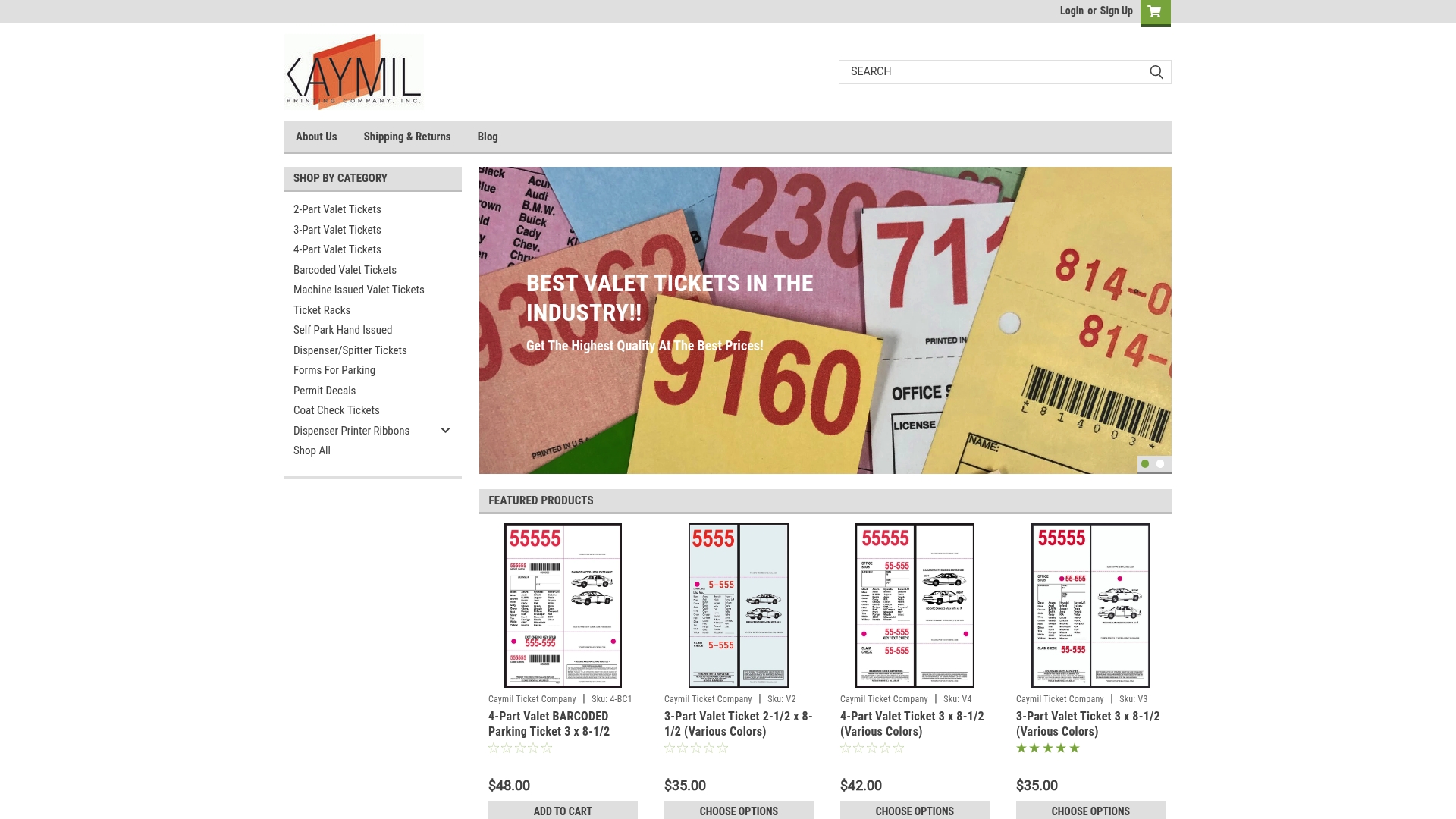
Operators ordering for the first time can request pre-production samples to confirm perforation position, quiet-zone clearance, and stock weight against their specific machine before placing a full order, which avoids the costly mismatch of discovering a spec problem mid-run. Caymil also stocks barcode valet parking tickets and a full range of parking forms and stock ticket options for facilities that need standard formats without a custom production cycle. If you’re setting up a new dispenser or replacing an aging one, request a specs checklist and sample set before your current stock runs out.
Sources
For device-level troubleshooting, consult the ticket station service manual and the Flying Ticket 65 operation manual for wiring and connector diagnostics. For print-side layout guidance, see the ticket imposition and numbering guide.
- Smart Industries technical note on ticket counting (TRC)
- TicketStationManual-54MAN-01-A.doc
- How to Print Tickets: Numbered Ticket Imposition and Layout | PDF Press
- Ticket Redemption Machine Maintenance Guide | PALM FUN Expert Tips
FAQ
What causes a machine to miscount tickets that look fine?
Guide-rail wear is the most common cause; it widens the notch opto’s field of view and lets ambient light interfere with the count, even when the ticket itself is undamaged.
How often should sensors be cleaned and calibrated?
Weekly cleaning suits high-traffic garages, while quarterly calibration is generally sufficient for lower-volume lots, according to maintenance guidance from ticket redemption equipment specialists.
What’s the difference between notch and barcode counting failures?
Notch failures tend to drift gradually as rails wear, while barcode failures are usually immediate rejections caused by a format mismatch or a dirty read head.
How many test tickets should I run before returning a machine to service?
Twenty to fifty known-count test tickets, with results logged against expected counts, gives a reliable baseline for catching a fault that a smaller batch would miss.
Can suppliers provide sample tickets before placing a bulk order?
Yes. Caymil supplies pre-production samples so operators can confirm perforation position, barcode format, and material weight against their specific dispenser before committing to a full machine-issued ticket order.