
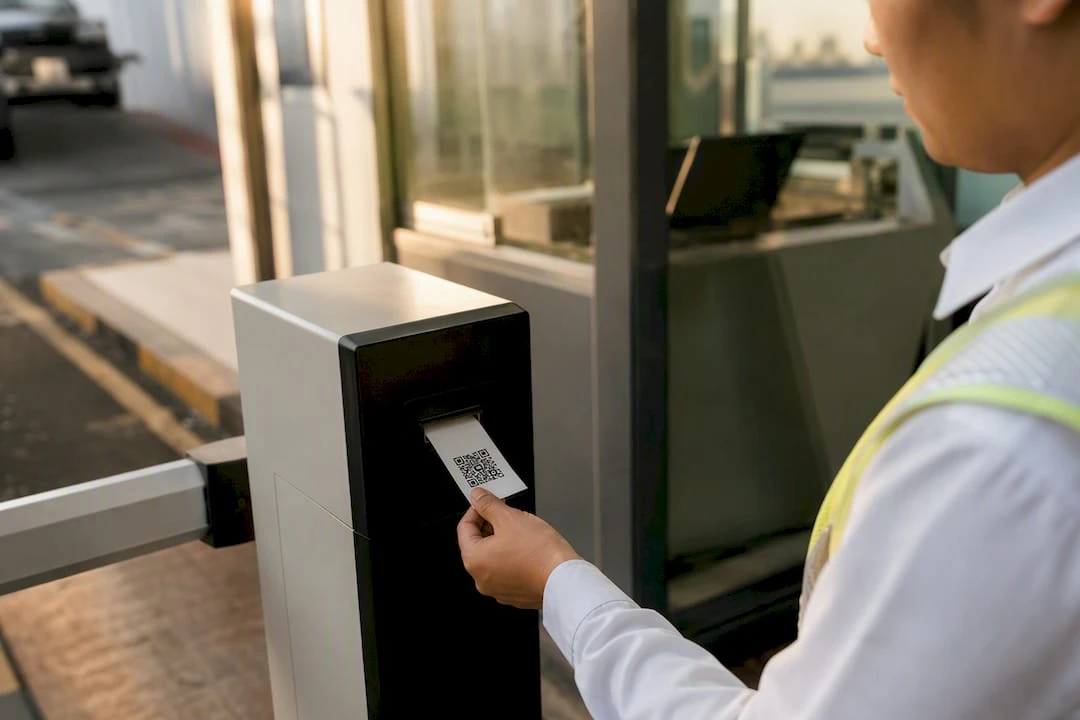
QR Code Parking Tickets: A Buyer’s Guide for Operators
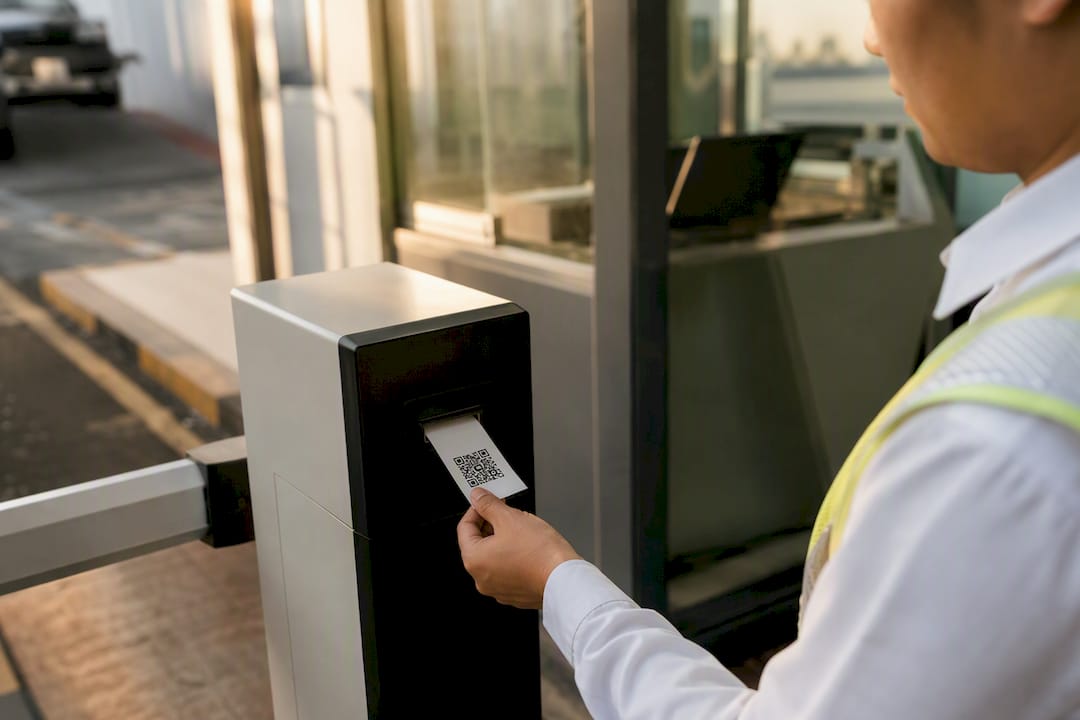
Printed parking tickets with embedded QR codes are the right choice whenever you need a physical receipt or permit that also supports digital validation, access control, and auditing. They belong in your operation if you run valet service, a gated garage, an event venue, or a hospital lot and need a paper trail alongside contactless scanning.
- Valet operators get faster claim retrieval and fewer lost-ticket disputes.
- Garages and municipalities get gate integration plus a clean audit trail for revenue reconciliation.
- Hospitals and event venues get contactless payment options without giving up a physical backup.
The case rests on solid ground: the ISO/IEC 18004 standard governs QR code structure, published research shows meaningful search-time and cost reductions from implementation, and Caymil has manufactured ticketing supplies for the parking industry since 1937.
Key Takeaways
Printed QR code parking tickets deliver measurable search-time and cost reductions only when the format, security specs, and system compatibility are confirmed before the order ships.
| Point | Details |
|---|---|
| Define your use case | Match ticket format to valet, gated garage, or event workflow before choosing stock. |
| Expect real ROI | Documented implementations show 70 to 80% search-time cuts and 65 to 75% cost reductions with 2 to 3 year payback. |
| Require ISO/IEC 18004 | Specify standard-compliant QR codes plus cryptographic signatures for fraud resistance. |
| Test before full rollout | Run scan, barrier, and reconciliation tests on a sample batch before committing to production. |
| Caymil covers major systems | Caymil supplies stock and custom QR tickets compatible with Amano, TIBA, SKIDATA, FLASH Parking, Scheidt & Bachmann, and Flowbird. |
Table of Contents
- What Are QR Code Parking Tickets, Exactly?
- What ROI Can Operators Expect From QR Ticket Systems?
- Which Ticket Format and Printing Option Should You Choose?
- What Security Specs Should Your Ticket Order Require?
- How Do You Confirm Compatibility With Your Parking System?
- How Should You Order: Stock vs Custom, and What Does It Cost?
- What Operational Practices Keep QR Ticket Systems Reliable?
- Why Choose Caymil for QR Code Parking Tickets?
- What Procurement Priorities Actually Matter Here?
- Ready to Order QR Code Parking Tickets?
- Sources
- FAQ
What Are QR Code Parking Tickets, Exactly?
For this article, “QR code parking tickets” means physical printed tickets, permits, or receipts with a QR code embedded on the stock, issued by an operator or a machine. That is different from a QR code sign on a meter that a driver scans with their own phone to pay. This guide covers the operator-purchased ticket stock, not the driver-facing meter signage.
You will see these tickets in a handful of formats: machine-issued roll tickets that dispense from a “spitter” printer, multi-part carbonless valet books with tear-off claim stubs, pre-printed permits and hang tags, and thermal receipts for self-service kiosks.
Buyers typically deploy them for four jobs:
- Gated entry and exit where a scanner reads the code at the barrier.
- Valet identification, where a claim stub and vehicle stub carry matching codes.
- Prepaid event passes that need scanning at multiple checkpoints.
- Printed backups for mobile parking sessions when a phone battery dies or a signal drops.
Pro Tip: Choose printed QR tickets over an app-only system whenever your guests include people who won’t download an app, your enforcement staff need something physical to check, or you need a paper record for reconciliation. License-plate recognition alone struggles with valet swaps, rental fleets, and temporary passes, which is exactly where a printed ticket earns its keep.
What ROI Can Operators Expect From QR Ticket Systems?
Operators who move from legacy paper stubs to QR-enabled tickets see the payoff in two places: less time spent hunting for a spot or a stub, and a lower cost to run the lot day to day.
By the numbers: Documented implementations report roughly 70 to 80 percent reductions in parking search time and 65 to 75 percent reductions in operational cost, alongside measurable gains in facility utilization once scanning replaces manual stub checks.
The operational upside breaks down into a few concrete gains:
- Faster throughput at entry and exit lanes, since a scan clears a car in under a second.
- Contactless payment support that shortens lines at pay stations.
- Simplified enforcement, since a scanned code confirms validity instantly instead of a visual stub check.
- Cleaner revenue reconciliation, because every scan logs a timestamp and ticket ID.
- A smaller hardware footprint, since fewer legacy ticket machines need servicing.
A rough payback model: facilities that swap aging hardware and reduce enforcement staffing typically recover the investment in 2 to 3 years, matching the ROI window reported in smart parking implementation studies. Valet operations tend to see faster returns than surface lots, since claim-stub disputes drop almost immediately, while gated garages see more of the benefit in reduced staffing.
Which Ticket Format and Printing Option Should You Choose?
Format selection depends on volume, durability needs, and whether you need multiple copies per transaction.
Common formats to evaluate:
- Roll or thermal machine-issued tickets for dispensers, compatible with widths used by machines like the Intermec 2100.
- Two-part, three-part, or four-part carbonless valet books when you need a claim stub, a vehicle stub, and an office copy.
- Pre-printed single tickets for lower-volume lots or seasonal events.
- Permit hang tags for monthly or reserved parkers.
Choose machine-issued rolls for high-volume gated facilities where speed matters most, as demonstrated in the Tower Court EV charging case study. Choose multi-part carbonless books for valet operations that need a physical claim check matched to a vehicle stub. Reserve pre-printed single tickets for smaller lots or one-off events where a full dispenser system isn’t worth the investment.
QR placement matters more than most buyers expect. Keep the code away from perforations and printer margins, and size it so scanner heads and mobile cameras both read it reliably, typically no smaller than three-quarters of an inch square on a standard ticket. Paper choice matters too: thermal stock suits dispenser-fed tickets, while coated offset stock holds up better for valet books that pass through multiple hands. Security inks, varnish coating, and sequential numbering all add a layer of fraud resistance worth specifying up front.
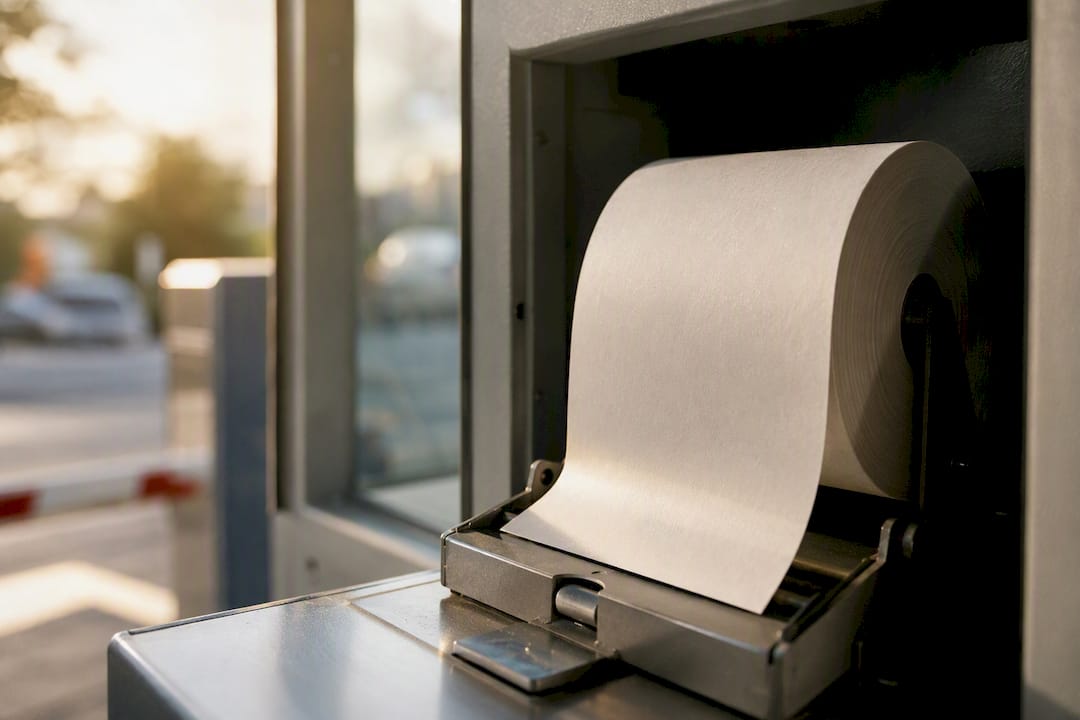
Pro Tip: Order a small proof run and test it on your actual scanners and dispensers before committing to a full print order. A code that looks fine on screen can still fail on a scratched scanner lens or a low-light garage entry lane.
What Security Specs Should Your Ticket Order Require?
Require ISO/IEC 18004-compliant QR codes as the baseline, and add cryptographic verification wherever fraud risk is meaningful, such as high-traffic valet stands or event venues with cash transactions.
Data fields to specify:
- Ticket ID and facility ID
- Issue timestamp
- Cryptographic signature or HMAC value
- Optional vehicle ID field for valet matching
Security measures worth requiring in your spec:
- HMAC-SHA256 signatures or an equivalent signing method
- TLS 1.3 for any data exchange between scanner and back-end system
- PCI-DSS-compliant payment flow wherever the ticket triggers a charge
- Tamper-evident printing and sequential numbering for reconciliation
Specify the QR version and error correction level your scanners need. A higher error correction level costs a little print density but pays off in garages with dim lighting or scratched lenses. Some implementations pair the QR scan with a quick camera check of the vehicle image, which raises security without the cost of full plate-recognition hardware. Finally, require a documented fallback: local caching of valid codes, a printed backup code field, and a manual lookup process for network outages.
How Do You Confirm Compatibility With Your Parking System?
Before you place an order, confirm three things: scanner type, gate controller interface, and ticket roll dimensions. Mismatches here cause more launch delays than any other procurement mistake.
Vendor compatibility notes to check:
- Amano systems generally expect a specific header/footer sizing on machine-issued stock.
- TIBA and SKIDATA controllers often require confirmation of barcode symbology alongside the QR field.
- FLASH Parking and Scheidt & Bachmann platforms may need data-format mapping between the ticket ID and their session records.
- Flowbird installations frequently pair QR validation with existing pay-station hardware, so confirm roll width matches their dispensers.
Printer and dispenser questions to send your integrator or Caymil:
- What roll width and core diameter does the dispenser require?
- Is the printer compatible with Intermec-style spitter mechanisms?
- Does the thermal print head need a specific coating on the stock?
Integration test steps before full rollout:
- Issue a sample batch and confirm sequential numbering prints correctly.
- Run a live scan-and-barrier test at each gate.
- Walk a ticket through the full payment flow end to end.
- Run a reconciliation report to confirm every issued ticket logs correctly.
API and data-mapping fields to confirm with your parking management system:
- Ticket ID format and length
- Session start and end timestamp fields
- Payment token structure, if payment is tied to the code
How Should You Order: Stock vs Custom, and What Does It Cost?
Choose stock tickets when you need fast fulfillment and predictable pricing. Choose custom tickets when branding, multi-part formats, or added security features matter to your operation.
Cost drivers to expect on a quote:
- Number of parts (two, three, or four)
- Sequential numbering
- Varnish or security ink additions
- Custom QR encoding tied to your system
- Machine-issue compatibility requirements
- Expedited shipping for tight deadlines
| Cost Item | Typical Lead Time | Order Break Point |
|---|---|---|
| Stock roll tickets | Ships fast, often within days | Smaller minimums, simple reorder |
| Custom 2 to 3-part valet books | Longer production window | Higher minimums for custom printing |
| Security ink or varnish add-ons | Adds to standard production time | Usually tied to larger print runs |
Busy facilities should set reorder points well before stock runs low, and event venues should hold extra safety stock ahead of peak season since custom runs take longer than a stock reorder. When you budget for the switch, factor in the staffing and machine-maintenance savings alongside the ticket cost itself. Those savings are usually where the real payback shows up.
What Operational Practices Keep QR Ticket Systems Reliable?
Run a staged rollout, train your staff thoroughly, and validate every scanning station before going live facility-wide. Skipping this step is the single most common cause of a rocky launch.
Daily operations checklist:
- Train staff on both scanning and manual lookup, since scanners fail occasionally.
- Position scanning stations with adequate lighting, especially at night entrances.
- Schedule regular maintenance for printers and scanners rather than waiting for a breakdown.
- Run daily log and reconciliation checks to catch discrepancies early.
Fallback workflows worth building in from day one: printed backup codes for guests, manual verification by license plate or phone number, and short-term local caching of valid codes during a network outage. A Raspberry Pi based prototype demonstrated that even a low-cost printer and verification setup can maintain reliable billing when paired with a solid fallback process.
Set monitoring alerts for scanner error rates and reconciliation variances so small problems surface before they become revenue leaks.
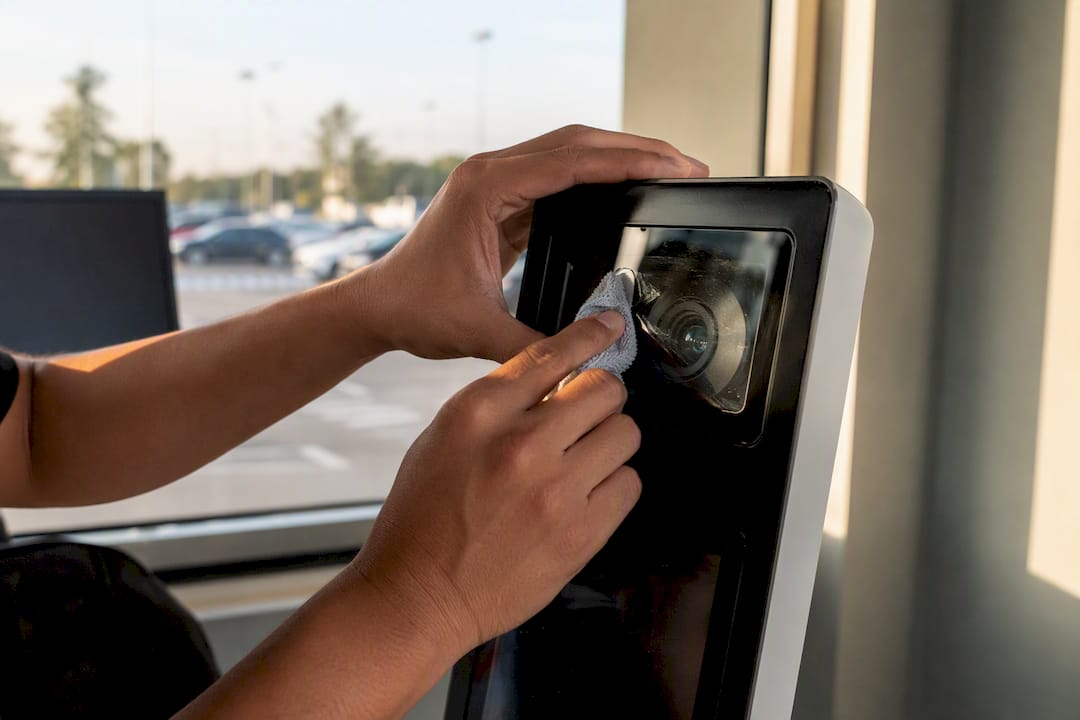
Pro Tip: Keep a small stock of pre-printed emergency tickets on hand for major events. If your primary printer or network goes down mid-event, a drawer of backup tickets keeps cars moving while you troubleshoot.
Why Choose Caymil for QR Code Parking Tickets?
Caymil supplies both stock and custom-printed QR code parking tickets built for machine-issued and valet workflows, with formats that match the systems you already run.
What backs that up:
- Manufacturing ticketing supplies for the parking industry since 1937.
- Compatibility with Amano, TIBA, SKIDATA, FLASH Parking, Scheidt & Bachmann, and Flowbird systems.
- In-stock options for fast turnaround, plus custom printing with sequential numbering, barcoding, and security features.
Ordering notes worth knowing:
- Formats range from 2-part valet tickets to 4-part carbonless books for facilities needing multiple copies.
- Volume discounts apply to larger print runs, and stock items ship faster than fully custom orders.
Pro Tip: Request a sample pack before committing to a full order. Testing a physical ticket against your actual scanner and dispenser catches sizing or placement issues no spec sheet can predict.
| Point | Details |
|---|---|
| Format choice | Match ticket format (roll, valet book, permit) to your volume and copy needs before ordering. |
| Security specs | Require ISO/IEC 18004 QR codes plus HMAC-style signatures for fraud resistance. |
| System check first | Confirm gate controller, scanner, and roll dimensions with your vendor before placing a print order. |
| Caymil compatibility | Caymil prints stock and custom QR tickets compatible with Amano, TIBA, SKIDATA, FLASH Parking, Scheidt & Bachmann, and Flowbird. |
What Procurement Priorities Actually Matter Here?
Interoperability, on-site scan testing, and real security features matter more than any brochure claim. That is the whole game.
The pitfalls that trip up most buyers are predictable: skipping an on-site scan test before full production, under-ordering safety stock ahead of a busy season, and neglecting a fallback workflow until the network actually drops. Pilot a small batch before you commit to a facility-wide rollout. It costs little and saves you from discovering a scanner mismatch during your busiest week of the year.
Ready to Order QR Code Parking Tickets?
Caymil ships stock and custom QR-enabled tickets nationwide, with compatibility checks handled before your order goes to press. Request a sample pack, confirm your scanner and dispenser fit, and place your order without guessing whether the stock will work with your gates.
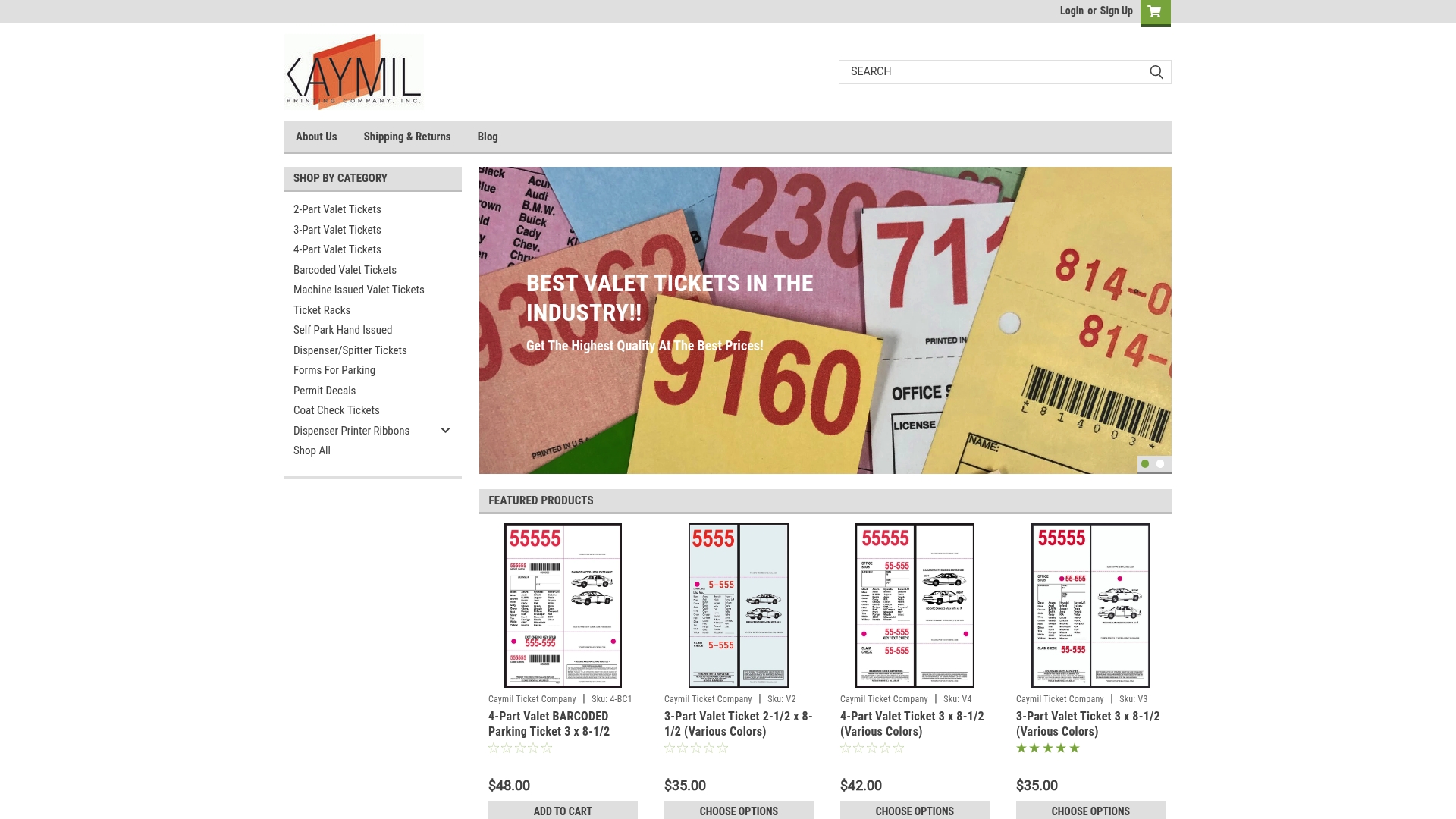
Start with the machine-issued valet ticket line if you run a dispenser system, or browse barcode valet parking tickets for a claim-stub format with QR or barcode encoding built in. Facilities using dispenser printers can check roll tickets sized for Intermec 2100 printers before placing a bulk order. For a broader look at forms and printed stock options, the parking forms category page covers the full range. Every order ships fast, with compatibility questions answered before you commit to a print run.
Sources
Technical teams validating specs against published research should start with the sources behind the figures in this guide:
Consult the ISO/IEC 18004 standard directly when writing your technical spec, and run your own scan, barrier, and reconciliation test before signing off on a full print order. Caymil’s blog covers additional product guidance for teams comparing formats and specs.
FAQ
What size should a QR code be on a parking ticket?
A QR code on a standard parking ticket should generally be at least three-quarters of an inch square to scan reliably under garage lighting and on scratched scanner lenses.
Do QR code parking tickets work with existing gate systems?
Yes, when the ticket format matches your controller’s expected data mapping. Caymil prints tickets compatible with Amano, TIBA, SKIDATA, FLASH Parking, Scheidt & Bachmann, and Flowbird systems.
What’s the difference between stock and custom QR parking tickets?
Stock tickets ship faster with predictable pricing, while custom tickets add branding, multi-part formats, or extra security features at a longer lead time.
How long does it take to see ROI from switching to QR ticket systems?
Documented implementations typically show a payback window of 2 to 3 years, driven mainly by reduced staffing and lower machine maintenance costs.
Can printed QR tickets work if the network goes down?
Yes, with the right fallback built into your workflow: local caching of valid codes, a printed backup code field, and a manual lookup process for staff to use during an outage.
Recommended
- Printed Parking Tickets: A Practical Guide for Operators - Caymil Printing Co., Inc.
- Parking ticket security: How to prevent fraud and protect revenue - Caymil Printing Co., Inc.
- Why barcode tickets make parking garages more efficient - Caymil Printing Co., Inc.
- Custom Logo Parking Ticket Options for Operators - Caymil Printing Co., Inc.