
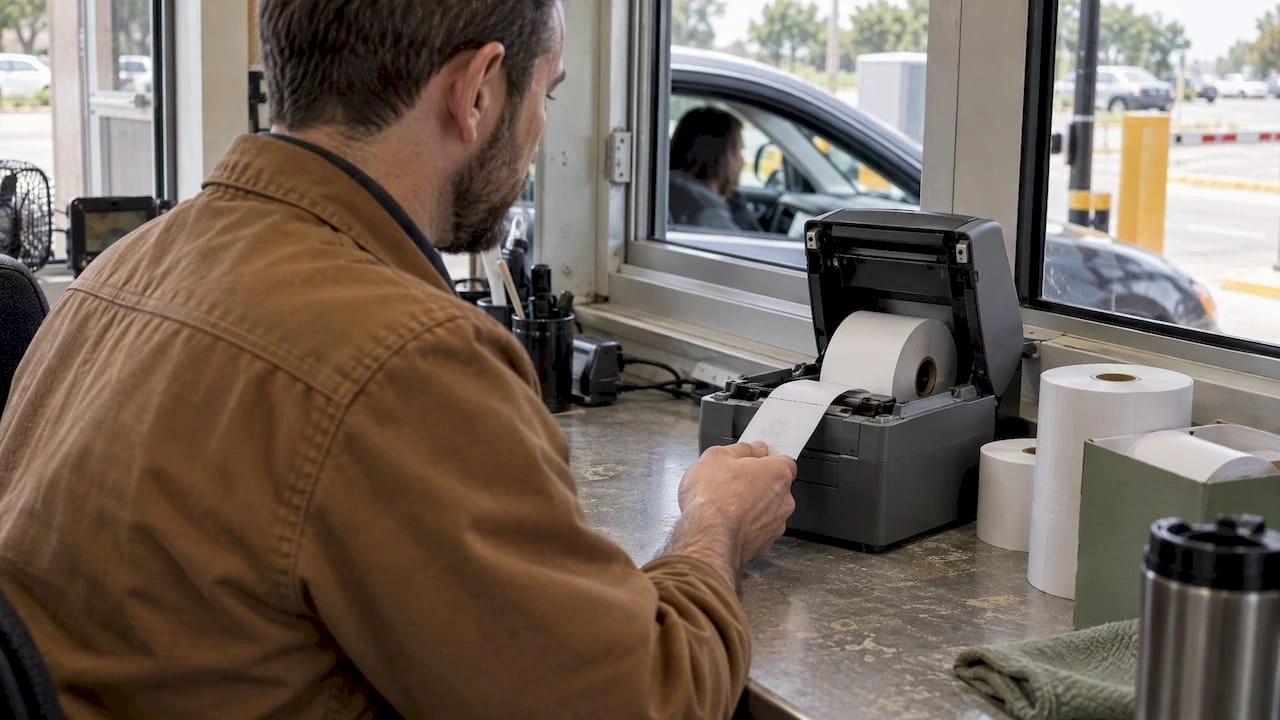
Field Tested: Thermal Ticket Printing for Events & Parking Operators

Thermal ticket printing is the right choice for most on-demand ticketing jobs: box office admissions, valet stubs, parking receipts, and event wristband backups. It works by applying heat to specially coated paper, either directly or through a ribbon, with no ink cartridges involved. Choose direct thermal for short-lived tickets and receipts, and thermal-transfer when a ticket needs to survive weeks of handling or outdoor exposure.
TL;DR:
- Direct thermal tickets are suitable for short-term use, typically lasting around 30 days, making them ideal for events or parking stubs.
- Thermal-transfer tickets are more durable, resistant to fading, and better for permits or passes expected to survive weeks of handling or outdoor exposure.
- Printer selection must match the ticket application, with attention to printhead resolution, media width, sensor type, and whether a cutter or perforation is needed.
- Most operational issues stem from supply and process errors, such as incorrect media, misaligned sensors, or inadequate staff training, rather than printer faults.
- High-volume facilities may find that pre-printed, custom tickets become more cost-effective over time than ongoing thermal printing due to reordering and printhead wear costs.
Table of Contents
- How thermal ticket printing works: direct thermal vs thermal-transfer
- What thermal tickets do well, and where they fall short
- Choosing a printer and ticket stock that actually fit
- Setting up the printer and fixing common problems
- Calculating running costs and when custom printing pays off
- Caymil’s field-tested guidance for operators
- A straightforward view on what actually prevents failures
- How Caymil supplies stock and custom thermal tickets
- FAQ
- Sources
How thermal ticket printing works: direct thermal vs thermal-transfer
Both methods rely on heat rather than liquid ink, which is what makes thermal printing fast and comparatively low-maintenance. Brother’s explanation of thermal printing breaks the technology into two distinct processes, and the difference matters for anyone buying tickets or printers.
- Direct thermal uses heat-sensitive paper that darkens where the printhead applies heat, with no ribbon required, making it well suited to short-term tickets, receipts, and labels.
- Thermal-transfer passes a ribbon coated in wax or resin between the printhead and the ticket stock, melting ink onto the surface for a more durable, fade-resistant result.
- Media formats include continuous rolls, perforated sheets, and coated cardstock, and the format chosen affects how a ticket tears, stacks, or feeds through a box-office printer.
- Printhead resolution, measured in dots per inch, determines how cleanly barcodes and QR codes render, which directly affects scan reliability at the gate.
Operators printing simple numbered stubs rarely need thermal-transfer. Those issuing permits, VIP passes, or anything meant to last past a single event usually do.
What thermal tickets do well, and where they fall short
Thermal printing earns its place in high-traffic environments because it is fast, quiet, and inexpensive to run on a per-ticket basis, particularly with direct thermal systems that skip the ribbon entirely. Maintenance is lighter than inkjet alternatives, since there are no cartridges to replace or nozzles to clog.
- Speed and simplicity: Direct thermal printers produce tickets in a fraction of a second, which matters when a line is forming at the gate.
- Low running cost: Without ribbons, direct thermal media is one of the cheaper consumables in a box-office budget.
- Fade risk: Heat, sunlight, and friction all degrade the thermal coating over time, so a ticket left on a dashboard in summer can fade within days.
- Limited color range: Most thermal printing renders in black only, which rules it out for multi-color branding without a pre-printed base stock.
Caymil’s testing of thermal reactive ink tickets found a practical lifespan of roughly 30 days under typical handling and storage conditions. That window is fine for a weekend festival or a parking stub collected at exit, but it rules out direct thermal for anything meant to serve as a long-term permit or archival record.
Choosing a printer and ticket stock that actually fit
Printer selection comes down to matching the machine’s class and specs to how the ticket will be used and handled.
- Pick a printer class first: mobile units suit roaming staff and pop-up events, desktop or box-office models handle fixed ticket windows, and industrial or kiosk printers cover high-volume, unattended lanes like parking garages.
- Confirm the print method: direct thermal for short-life tickets, thermal-transfer for anything that needs to survive weeks of handling.
- Check printhead resolution: 203 dpi is common for basic barcodes, while 300 dpi improves small text and dense QR codes.
- Match roll width and core size: a printer built for a 2-inch core will jam or misfeed on a 1-inch roll, so confirm this before ordering media.
- Verify sensor type: gap sensors read the space between tickets, while black-mark sensors read a printed line; using the wrong ticket stock with the wrong sensor causes consistent misfeeds.
- Decide on a cutter or perforation: automatic cutters suit continuous rolls, while perforated stock works better for manual tear-off at a valet stand.
- Choose a barcode symbology: Code 128 is the practical default for density and scan speed, while Code 39 remains useful only where legacy scanning hardware requires it.
- Confirm software and driver support: the printer needs a current driver for the operating system running the box-office or parking software before it goes live.
Pro Tip: Order a small sample roll before committing to a bulk purchase, and run it through the actual printer you plan to use rather than relying on the spec sheet alone.
Caymil’s TIBA ticket specs quick reference and its barcode roll guide for 2026 both walk through these dimensions in more detail for parking-specific setups.

Setting up the printer and fixing common problems
Most box-office downtime traces back to a handful of recurring issues, and nearly all of them have a known fix.
- Install the correct driver for the printer model and confirm the operating system recognizes it before loading media.
- Run the sensor calibration routine so the printer learns the gap or black-mark spacing on the specific ticket stock being used.
- Load a test roll and print a batch of sample tickets to confirm barcode clarity before opening the window to customers.
- Faint or streaky printing usually means the printhead needs cleaning, which manufacturer guidance recommends doing at every roll change.
- Barcode misreads often trace back to a mismatched sensor setting rather than a bad printer.
- Jammed media is frequently a core-size or roll-width mismatch rather than a mechanical fault.
- A solid red status light on many models signals a reset or dump mode is needed, a sequence UPS’s troubleshooting guidance documents in detail for common thermal models.
When a fix does not hold, contact the manufacturer with the model number, the error code shown, and the ticket stock in use. That information shortens the support call considerably.
Calculating running costs and when custom printing pays off
Per-ticket cost comes down to a few line items: the price of the roll or sheet stock, ribbon cost if using thermal-transfer, and how often the printhead needs replacing under your volume.
- Stock cost scales with roll length and ticket width, so a wider ticket format costs more per unit even at the same print volume.
- Ribbon cost adds a second consumable line for thermal-transfer setups, which raises per-ticket cost compared with direct thermal.
- Printhead wear depends on print density and volume, and heavy daily use shortens replacement intervals.
Caymil observes that ticket lifespan for thermal reactive stock runs around 30 days under normal conditions, a figure worth building into any cost comparison against pre-printed or custom stock. Facilities running high daily volumes often find that stocked, pre-printed tickets become more economical than continuous thermal printing once reorder frequency and printhead wear are factored in. For high-volume events, ordering spare printheads and media well ahead of the date avoids last-minute shipping costs.
Caymil’s field-tested guidance for operators
Decades of supplying parking, valet, and event ticketing operations have given Caymil a practical read on where thermal tickets work well and where they do not.
- Thermal reactive ink tickets hold up for about 30 days under normal handling, which makes them a solid fit for single events or short-term parking validation but a poor fit for anything meant to be kept.
- Stocked thermal tickets are the faster option when a facility needs supply fast and does not require custom branding or long-term archival quality.
- Custom printing earns its cost when branding, sequential numbering, or security features matter more than turnaround speed.
- Roll compatibility varies by printer model. Caymil’s roll tickets for the Intermec Printer 2100 page is one example of confirming fit before ordering in bulk.
- Caymil’s resource on parking ticket paper and what really lasts covers the practical trade-offs between stock paper and thermal rolls in more depth.
A straightforward view on what actually prevents failures
Most box-office problems are not printer problems. They are supply and process problems. Standardizing on one media width and one printer family across a facility cuts down on the mismatched rolls and sensor errors that cause the bulk of service calls. A short written checklist for roll changes and daily startup catches more errors than any printer feature does. Training at least two staff members on printhead cleaning and media loading removes the single point of failure that turns a minor jam into a closed ticket window.
— Richard
How Caymil supplies stock and custom thermal tickets
Caymil manufactures both stock and custom-printed ticketing for the exact jobs covered here: valet stubs, parking receipts, barcoded admission tickets, and more, with sequential numbering, barcoding, and roll formats built to match common printer models.
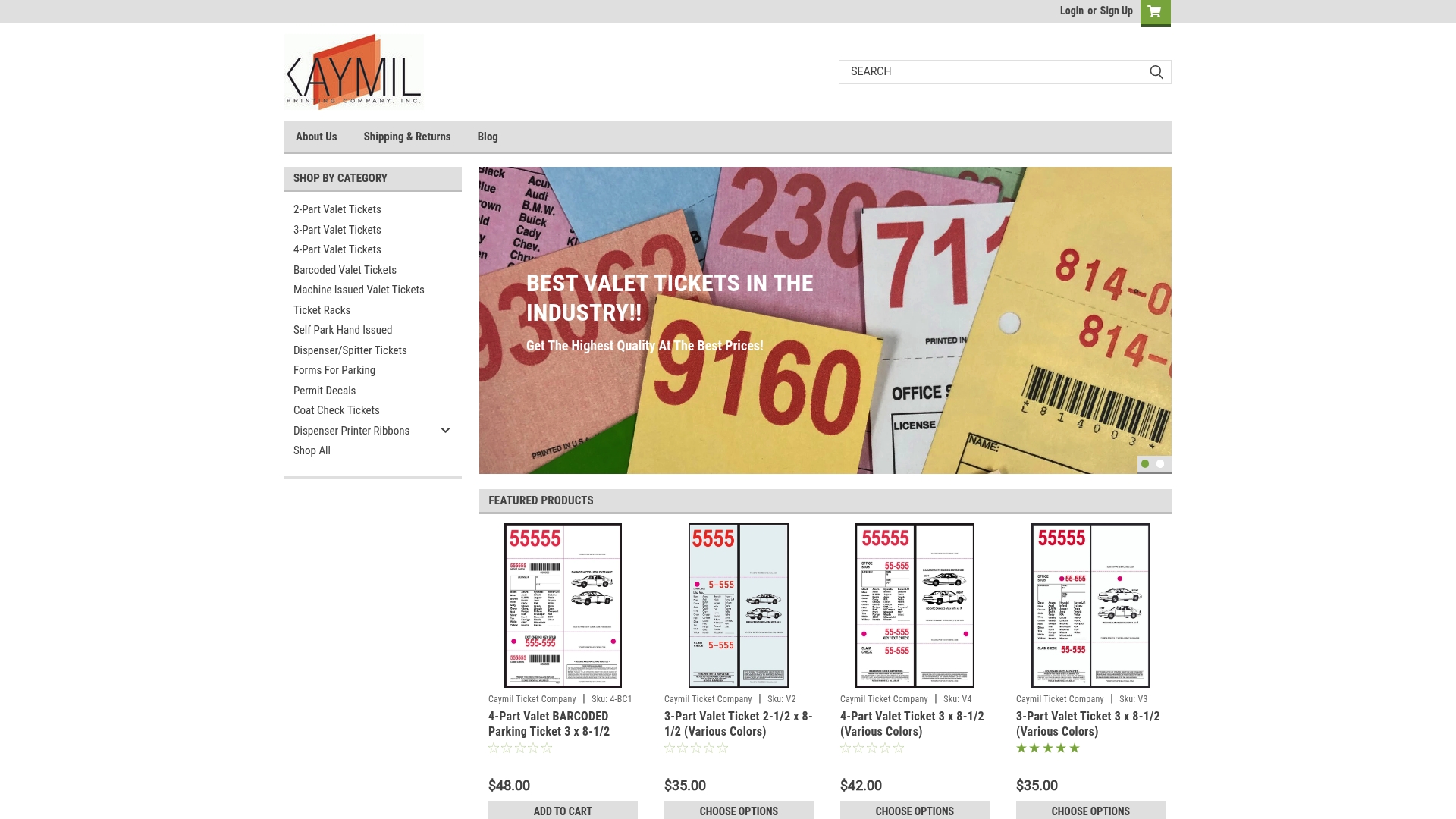
- 2-Part Valet Tickets and 3-Part Valet Tickets cover standard valet workflows that need a customer copy and an internal record.
- 4-Part Valet Tickets and Barcoded Valet Tickets suit operations tracking multiple handoffs or running scanner-based systems.
- Ticket Racks and related accessories round out a valet stand or booth setup.
Reach out to Caymil for a compatibility check or a sample order before committing to a bulk run.
FAQ
Can you get a free thermal printer from UPS?
No. UPS does not provide thermal printers free of charge as a general offering. Customers typically buy or lease a supported model and install the correct driver for their system.
How much does thermal printing cost?
Cost depends on printer class, ticket stock, and whether the setup uses direct thermal or thermal-transfer ribbons, since ribbon use adds a recurring consumable cost. Custom-printed ticket pricing, such as Caymil’s 3-Part Valet Tickets, is available on the product page and varies by order volume.
Is thermal printing worth it for events and parking?
For short-term tickets like admissions, valet stubs, and parking receipts, thermal printing is generally worth it because of its speed and low running cost. Facilities needing archival-quality or long-lasting permits should weigh thermal-transfer or custom pre-printed stock instead.
Can I use a regular printer for thermal paper?
No. Thermal paper requires a printer with a heated printhead; a standard inkjet or laser printer has no way to activate the heat-sensitive coating. Brother’s overview of thermal printing confirms the heat-based mechanism is specific to thermal hardware.
Sources
- Using a Thermal Printer for UPS Shipping and Return Labels | UPS - United States
- How do thermal printers work? | Brother explains
- Troubleshoot the Thermal Label Printer