
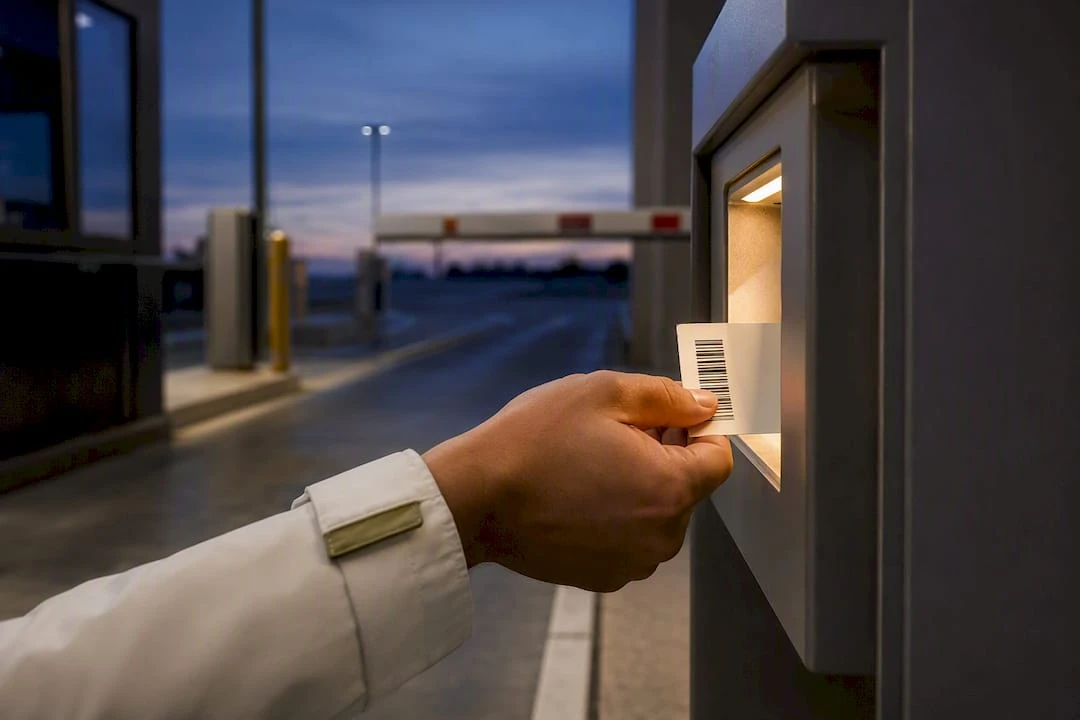
Before Printing 50,000 Tickets: Parking Barcode Formats for Operators
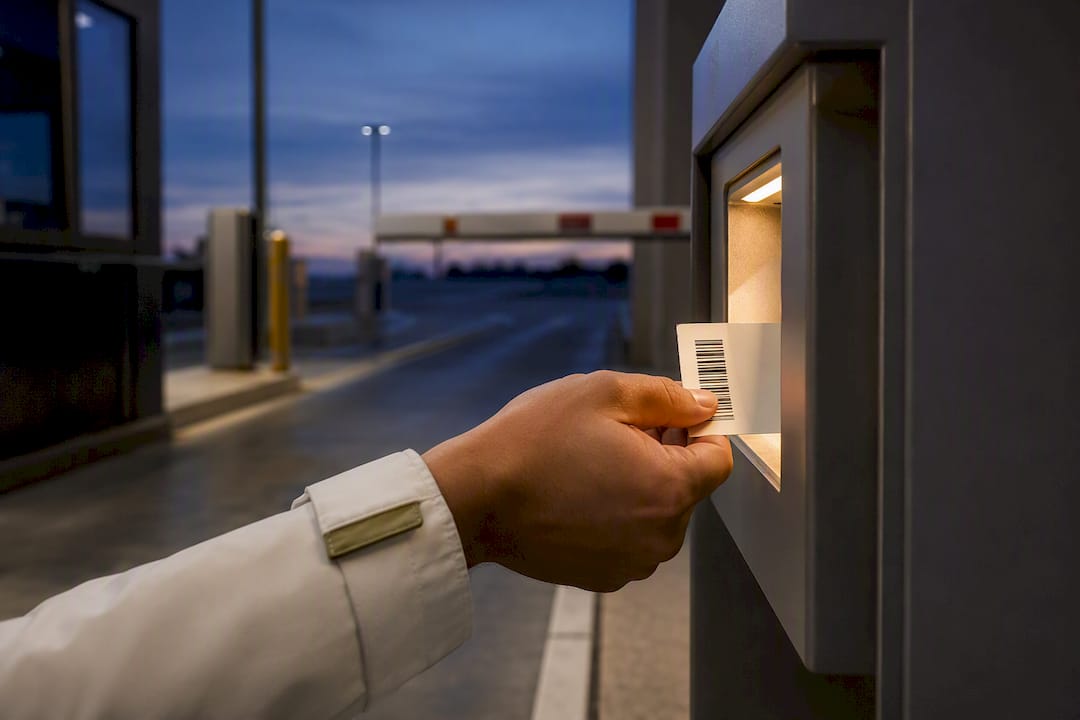
For most gate and lane workflows, Code 128 handles machine-read tickets efficiently, while GS1-128 covers structured data needs. QR codes and PDF417 suit smartphone scanning or multi-field validation. Before printing a single ticket, confirm your reader hardware actually supports the symbology you choose and meets its minimum size requirements.
TL;DR:
- Use 1D barcodes like Code 128 for fixed gate readers with laser scanners and on narrow tickets to ensure compatibility and space efficiency.
- Rely on 2D formats like QR or PDF417 for smartphone scanning, high data capacity, and damage tolerance in mobile or multi-field applications.
- Confirm your scanner hardware supports the chosen symbology and meets size and angle specifications before production to avoid scan failures.
- Keep payload designs simple, including only essential data such as facility code and sequential ID, to optimize printability and scanning reliability.
- Match barcode symbology and design to your detailed workflow, ensuring proper testing and hardware support before large-scale ticket printing.
Table of Contents
- 1D vs. 2D Barcodes: How Parking Workflows Change the Choice
- Recommended Symbologies for Parking Ticketing and Access Control
- How Should You Design a Parking Ticket’s Barcode Payload?
- Scanner and Reader Compatibility: What to Confirm With Your Integrator
- Printing, Materials, and Durability for Reliable Scanning
- Matching Barcode Format to Real Parking Workflows
- How Caymil’s Ticket Products Meet These Specifications
- What Actually Matters When You Pick a Barcode Format
- Order Barcoded Parking Tickets Built to Your Specs
- Sources
- FAQ
1D vs. 2D Barcodes: How Parking Workflows Change the Choice
A linear (1D) barcode, like Code 128 or Code 39, stores data in a single row of parallel bars. A 2D matrix barcode, like QR Code or Data Matrix, stores data across a grid of dots or squares, packing far more information into the same physical space. That difference in structure is what actually decides which one belongs on your tickets.
Fixed gate readers with laser scanners were built for linear codes. If your garage runs older Amano or TIBA hardware at the entry lane, a 1D barcode is often the safer bet unless you’ve confirmed the reader has been upgraded to a 2D imager. Narrow ticket stock also favors linear codes; a Code 128 symbol can fit a facility prefix and a six-digit sequential ID in less horizontal space than a 2D code would need to hold the same content at a readable size.
Smartphone-based workflows tip the balance toward 2D. Attendant phones, pay-on-foot kiosks, and mobile validation apps read QR codes and Data Matrix symbols natively through a camera, without needing a dedicated laser scanner. Those formats also carry built-in error correction, so a torn corner or a coffee stain doesn’t necessarily kill the read.
The trade-offs come down to a handful of practical factors:
- Data capacity: 1D formats top out around 20 to 25 alphanumeric characters comfortably. 2D formats can hold hundreds.
- Orientation tolerance: 2D codes scan correctly from almost any angle; linear codes usually need a specific orientation through the reader.
- Damage tolerance: 2D formats with error correction survive partial damage far better than linear codes.
- Print width: linear codes demand more horizontal space per character, which matters on a 2-inch-wide valet stub.
Recommended Symbologies for Parking Ticketing and Access Control
Every symbology on this list does something well and something poorly. Matching the format to the job, rather than picking the “best” one in the abstract, is what actually prevents failed scans at the gate.
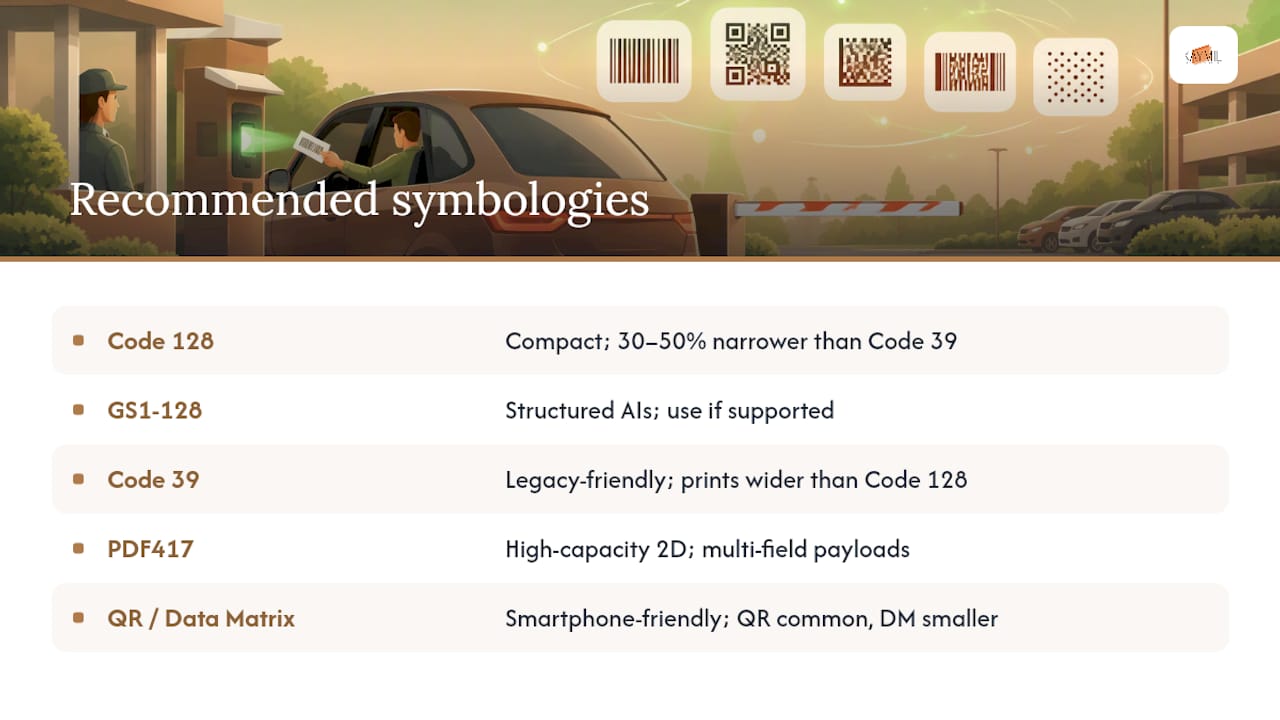
Code 128 is the workhorse for parking tickets. It packs numeric and alphanumeric data into a compact footprint, using roughly 30 to 50 percent less width than Code 39 for the same payload. That space savings matters when you’re trying to fit a barcode, a logo, and human-readable text on a 2-inch stub.
GS1-128 is a Code 128 subset built around Application Identifiers, structured data tags that flag what each segment of the payload means (a date, a lot of number, a rate class). It’s the right call when your parking management software needs to parse multiple attributes automatically, but only if your reader and backend both support those AIs. Adding GS1-128 structure to a system that can’t interpret it just adds width to your barcode for no benefit.
Code 39 remains common on older or budget ticketing systems. It reads reliably on legacy laser scanners, but its character set is less efficient than Code 128, meaning the same payload prints wider. If you’re replacing tickets on an existing Code 39 system, matching the existing format avoids a hardware upgrade; if you’re specifying new equipment, Code 128 is the more space-efficient choice.
PDF417 is a high-capacity 2D format well suited to machine-issued “spitter” tickets and multi-field payloads, like encoding a rate plan, entry timestamp, and facility ID in one symbol. It’s dense enough to hold a lot of structured data in a relatively small area.
QR Code and Data Matrix both work well for smartphone-facing workflows. QR is the more universally recognized format among drivers and attendants; Data Matrix packs slightly more data into a smaller physical footprint, which can matter on small permit decals or hang tags.
UPC and EAN codes, the formats you see on retail products, don’t belong on parking tickets. They’re built around retail check-digit rules and product-numbering conventions that have nothing to do with facility transaction IDs, and forcing a ticket ID into that structure just adds unnecessary constraints.
Pro Tip: If you’re not sure whether your gate reader was manufactured before or after your facility’s last software upgrade, ask your integrator to confirm supported symbologies in writing before you commit to a print run of 50,000 tickets.
How Should You Design a Parking Ticket’s Barcode Payload?
The best parking ticket payload is boring. It carries exactly what the backend needs to identify the transaction, nothing more, because every extra character widens a linear barcode and shrinks your margin for print error.
A resilient payload structure typically follows this order:
- Facility or lane prefix — a short code identifying the garage, lot, or entry lane (e.g., “FAC01”).
- Sequential ticket ID — a fixed-length number that increments per ticket, giving your backend a unique lookup key.
- Optional timestamp — only if your software uses it for rate calculation, formatted consistently (e.g., “TS=20260101T0900”).
- Optional check digit or validation class — added only when your specific software supports parsing it; an unsupported field is dead weight on the ticket.
A generic example might look like FAC01|00012345|TS=20260101T0900, using a pipe character as a delimiter between fields. If you’re working with GS1-128 and Application Identifiers, delimiters and field lengths follow the GS1 standard’s own rules rather than an arbitrary character, so confirm the exact structure with your software vendor before finalizing artwork.
Whatever payload you settle on, specify it before ordering: facility prefix, sequential ID format, and any conditional fields, so your printer can build tickets that match your backend’s expectations exactly. Print the human-readable version of that same string beneath the barcode on every part of a multi-part stub. If a scanner fails at the gate, an attendant needs to read and key in that number manually, and it has to match the barcode’s actual content, not an abbreviated or reformatted version of it.
Keep an eye on quiet zone width, too. The blank margin on either side of a linear barcode isn’t decoration; readers use it to identify where the code starts and stops, and a payload that runs too close to the ticket’s edge risks scan failures that have nothing to do with the symbology itself.
Scanner and Reader Compatibility: What to Confirm With Your Integrator
Choosing a barcode format on paper means nothing if the hardware in the field can’t read it. Before you finalize any ticket design, get direct answers from your integrator on a short list of technical questions.
- Which symbologies does the reader actually support: 1D only, or 1D and 2D?
- Is it a laser scanner (linear codes only) or an imager (reads both 1D and 2D)?
- What’s the minimum and maximum barcode size the reader can decode reliably?
- What’s the expected scan distance and angle as a ticket passes through the gate mechanism?
- Does the reader buffer scans for later validation, or does it need a live connection to the backend every time?
That last point matters more than operators often expect. A reader that requires real-time backend validation will fail outright during a network outage, while one that can buffer and validate later keeps the lane moving. Confirm which behavior your system uses before you assume tickets will always scan on the first pass.
Pro Tip: Test with actual reader hardware and printed ticket prototypes before committing to a full print run. Reading failures trace back to material, finish, or layout problems far more often than to the scanner model itself.
Printing, Materials, and Durability for Reliable Scanning
The barcode symbology you choose only matters if the printed ticket stays readable through a shift, a rainstorm, or a glove compartment. Print method and material selection decide that outcome as much as the format itself.
Thermal printing is standard for machine-issued spitter tickets and works well for short-run, high-volume ticketing where speed matters more than archival durability. Thermal transfer adds a ribbon layer that resists fading and abrasion better, useful for permits or tickets that need to survive longer handling. Offset printing suits pre-printed stock tickets with fine detail, logos, and consistent color, though it’s less common for on-demand barcode printing.
Material choice affects durability directly. Standard paper stock works fine for short-lived valet or gate tickets that get scanned once and discarded. Synthetic or laminated stock holds up better for permits, hang tags, or anything exposed to sun, rain, or repeated handling over weeks or months.
Surface finish is where a lot of operators lose scans without realizing why. Gloss lamination frequently causes “blowout”, a glare that fools optical scanners under certain lighting, especially with fixed readers at odd angles. Matte lamination generally scans more reliably, both for smartphone cameras and gate imagers, because it diffuses light instead of bouncing it straight back into the lens.
Common failure modes to test for before a mass print run:
- Ink bleed on thermal stock stored in a hot car for hours
- Gloss blowout under direct sunlight at an outdoor gate
- Quiet zone encroachment when barcode placement runs too close to a fold or perforation
- Fading on thermal tickets carried in wallets or pockets for several days
Matching Barcode Format to Real Parking Workflows
The right symbology depends less on theory and more on what’s physically happening at the point of scan. A few common setups illustrate how that plays out.
At a gate with a fixed imager, a short Code 128 or GS1-128 code works well, provided you’ve specified the ticket path and confirmed minimum module width with your integrator. Keep the payload short here; a wide barcode on a narrow gate ticket leaves little room for error.
For attendant handheld scanning, the right format depends on the device. Dedicated laser scanners favor Code 128, while attendants using smartphones or tablet-based apps do better with QR codes, since phone cameras read 2D formats natively without extra configuration.
Pay-on-foot kiosks and validation stations often benefit from PDF417 or another 2D format, since kiosks frequently need to encode more fields, like a rate class or a secure validation token, than a linear code can hold efficiently in a small footprint.
Bay-level QR codes for mobile payment are a different animal entirely. These need to be physically larger than a ticket barcode since a driver scans them from a standing position, and they require tamper-evident materials and backend domain validation to prevent a swapped or fraudulent sticker from redirecting payments.
How Caymil’s Ticket Products Meet These Specifications
Caymil manufactures barcoded valet tickets with sequential numbering and multi-part stub construction, built to work with major parking systems including Amano, TIBA, SKIDATA, FLASH Parking, Scheidt & Bachmann, and Flowbird. Matching a ticket to your system starts with a clear order specification.
When placing an order, provide these details so production can validate the ticket against your hardware before printing:
- Symbology (Code 128, GS1-128, QR, PDF417, or another format your reader supports)
- Sample payload string, formatted the way your backend expects it
- Substrate and finish (thermal paper, synthetic stock, matte or gloss lamination)
- Roll type or fan-fold configuration, depending on your dispenser or printer model
For deeper guidance on why format choice affects garage throughput, Caymil’s write-up on barcode tickets and garage efficiency and the casino parking integration guide cover related integration scenarios in more detail.
What Actually Matters When You Pick a Barcode Format
Most of the debate over barcode symbologies is theoretical. In practice, the format that works is the one your installed hardware already reads without a firmware update, and the payload that survives is the one that’s shortest, not the one that carries the most fields.
I’d push back on one habit I see constantly: operators over-encode tickets because a software vendor offers optional fields, then wonder why their barcodes print too wide for a valet stub or fail intermittently at the gate. Pair that with gloss lamination chosen for its look rather than its scan performance, and you’ve built two problems into one ticket. Test with your actual reader and a printed prototype before you commit to 50,000 copies. Cheap mistakes at scale aren’t cheap.
— Richard
Order Barcoded Parking Tickets Built to Your Specs
Caymil is the alternative to guessing at ticket specifications and hoping they scan. The company has printed barcoded tickets for parking operators who need sequential numbering, multi-part stubs, and compatibility with various parking systems, aiming to reduce the trial-and-error of a generic print shop.
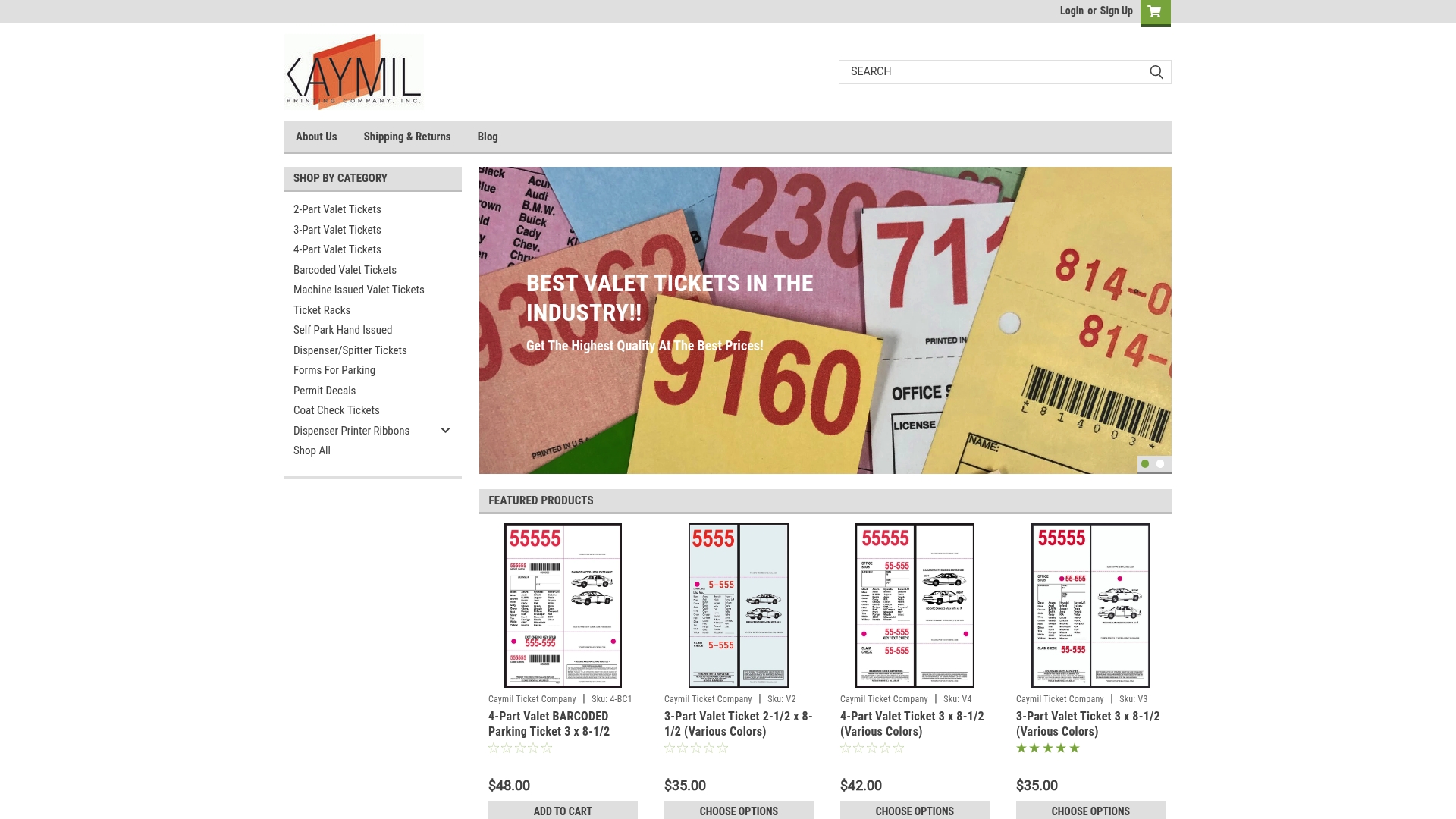
When you’re ready to order, gather these details first: the symbology your reader supports, a sample payload string, your preferred substrate and lamination finish, and whether you need rolls or fan-fold stock. Caymil’s barcoded valet ticket line covers custom and stock configurations for exactly this kind of order, and the 2-part valet ticket options work well for facilities that need a customer-facing stub plus a control copy. For operators managing multiple ticket types or supplies, the full product shop covers racks and related accessories in one place. Reach out with your ticket specs to get a sample and a production timeline started.
Sources
- GS1 US rolls out test kit for retailer 2D barcode transition
- GS1‑128
- ISO standard guidance (ticketing / payload specification)
- Reasons and Solutions for Barcode Labels Not Being Readable
- Parking lot QR codes for payment and permit checks
FAQ
What Are the Different Types of Barcode Formats?
Barcode formats split into two families: linear (1D), like Code 128, Code 39, and GS1-128, and matrix (2D), like QR Code, Data Matrix, and PDF417. Linear codes suit fixed-lane readers and narrow ticket space, while 2D codes suit smartphone scanning and payloads that need more data or built-in error correction.
What Does a PDF417 Barcode Look Like?
PDF417 looks like a stacked rectangular block made up of multiple rows of short linear-style bars, giving it a dense, striped appearance rather than a single row like Code 128. It’s a high-capacity 2D format commonly used on machine-issued parking tickets and multi-field payloads.
Should I Use EAN or UPC for Parking Tickets?
No. EAN and UPC formats are built for retail product identification with their own check-digit and structural rules, and they’re not designed to hold facility-controlled transaction data like a lane prefix or sequential ticket ID. Code 128 or GS1-128 handle that job far more effectively for ticketing purposes.
What Are the Key Differences Between Code 39 and Code 128?
Code 128 encodes the same data in roughly 30 to 50 percent less width than Code 39, making it the more space-efficient choice on narrow ticket stock. Code 39 remains common on older legacy scanners, so the right pick often depends on what hardware is already installed at your gates.
Does Caymil Print Custom Barcoded Parking Tickets?
Yes. Caymil manufactures barcoded valet tickets with sequential numbering and multi-part stub options, built to work with major parking systems. Pricing for barcoded valet tickets is available on the product page, and current pricing for other ticket formats is listed on the Caymil site.