
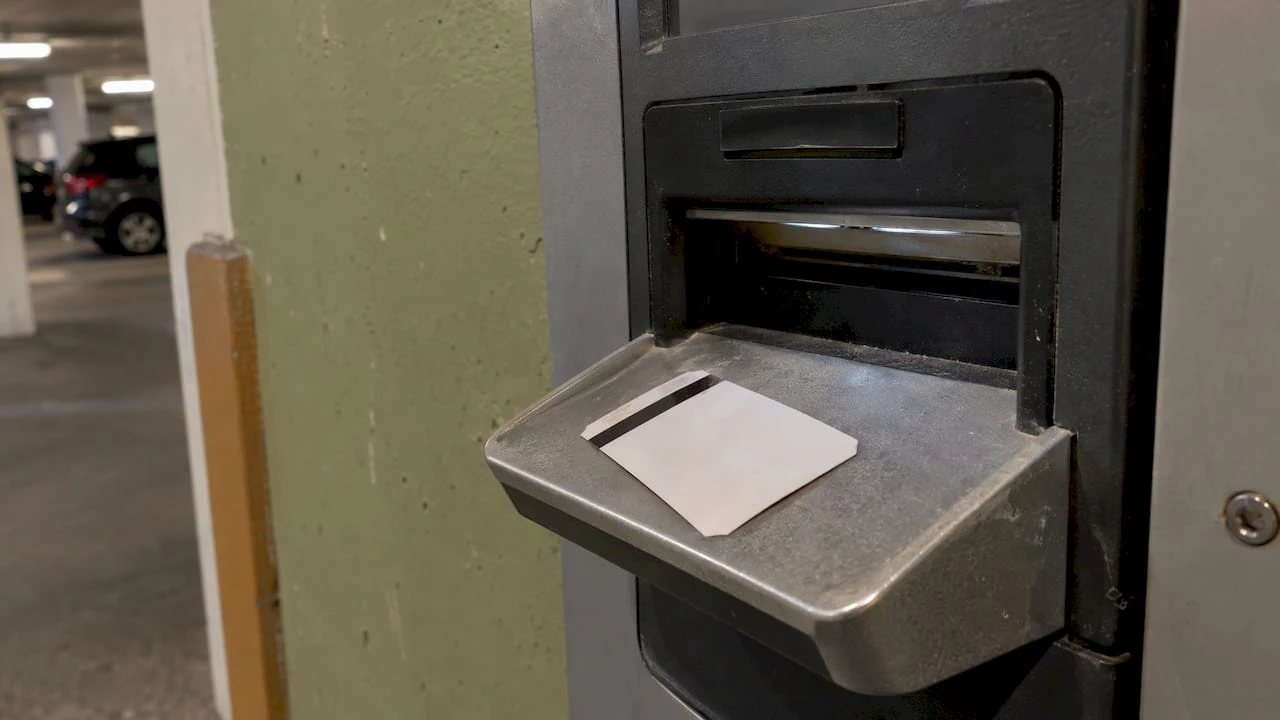
Amano Ticket Misreads: Causes, Fixes and Prevention

An Amano ticket misread is any moment when the lane equipment cannot issue, read or accept a ticket, so the driver stalls at the gate. The cause usually sits in one of three places: the dispenser (jam, empty roll, malfunction), the reader or pay station, or the ticket itself. This guide shows operators how to tell them apart, what to do in the lane, and how to reduce repeat incidents.
TL;DR
- Misreads at entry are usually supply or hardware problems: a malfunctioning dispenser, a paper jam or a ticket roll that was not replenished.
- Misreads at exit usually involve the settlement machine failing to read the ticket, or inserted cash being returned.
- Start with the quick checks: ticket orientation, jam reset, stock level, then the ticket’s condition.
- Lost or unreadable tickets have a defined workflow, and remote support can resolve many lane calls.
- Escalate to Amano support or a certified technician when a reset and a stock check do not clear the fault.
Table of Contents
- What a misread actually is
- Entry misreads: the ticket that never prints
- Exit misreads: the ticket that will not settle
- Which tickets can be involved
- A quick diagnostic table
- Step by step: what lane staff do when a ticket will not read
- Remote help and real-time device status
- When to escalate
- Prevention: what operators control
- Our perspective on misreads
- Matching tickets to your lanes
- FAQ
- Sources
What a misread actually is
“Misread” is a shop-floor word for several different failures. A driver may say the gate “rejected my ticket,” but the real event could be a ticket that never printed, a stripe the reader could not decode, or a pay station that could not match the ticket to an entry record. Naming the failure correctly is half the fix, because each one points to a different part of the lane.
Amano’s own parking business site groups lane trouble by the point where it appears. At entry, a dispenser malfunction, a paper jam or an unreplenished ticket supply can stop a ticket from being issued. At exit, the same page describes a settlement machine that fails to read the ticket or returns the cash a driver inserted, leaving the car unable to leave.
That split is useful for every operation, whether you run a garage with pay-in-lane stations, a hotel with a gated entrance or a hospital lot with exit verifiers.
Entry misreads: the ticket that never prints
When a driver reaches the entry lane and no ticket comes out, the gate stays down and a queue forms behind them. Three causes dominate, all from the Amano source above:
- Dispenser malfunction. The unit cannot issue a ticket even though stock is present.
- Paper jam. Ticket stock is stuck in the path, often after a feed problem or a bent leading edge.
- Unreplenished ticket supply. The roll or stack ran out between rounds.
The third is the most preventable. A written par level for ticket stock, checked on every shift change, removes it entirely. Our guide to parking ticket dispenser rolls explains how to size reorders to your volume so a lane is never waiting on stock.
For the jam, the AGP-2000 dispenser manual gives a concrete procedure: open the side door, press and release the Door Open switch to reset the jam, then press and hold the switch again and watch the display. Other models differ, so keep the manual for each unit you run at the lane.
Exit misreads: the ticket that will not settle
Exit failures are costlier. A driver is already holding a ticket, expecting to pay and leave, and the machine refuses it. Amano’s trouble page describes the settlement machine failing to read the ticket or returning inserted cash.
Behind that symptom, the practical questions are always the same:
- Did the driver insert the ticket the right way round?
- Is the ticket damaged, bent, wet or scratched across the stripe?
- Is it the right type of ticket for this lane or system?
- Is the reader itself reporting an error?
On the AMG-6700 pay-in-lane station, the operator inserts the ticket with the stripe facing up and to the right, as the display indicates, after which the fee appears and payment options display. A surprising share of “misreads” come down to orientation under pressure. A clear lane graphic and a short phrase from staff cure most of them.
Which tickets can be involved
Amano systems handle more than one ticket type, and a ticket valid at one point can fail at another. The AMG-6700 manual lists five types the pay station processes: entry tickets, cancelled tickets, discount tickets, validated entry types and store validation coupons. The same manual says the station accepts magnetic stripe ticket technology only and reads the entry information encoded on the stripe to calculate the fee.
The OPUS-7000 distributor manual shows a similar spread: entry, paid, payment-canceled, store-discount entry and lost tickets can be created from its Parking Ticket menu.
What this means in practice:
- A ticket from one type of lane may not be accepted in another. Match ticket type to the equipment.
- A paid or canceled ticket presented again is a different event from a damaged one. Staff should know the difference.
- Validation coupons and entry tickets are separate stocks. Mixing them in a bin invites confusion at the exit.
The Amano machine tickets we supply are covered on our page about Amano machine tickets, and our wider overview of parking system tickets covers compatibility across the major systems.
A quick diagnostic table
| Symptom | Where it happens | Likely cause | First action |
|---|---|---|---|
| No ticket issued | Entry | Dispenser malfunction, jam or empty supply | Check stock, reset jam, observe display |
| Ticket issued but gate stays down | Entry | Lane or gate fault | Check display and device status, call support |
| Ticket not accepted | Exit | Wrong orientation, damaged stripe or wrong ticket type | Reinsert stripe up and right, inspect ticket |
| Cash returned | Exit | Settlement machine fault | Check machine status, assist driver, escalate |
| Ticket lost | Exit | Driver cannot present ticket | Run lost ticket procedure |
Treat the table as a starting point, not a verdict. The unit’s own display and manual take priority.
Step by step: what lane staff do when a ticket will not read
- Greet and slow the lane. Tell the driver you are checking. Calm drivers re-insert tickets correctly.
- Check orientation. Stripe up and to the right on the AMG-6700 station, per the display prompt.
- Look at the ticket. Creases, moisture and scuffing across the stripe are the usual suspects. Try once more with a clean, flat ticket.
- Check the machine display. The OPUS-2000 manual documents an Error/Warning screen for errors during terminal operation. Read the message before touching anything.
- Reset a jam if one is indicated. Follow the model’s procedure, as in the AGP-2000 steps above.
- Confirm the ticket type. Is it an entry ticket, a validated one, a canceled one?
- Switch to the lost ticket workflow if the ticket cannot be used. On the AMG-6700, the operator presses the Lost Ticket button, a flat or negotiated fee displays, payment is accepted and the gate is vended.
- Escalate if none of this clears the fault.
Write these steps on a laminated card at each booth. Staff under pressure follow a card better than memory.
Remote help and real-time device status
Many operators no longer rely on a technician for every lane call. Amano ONE includes a built-in call center, real-time device status, one-click access to system operations and system notifications. Parker Technology’s integration lets teams validate tickets, vend gates, update access holder status and search credentials using live Amano ONE data, and its partner page adds that operators can check for alerts such as low paper. A low-paper alert on a dashboard is far cheaper than a stuck entry lane.
Operators with kiosks can answer intercom calls with their own staff, a trained customer service team or a mix of both, according to that same partner page. In Japan, Amano’s support center states that when a ticket is lost or cannot be read, it sends entry information and collects the fee on the spot through remote response. Check with your own Amano representative about the equivalent service for your U.S. system.
When to escalate
A lane problem becomes a technician problem when a reset, a stock check and a fresh ticket do not change the result. Amano’s support page says that if its support center cannot resolve an issue remotely, it requests dispatch from partner companies and coordinates with service personnel or certified technicians for repair and maintenance.
For Amano ONE sites, the platform includes a 24/7 support organization with call center and remote maintenance service. Its CSA STAR Registry entry also describes built-in diagnostics and auto-correction intended to minimize downtime.
Escalate sooner when:
- The same lane fails repeatedly in one shift.
- The display shows an error that a reset does not clear.
- Cash is being returned or retained incorrectly.
- The gate does not respond to a vend command.
Log every escalation with the lane, the time, the ticket type and the display message. Patterns in that log show whether the problem is stock, hardware or process.
Prevention: what operators control
Most repeat misreads trace back to routines, not to machines. Four habits make the biggest difference.

Keep stock above a par level. Count rolls and stacks at shift change. Reorder before the last box is opened.
Store tickets flat and dry. Damage that begins in a storage room shows up as a read error at the lane.
Separate ticket types. Entry tickets, validation coupons and permits belong in labeled bins.
Train the booth. Staff who know the symptom-to-cause map resolve incidents in a minute rather than ten. If you are building a team, our partner’s notes on recruiting parking managers cover finding people who can own these routines.
Our guide to the common parking control mistakes operators make is a useful companion for a lane audit, and the checklist for magstripe parking encoding explains what a well-encoded ticket should look like when it reaches your lane. For revenue protection beyond reads, see parking ticket security.
Our perspective on misreads
We have manufactured parking and valet tickets since 1937, and the pattern we see is consistent: operators tend to look at the machine first, when the ticket is just as much a part of the lane.
A ticket is a component. Its stock, its print, its stripe and its format all have to suit the equipment it runs through. That is why we make tickets compatible with major parking systems including Amano, TIBA, SKIDATA, FLASH Parking, Scheidt & Bachmann and Flowbird, and why we offer both stock and fully custom formats with sequential numbering, barcoding, logos and security features.
Our approach is to treat ticketing as part of the operating system of a facility. Durable printing, the right ticket type for each lane and a healthy inventory mean fewer interruptions at the gate. With millions of tickets in stock and fast nationwide shipping, we aim to make restocking a routine order rather than an emergency.
When operators bring us a lane problem, we start by asking which ticket, which machine and which point in the lane. Those three answers usually narrow the field quickly, and we can help match the right ticket to the right equipment.
Richard
Matching tickets to your lanes
If your lanes run on Amano equipment, ticket selection is a practical decision about the format your machines expect. Our machine issued valet tickets and dispenser and spitter tickets cover machine-fed formats, and custom orders can carry your logo, numbering and security features. For manual valet operations, our barcoded valet tickets are listed at $42 to $48, and our multi-part valet tickets come in two, three and four parts.
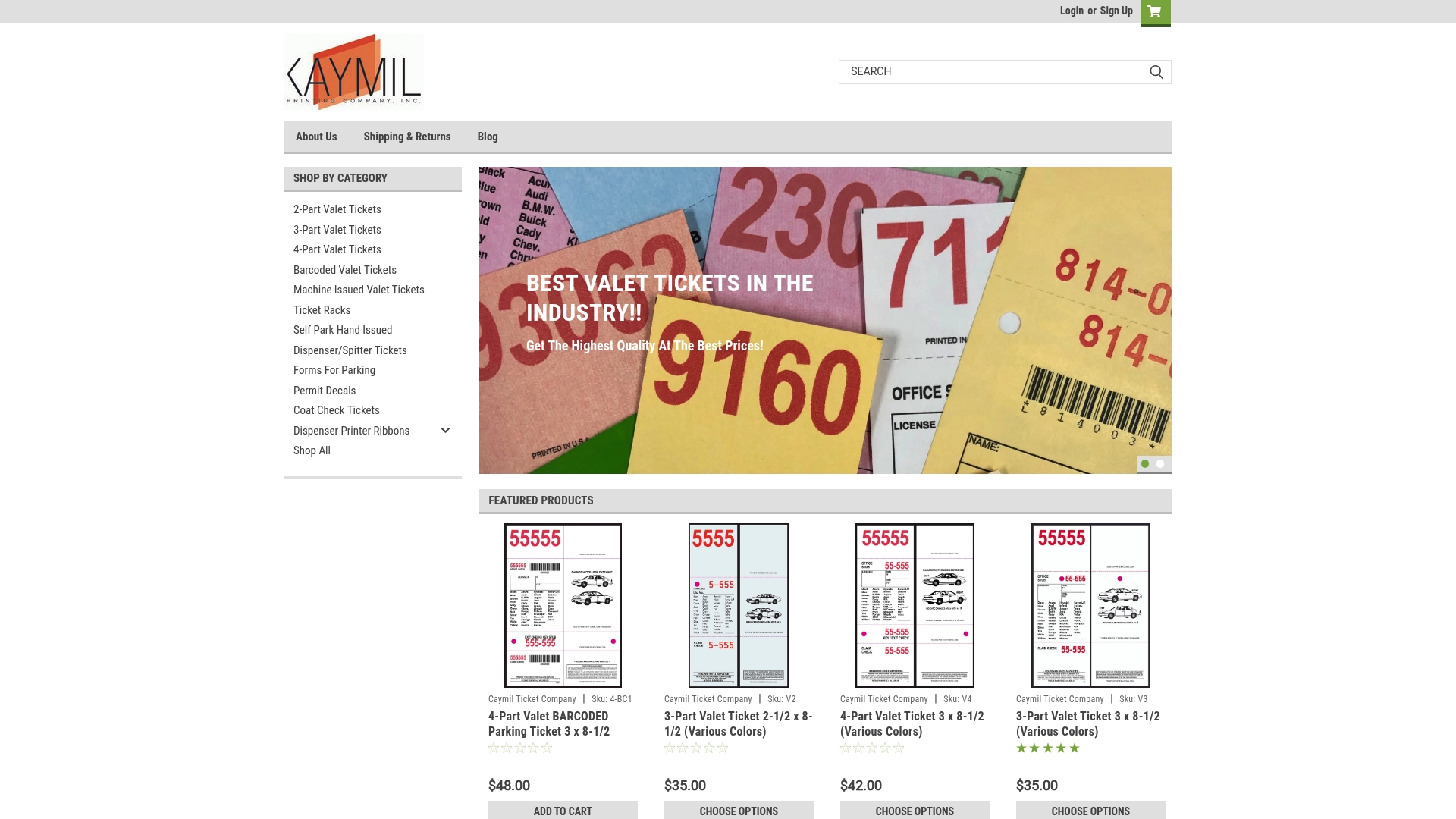
Tell us the system, the lane type and your monthly volume, and we will point you to the right stock. Start from the Caymil home page to browse custom parking tickets, permit decals and more.
FAQ
Why does my Amano ticket keep getting rejected at the exit?
Check orientation and condition first. On the AMG-6700 the stripe goes up and to the right, as the display shows. If the ticket is flat, undamaged and correct for the lane, the fault may be in the reader or settlement machine, which is a case for support.
What should staff do when a driver has lost the ticket?
Use the lost ticket procedure on your system. On the AMG-6700 the operator presses the Lost Ticket button, the fee displays, payment is taken and the gate is vended. Keep the fee policy posted so drivers see it before they reach the booth.
How do I clear a ticket jam in an Amano dispenser?
For the AGP-2000, open the side door, press and release the Door Open switch, then press and hold it again and watch the display. Other models differ, so follow the manual for your unit and call a technician if the jam recurs.
Can remote support fix a misread without a site visit?
Often, yes. Amano ONE offers real-time device status and a built-in call center, and integrated services can validate tickets and vend gates remotely. Hardware faults still need a certified technician.
Does the ticket stock matter for reads?
Yes. Machines expect a ticket of the right type, format and encoding. That is why we match stock to the system a lane runs on, and why ticket type should be confirmed before every reorder.
Sources
- Amano Japan: parking trouble cases
- Amano Japan: parking support
- Amano AGP-2000 dispenser manual
- Amano AMG-6700 pay-in-lane manual
- Amano OPUS-7000 distributor manual
- Amano OPUS-2000 operation manual
- Amano McGann parking management software
- Amano McGann and Parker Technology integration
- Parker Technology Amano partner page
- Amano ONE launch announcement
- CSA STAR Registry: Amano ONE
- Recruiting parking managers