
Dust-Resistant Ticket Media for Parking and Valet Operations

Dust-resistant ticket media is ticket stock and ticket construction chosen so that dust, grit and paper debris do not cause jams, faded print or unreadable barcodes in a parking or valet operation. It is not a plastic sleeve around a ticket. It is the ticket itself (paper grade, print method, format and numbering), combined with how you store it and how you keep the printer clean. No ticket is dust-proof, so the practical goal is to cut the dust that reaches your equipment and to pick formats that tolerate what is left.
TL;DR
- Dust damages the equipment first. Grit entering a ticket printer with the stock can destroy the printhead, and dirt on feed rollers causes jams and encoding retries.
- Pre-printed, multi-part carbonless valet tickets involve no printhead, so they sidestep most dust problems. Thermal and machine-issued formats need a clean path and clean stock.
- Never store ticket stock on the floor. Keep it sealed in its carton until the roll or stack is loaded.
- Clean printers on a schedule: daily in high-volume sites, weekly in low- or medium-volume ones.
- Match ticket width, black-mark position and barcode contrast to your printer or dispenser before you order a full run.
Table of Contents
- What dust-resistant ticket media actually means
- How dust damages tickets, printers and barcodes
- Which ticket types tolerate dust best
- Ticket construction details worth specifying
- Storing and handling ticket stock
- A cleaning routine that protects the media
- Compatibility checklist before you order
- Our perspective
- Where Caymil fits
- FAQ
- Sources
What dust-resistant ticket media actually means
Searches for this phrase often land on job ticket holders and plastic sleeves. Those protect a single paper from handling. Parking operators mean something different, and the distinction matters when you order.
A parking ticket is the physical media of the parking system. One parking handbook describes it as a token that records the parker’s time and area and supports fee calculation and payment, and it notes that paper tickets are typically used for short-term parkers, with barcodes, proximity tags and license plates as alternative access media. In valet work the ticket number is the matching identifier across the guest stub, the key tag and the dash copy, so every part has to stay legible through a full shift.
So “dust resistant” is a system property with four parts:
- The stock itself: a clean, consistent paper that does not shed fibers or coating dust into the machine.
- The format: a ticket that needs no printhead, or one that is built to feed cleanly through the one you have.
- The print and code: sequential numbers and barcodes with enough contrast to scan even when the surface is not pristine.
- Handling: storage and loading habits that keep grit out of the path.
How dust damages tickets, printers and barcodes
Dust rarely ruins a ticket on its own. It ruins the machine that makes or reads the ticket, and the ticket gets blamed.
A ticket printer and encoder manual from Zebra warns that stones entering the printer with the ticket stock can destroy the printhead, that dirt on the feed rollers can cause encoding retries and paper jams, and that an unreadable barcode is a cue to clean the printhead. The same manual advises checking the width adjustment of the ticket track if transport hesitates, which is a reminder that a mechanical fit problem often looks like a dust problem.
The pattern at a busy garage entrance or valet stand looks like this:
- Dust and paper debris collect on the printhead and rollers.
- Print density drops unevenly, leaving faded stripes or missing characters in the barcode.
- Lane scanners fail to read the ticket, and attendants key in numbers by hand.
- Lines build, and the operator pays for the extra labor and for replacement parts.
Printer makers say the same about routine care. Citizen Systems notes that regular cleaning can prevent major failures, reduce operating costs and extend a thermal printer’s life. That is a manufacturer’s view of its own product line, but it matches what operators see in the field.
Which ticket types tolerate dust best
The question is not which ticket is best in the abstract. It is which format fits the environment: an outdoor valet stand, a concrete parking structure, a casino porte-cochere or a hospital garage. Each format has a different weak point.
| Ticket format | Dust weak point | What helps |
|---|---|---|
| Multi-part carbonless valet ticket (2-, 3- or 4-part) | Dust on a pre-printed form is mostly cosmetic. Heavy contamination can smear handwriting or a pen-written plate number. | No printhead or ribbon in play. Keep stock in the carton and use a rack. |
| Pre-printed barcoded valet ticket | Dirt or smudges over the code can reduce scan reliability. | Sharp, high-contrast printing, and a code on every part. |
| Thermal ticket or roll | Dust on the printhead and platen produces faded print and unreadable barcodes. | Clean stock, sealed storage, a scheduled cleaning routine. |
| Machine-issued (“spitter”) ticket | Dust in the dispenser path and sensors causes feed errors and jams. | Correct width, black-mark placement and a cleaned path. |
| Magnetic-stripe ticket | Debris in the encoder and read path causes encoding retries. | A clean ticket track and stock cut to spec. |
The takeaway is that a pre-printed carbonless form is the most forgiving in dusty conditions, because nothing has to be imaged on site. Thermal and machine-issued tickets are the right call when you need automated entry, exit and revenue control, but they depend on a clean machine. Our guide to parking ticket paper, thermal rolls and what really lasts covers the stock side in more depth, and the top material options for parking tickets walks through the choices.
Valet tickets: the low-maintenance path
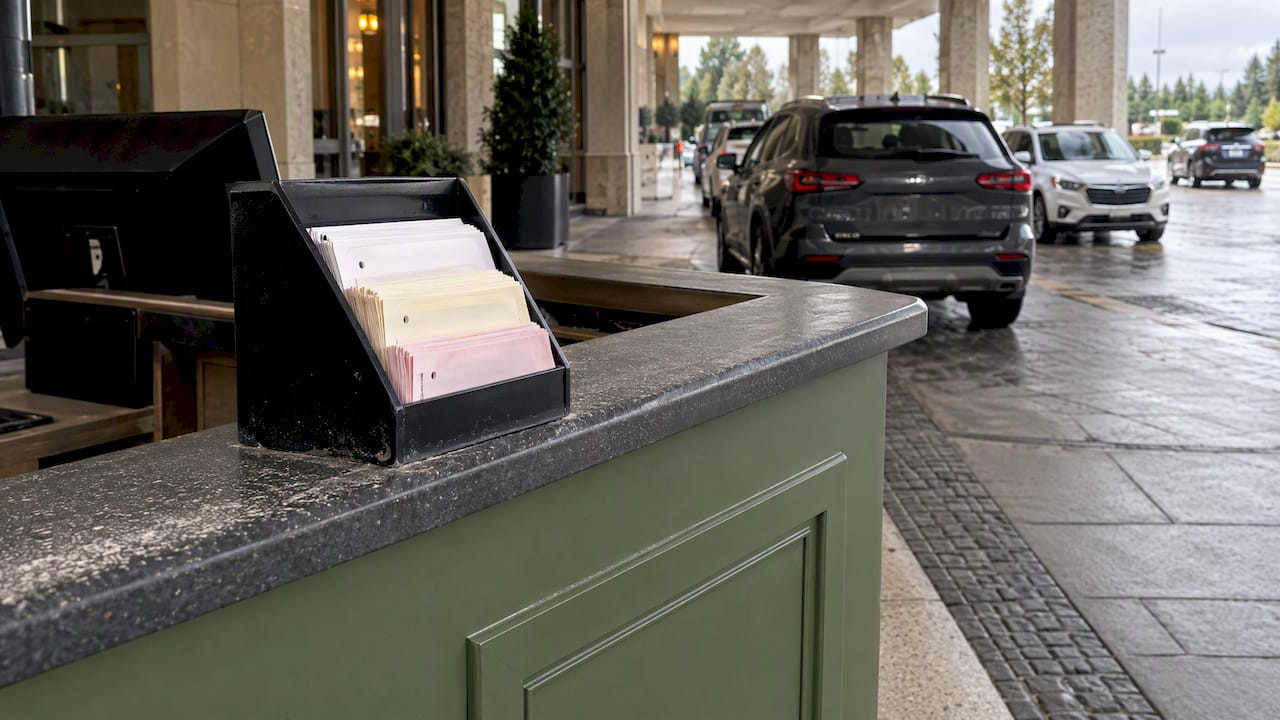
A valet operation that runs on pre-numbered multi-part forms has few moving parts to contaminate. The number on each part ties the guest stub, key tag and dash copy together, and carbonless copies mean the details written once appear on every part. For a stand at a hotel entrance or an event lot where dust and wind are routine, this is the simplest approach. A ticket rack keeps the stack off the ground and flat, which matters more than any coating.
Browse the options: 2-part, 3-part and 4-part valet tickets, plus barcoded valet tickets when you want scanning at retrieval.
Thermal and machine-issued tickets: where cleanliness decides
Thermal printing puts the heat element in contact with the paper, so anything between them shows up as a defect. Dust that arrives on the roll, on the roller or from the lane air ends up on the printhead. Heat and moisture are separate threats to the same tickets. If you also see fading, read our checklists on stopping thermal ticket fading, heat-resistant tickets and ticket paper and moisture, because dust, heat and humidity often combine in the same garage.
For machine-issued formats, the sensor and track matter as much as the paper. Our notes on black-mark ticket specs to avoid dispenser jams cover the placement details that keep a dispenser reading the mark correctly instead of stalling.

Ticket construction details worth specifying
When you write a spec for a custom run, a handful of details do most of the work against dust and handling wear.
Tear and moisture resistance
Public agencies write these requirements into bids. The Philadelphia Parking Authority’s ticketing bid, for example, specified handheld ticket rolls that were waterproof and tear resistant. That was written for enforcement tickets rather than entry tickets, but the principle carries over: a ticket that survives a wet, gritty pocket is a ticket that survives a garage.
Barcode contrast and redundancy
In a dusty setting a code needs margin for error. The valet software provider Parkonect advises against dark-colored ticket stock, because scanners can struggle to read a black QR code against a dark background, and recommends placing a QR code on every ticket part so a lost or damaged part does not block processing. That advice applies to any barcode workflow: use light stock, keep the code large and keep it on every part.
Sequential numbering and security features
Sequential numbers let you reconcile every issued ticket, and a damaged or dirty ticket can still be matched by its number. Security features help when tickets carry value, such as validation and casino or hotel tickets. Both are options on custom orders, and they make a ticket easier to track when its surface is no longer clean.
Stock color and finish
Light, uncoated or lightly coated stock shows contrast best and is easiest to wipe. Avoid heavy dark colors where you scan. If you need color-coding by lot, level or event, choose a pale tint and keep the code area white.
Storing and handling ticket stock
Most dust problems start before the ticket reaches the printer. Zebra’s manual makes the practical point: grit that rides in with stock can destroy a printhead, which is why tickets should never sit on the floor in a booth or back office. Use these habits:
- Keep stock in sealed cartons until a roll or stack is needed, and reseal partial cartons.
- Store off the ground on a shelf or cabinet, away from sweeping, vents and doorways.
- Wash hands or wipe the roll before loading when the booth is dusty. Check the outer layer for grit and discard a layer if it looks contaminated.
- Load one roll at a time and avoid leaving a roll sitting open in the printer overnight.
- Rotate stock so older tickets are used first.
- Use a rack or holder for valet stacks so the working supply stays flat and off the podium.
- Keep spare stock indoors, not in a truck bed or an open shed, so you avoid dust and temperature swings together.
A cleaning routine that protects the media
Clean stock does not help if the printer is dirty. The same Zebra manual recommends cleaning in high-volume environments daily, and weekly in low- or medium-volume environments, to remove paper dust and debris from the ticket path. Follow your printer maker’s own instructions for cleaning supplies and procedure, since they differ by model. A workable plan:
- Daily at busy sites: wipe the ticket path and check rollers for visible dirt.
- Weekly elsewhere: clean the printhead and platen per the manual.
- At every roll change: look for dust on the track and sensors.
- When a barcode stops scanning: clean the printhead first, as the manual suggests, before you blame the stock.
- Log the work so you can tell whether a bad batch or a bad week is the cause.
Some printers hold the ticket until printing and cutting are finished, which keeps drivers from pulling the paper mid-print. If your lane has that problem, check whether your equipment supports a presenter option. Pulled tickets jam heads and leave debris behind.
Compatibility checklist before you order
A ticket that is well made but wrongly sized is as much a failure as a dirty one. Before a full run, confirm:
- Width and length against the ticket track and cutter.
- Black-mark position and size if your dispenser uses a sensor to find the cut.
- Stock weight and coating for your printer type, thermal or impact.
- Barcode symbology, size and placement against what your scanner reads.
- Magnetic-stripe position, if used, against your encoder.
- System brand: Caymil products are made to be compatible with major parking systems including Amano, TIBA, SKIDATA, FLASH Parking, Scheidt & Bachmann and Flowbird.
- Sample test: run a small batch through the actual equipment, in the actual environment, before committing.
For a fuller walkthrough of ordering, see printed parking tickets: a practical guide for operators, field-tested thermal ticket printing and garage ticket durability tips.
Our perspective

We have printed parking and valet tickets since 1937, and the dust question comes up more as a symptom than as a request. A garage manager calls about faded barcodes or jams, and the cause is a dirty path, a stack left on a concrete floor or a width mismatch, not the paper alone.
Our advice is to treat the ticket and the machine as one system. Choose the simplest format your operation can live with. If valet tickets on carbonless forms meet your needs, they remove the printhead from the equation. If you need automated entry and exit, specify clean, correctly sized stock, keep it sealed and clean the printer on a schedule. We do not sell any ticket as dust-proof, and we would not trust a claim that said so. What we can do is manufacture durable, consistently printed tickets in the sizes, numbering, barcode and security options your equipment needs, and help you check fit before you commit to volume.
— Richard
Where Caymil fits
Caymil Printing Co. makes stock and fully custom tickets for valet operators, garages, hotels, casinos, hospitals and event venues, with sequential numbering, barcoding, logos, security features and multi-part carbonless formats. For sites where dust is a constant, start with multi-part valet tickets and a ticket rack to keep the working stack clean and flat. For automated lanes, see our machine-issued valet tickets and dispenser and spitter tickets.
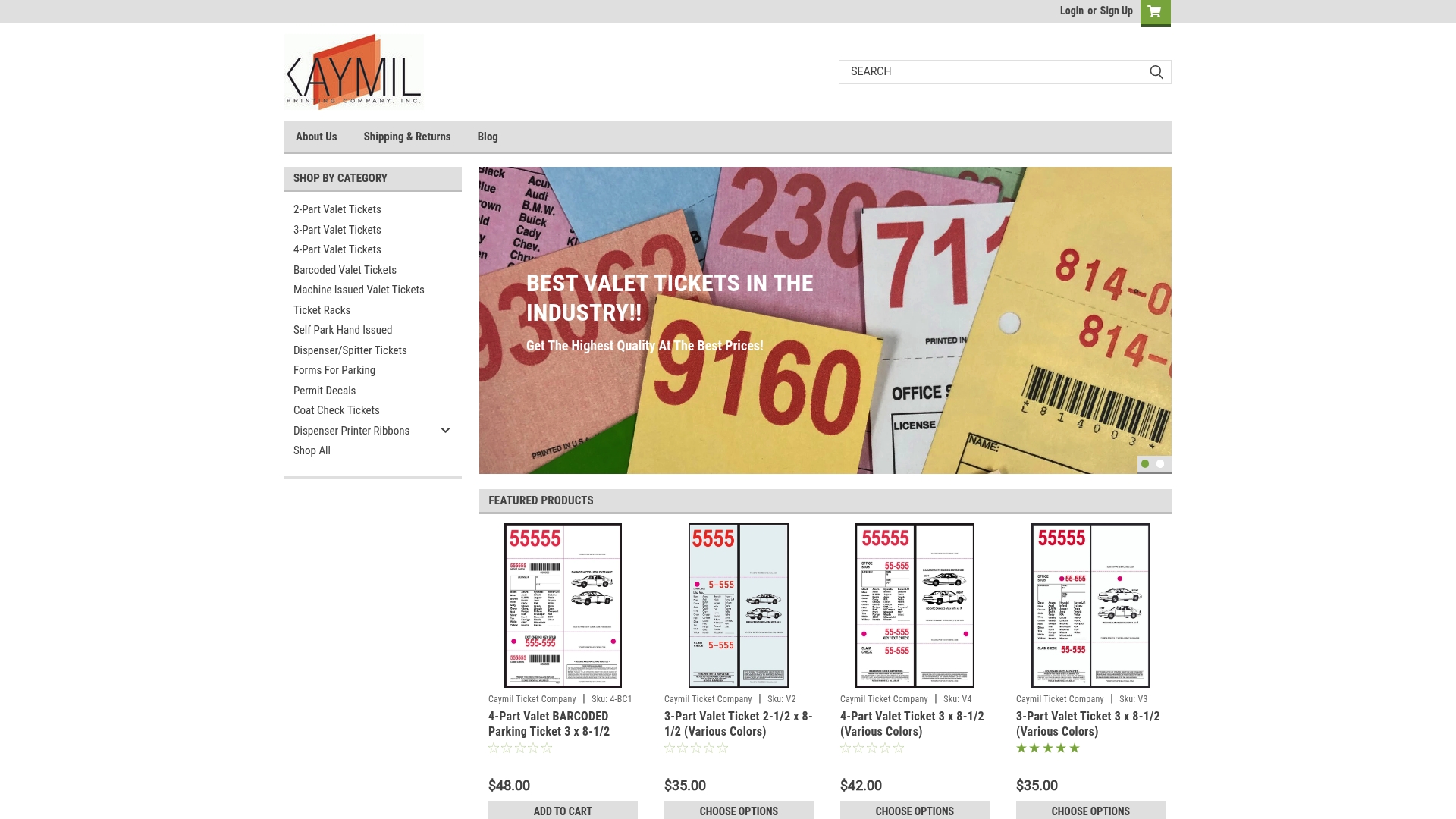
Tell us your printer or parking system and your environment, and we will point you to a format that fits. Our landing page lists every product line, including custom parking tickets.
FAQ
Is there a dust-proof parking ticket?
No ticket is fully dust-proof, and you should be skeptical of any product that claims it. The real protection comes from choosing a format that needs less from the equipment, storing stock sealed and off the floor, and cleaning the printer regularly.
Do pre-printed valet tickets handle dust better than thermal tickets?
Usually yes in practice. A pre-printed carbonless form has no printhead or feed mechanism to contaminate, so dust is mostly a cosmetic issue. Thermal tickets give you automation, but they need a clean printhead and track to print readable barcodes.
How often should I clean a ticket printer?
Follow your printer maker’s manual. One ticket printer manual recommends daily cleaning in high-volume environments and weekly in low- or medium-volume ones. Clean sooner if barcodes begin to fail scanning.
Can a dirty printer make good tickets look bad?
Yes. Dust on the printhead can cause faded stripes, missing characters and unreadable barcodes even when the stock is fine. Clean the printer before you change suppliers or blame the paper.
What should I check before ordering custom tickets for my system?
Confirm width, length, black-mark position, stock type, barcode placement and any magnetic-stripe specs against your printer or dispenser. Test a small batch first in the actual lane or booth.
Sources
- Zebra TTPM2 Ticket Printer/Encoder user guide
- Citizen Systems: The Importance of Cleaning your Thermal Printer
- Hub owner’s manual, parking ticket media
- Philadelphia Parking Authority, Bid No. 19-12: Ticketing Rolls, Paper Tickets and Ticketing Envelopes
- Parkonect: Valet Hiker Ticket Recommendations