
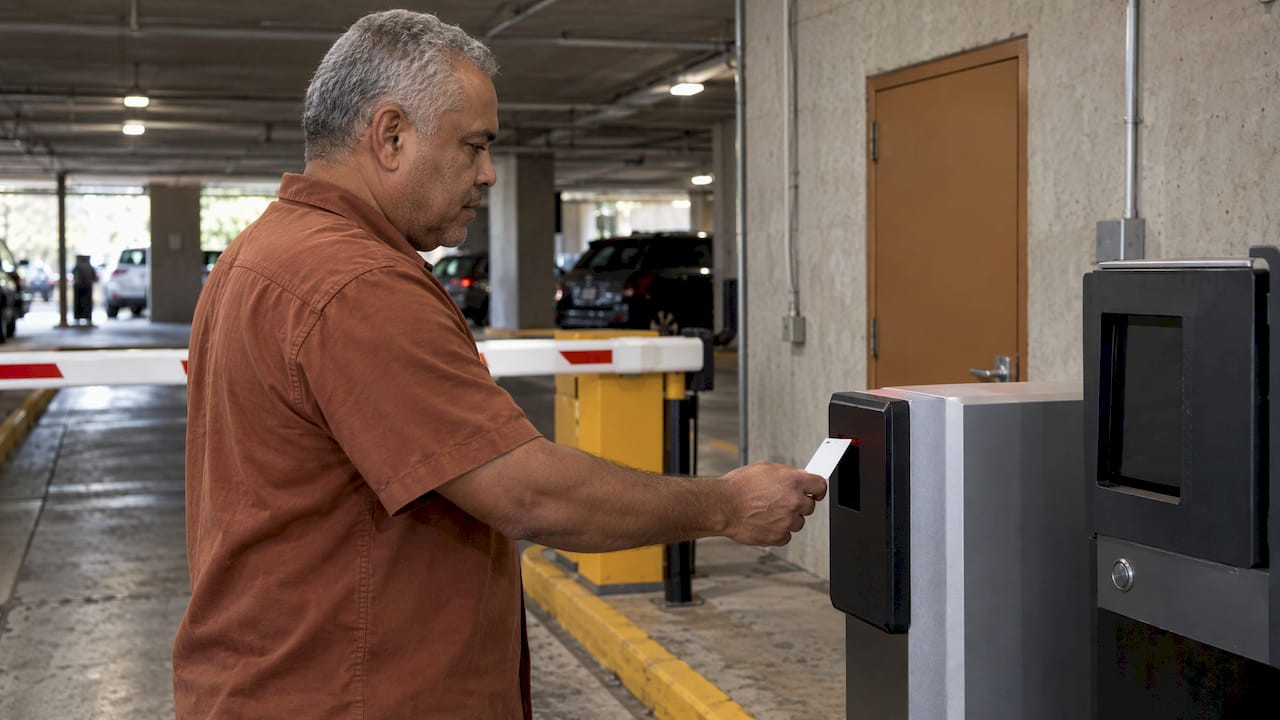
Parking System Ticket Compatibility: A Guide for Operators

A parking ticket is compatible when your dispenser can print or feed it, your readers can scan it, and your software can read the number on it, every time, in every lane. Getting there means matching stock, size, barcode, numbering, and encoding to the equipment you already run. Caymil has manufactured parking and valet tickets since 1937, including custom tickets built for systems from Amano, TIBA, SKIDATA, FLASH Parking, Scheidt & Bachmann, and Flowbird, so the matching is done at the order stage, before a single ticket is printed.
TL;DR
- Compatibility is a chain: ticket stock, printer or dispenser, reader, and host software must all agree. A weak link shows up as jams, misreads, or failed validations.
- Check five specifications before any large order: size and perforation, stock and coating, barcode symbology and size, numbering format, and magnetic stripe encoding if you use it.
- Dark stock, uneven digit counts, and the wrong barcode type cause many scan failures, and all are avoidable at the design stage.
- Valet, hotel, casino, event, and garage workflows each need different ticket parts and numbering rules.
- Caymil offers stock and fully custom tickets with sequential numbering, barcoding, logos, security features, and multi-part carbonless formats.
Table of Contents
- What compatibility actually means
- The ticket types and what each one asks of your system
- Five specifications to confirm before you print
- How to confirm a ticket will work before you order
- Matching tickets to your workflow
- Why tickets jam, misread, or fail validation
- Ordering tickets built for your system
- Our perspective
- FAQ
- Sources
What compatibility actually means
It is tempting to think of compatibility as one question: does the ticket fit the machine? In practice a parking installation has several layers. One commissioning checklist for parking kiosks lists five that must be coordinated: the parking application, the host controller, credential hardware, payment and validation equipment, and lane-control equipment. The same guidance points out that a successful print command does not prove the driver received a usable ticket, and that the application, not the printer, should decide whether an entry is valid or a lane should open.
For a ticket buyer, this means the ticket is a physical part of a data process. Consider what each layer expects from it:
- The dispenser or printer expects a stock width, thickness, perforation, and sensor mark it can feed and cut.
- The reader expects a barcode or stripe in a position, size, and contrast it can decode.
- The software expects a number in a known format, usually sequential, that maps to an entry record.
- The attendant or cashier expects a human-readable number, date, and facility name.
A public bid document shows how specific this gets. A university’s specification for an entry-lane dispenser calls for tickets that are both machine-readable by barcode and human-readable in sharp alphanumeric characters. At minimum they carry the facility name, entry lane number, facility number, date and time of entry, and ticket number. The same document describes a dispenser that keeps working offline, holding up to 1,000,000 ticket numbers and sending all records once communication returns. A ticket that cannot hold that data cleanly is not compatible, however well it fits the slot.
The ticket types and what each one asks of your system
Different tickets suit different equipment. The table summarizes the main formats operators order and what each depends on.
| Ticket format | Typical use | What your system must support |
|---|---|---|
| Machine-issued “spitter” ticket | Garage and lot entry lanes | A dispenser that feeds the stock, a vehicle-presence trigger, and a reader or host that tracks the printed number |
| Barcode ticket | Garages, valet, hotels, events | A scanner that reads the barcode type used, and software that maps the code to a record |
| Thermal ticket | Dispensers and kiosks that print on demand | A thermal print head and stock the manufacturer supports, with no ink or ribbon in the printer |
| Magnetic stripe ticket | Systems that read encoded stripes at exit or pay stations | A reader and encoder with matching track, density, and data layout |
| Multi-part carbonless valet ticket | Manual and hybrid valet operations | A numbering scheme that links claim stub, windshield tag, and key tag, and a barcode if you scan |
| Validation ticket or coupon | Hotels, retailers, event venues | Software that recognizes the validation code and applies the discount or fee |
A published entry terminal manual gives a clear picture of the machine-issued workflow. A presence loop senses the vehicle, the driver presses a button, and the unit prints a ticket on dollar-bill-size stock. Each ticket carries the date and time, a six-digit number that increments before each print, and a two-digit lane prefix, all encoded in a barcode at the center, plus customizable text lines. After the vehicle clears the barrier, an entry message goes to the host computer, which tracks location and charges. If the host is offline, messages queue locally. That sequence only works when the stock, the numbering, and the barcode all agree with the host’s expectations.
For a closer look at the paper itself, see our guide to parking ticket paper, stock, and thermal rolls.
Five specifications to confirm before you print
Most compatibility failures begin as a spec that nobody wrote down. Treat these five as the minimum for your order sheet.

1. Size, perforation, and sensor marks
Dispensers and handheld printers feed by length and often by sensor mark. A municipal violation-ticket specification shows the level of detail that equipment expects: a 3.125" x 8.00" ticket, a horizontal perforation every 8.00", a 0.50" roll core, a maximum roll diameter, and media sensor marks approved for the specific printer model. Your equipment will have its own numbers. Write them down from the manual or the equipment label, including stock width, perforation spacing, and the position of any sensor mark.
2. Stock and coating
Weight and finish affect feeding, cutting, print durability, and how long the ticket survives a pocket, a dashboard, or rain. The municipal specification above calls for waterproof, tear-resistant poly-thermal stock in a defined thickness range, because field use is rough. Garage and valet tickets face the same wear. Confirm whether your printer is thermal or impact, and match the stock to it.
3. Barcode type, size, and placement
The barcode has to be one your readers decode. Common formats include Code 39, Code 128, and QR codes, and not every reader handles every format. Confirm the symbology, the minimum module size, and the quiet zone around the code with your system vendor or the reader’s manual. One valet software provider’s ticket recommendations give a practical example: QR codes of about 0.75" x 0.75", and printing the code on every part of the ticket so a lost windshield tag or claim check can still be used at ingress and egress.
Our article on parking barcode formats goes through the choices before you commit to a large print run.

4. Numbering format
Sequential numbering lets your software and your staff reconcile every ticket issued against every ticket collected. The format matters as much as the order. The same valet guidance recommends a constant digit count, for example 000001 to 000100 rather than 001 to 100, and a letter prefix on each ticket range. It also notes that a given system may reserve certain letters for other barcode types, such as validations and monthly credentials. Ask your software provider which prefixes are taken before you pick one for a new range.
5. Magnetic stripe encoding
If your exit lanes or pay stations read stripes, the encoding must match the reader: the track used, the data format, and the density. A ticket that looks correct can still fail if the encoded data does not match what the host expects. We cover this in our magstripe encoding checklist.
How to confirm a ticket will work before you order
This is the routine we recommend, in order.
- Identify your system and components. Write down the make and model of the dispenser, the entry and exit readers, any pay stations, and the host software. Note the firmware version if you can.
- Pull the ticket requirements from the manuals. Look for stock size, thickness, perforation, sensor marks, barcode type, and numbering format. If a requirement is not in the manual, ask your equipment vendor in writing.
- Check the trigger and communication side. The dispenser’s trigger input has to match the vehicle detector’s output, and its communication protocol has to be one your host platform supports. These do not change the ticket itself, but they decide whether the whole lane works and are worth settling at the same time.
- Confirm the barcode symbology against every reader. Entry scanners, pay stations, and exit readers sometimes differ in what they decode. The ticket has to satisfy all of them.
- Define the numbering rules. Set the starting number, digit count, prefix, and range for each lane or location, so no two tickets can carry the same number.
- Approve a proof. A manufacturer should show you the layout with the barcode, numbering, logo, and colors in place before production. Check it against the specifications you collected.
- Test in a live lane before the full rollout. Run the ticket through the dispenser, the reader, and the software, including a validation and an offline case if your system supports it.
At step 2 and step 6 a manufacturer that works with these systems every day removes much of the guesswork. We produce tickets for Amano, TIBA, SKIDATA, FLASH Parking, Scheidt & Bachmann, and Flowbird systems, with sequential numbering, barcoding, and security features available on custom orders. See our overview of PARCS parking system tickets for more on how this works for gated facilities.
Matching tickets to your workflow
A compatible ticket also has to fit how people use it. The right design differs by operation.
Valet operators and hotels
Valet tickets usually split into a guest claim stub, a windshield or vehicle tag, and sometimes a key tag. Multi-part carbonless formats let the attendant write once and produce every copy. Two-, three-, and four-part forms exist for this reason, and each part should carry the same number. If your valet software issues or redeems tickets by scanning, the barcode must appear on every part that might be presented. One valet platform’s help documentation on third-party ticket issuance shows how much depends on the details: the ticket’s identifier must be encoded as a URL in a supported code type such as QR Code, Aztec, or PDF417 before an app can redeem it, and the facility ID must be correct or the ticket issues at the wrong location.
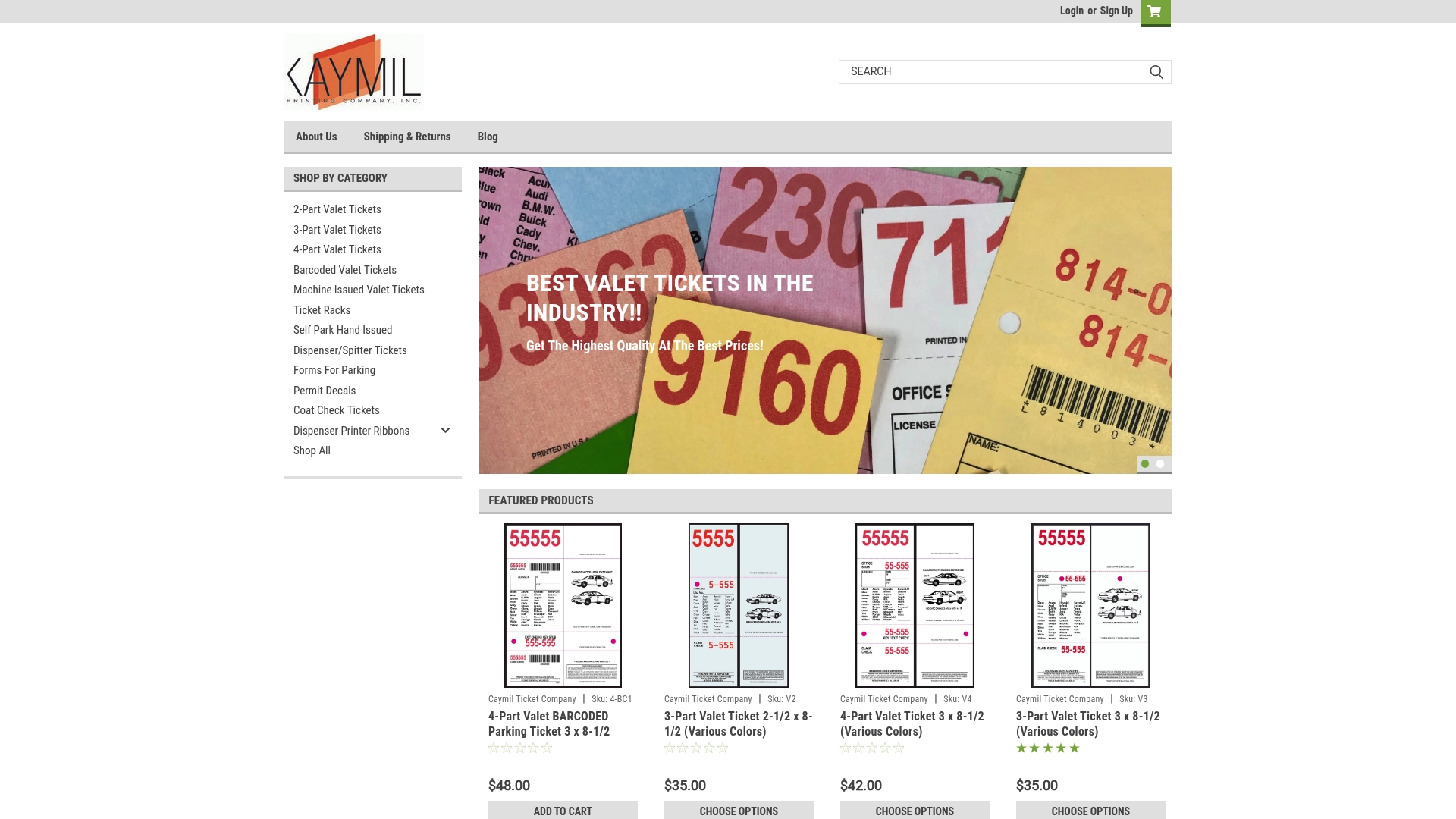
Our barcoded valet tickets are listed at $42 to $48 on the product page, and the 2-part, 3-part, and 4-part valet tickets cover the manual and hybrid formats.
Garages and lots
The entry ticket must survive a vehicle’s dashboard or visor, feed reliably, and be read at the exit or pay station. That favors machine-issued dispenser and spitter tickets and machine-issued valet tickets that match the dispenser’s stock and the reader’s barcode or stripe. Our guide to ticket dispensers in parking covers the equipment side, and why barcode tickets make garages more efficient covers the reconciliation benefits.
Casinos and large hotels
Casino and hotel properties tend to run valet, self-park, validation, and sometimes coat check or luggage claim in the same building. Numbering ranges should keep those streams distinct, and the barcode should be one the property’s software already recognizes. A public bid for a city garage system shows the same planning logic: it asks that the system be expandable to hotel validation capability and that valet be accommodated. Plan validation tickets and valet tickets together and you avoid a rework later. See our guide to casino barcode ticket integration.
Event venues
Events create short, intense peaks. Tickets need to print or be handed out quickly, scan on the first try, and be visibly distinct from daily-parker tickets. Custom colors and logos help staff tell ranges apart at a glance, and sequential numbers make end-of-event reconciliation straightforward.
Why tickets jam, misread, or fail validation
Most problems trace back to a short list of causes.
- Dark or heavily tinted stock. Scanners lose contrast. One valet guide warns that a black QR code on dark blue stock is hard for scanners to read. Keep stock light and print in high-contrast ink.
- Inconsistent numbering. Numbers with different digit counts, or prefixes the software reserves for another purpose, produce lookup errors.
- Barcode mismatch. A symbology the reader does not decode, or a code printed too small, simply will not scan.
- Wrong stock for the dispenser. Thickness, width, perforation, or sensor-mark errors lead to jams and misfeeds. The wrong thermal stock can also shorten print head life.
- Treating a print command as a delivered ticket. In integration terms, an application should be able to tell an interrupted print from a completed one and know whether the ticket was taken.
When a lane starts failing, work from the simplest check outward. Print a test ticket after loading a new roll, as one terminal manual instructs for 80 mm thermal rolls, then inspect the ticket for alignment and contrast. Next scan it at each reader, then confirm the host recorded the number correctly. If the physical ticket is the cause, the fix is an order with corrected specifications. Our team can work from your current ticket and system details to do that.
Ordering tickets built for your system
Caymil is a manufacturer and nationwide supplier of custom parking, valet, hospitality, and event tickets. We keep millions of tickets in stock and ship nationwide, and we also produce fully custom orders with sequential numbering, barcoding, logos, security features, custom colors, and multi-part carbonless formats. Thermal, paper, and magnetic stripe options are available, and our products are made to work with Amano, TIBA, SKIDATA, FLASH Parking, Scheidt & Bachmann, and Flowbird systems.
Start from the product that matches your operation: barcoded valet tickets for scanned valet, dispenser and spitter tickets for entry lanes, or custom parking tickets when your system needs a specific layout.
To see how other operators structure their systems, read our parking management system examples for 2026.
Our perspective
Compatibility is decided long before a ticket reaches the lane. It is decided on the order sheet, when someone writes down the stock, the barcode, the numbering, and the encoding.
We have made parking and valet tickets since 1937, and our view is simple. The operators who have the fewest problems treat the ticket as part of the system and specify it with the same care as the dispenser. They record the numbers, ranges, and symbologies, and they approve a proof before production.
That is why we build around the systems operators actually run: Amano, TIBA, SKIDATA, FLASH Parking, Scheidt & Bachmann, and Flowbird. A specialist manufacturer with stock on hand and custom capability lets you standardize on one ticket supplier for valet, garage, hotel, and event needs, with durable printing and competitive pricing.
Send us your system details and the ticket you need, and we will build it around them.
Richard
FAQ
Can one ticket work in more than one parking system?
Only if it meets the requirements of each: stock, barcode type, numbering, and any stripe encoding. Systems differ in what they read, so a ticket designed for one brand’s reader may not suit another’s. Specify the ticket against the equipment in each location, or order a custom design for each.
Do thermal tickets need ink or ribbon?
No. A thermal printer prints on heat-sensitive paper, so the printer needs no ink. Use stock that suits your printer model, because width, thickness, and coating affect feeding and print quality. Some dispensers use ribbons with other ticket types, and we supply dispenser printer ribbons as well.
What numbering format works best for sequential tickets?
Use a fixed digit count, such as 000001 to 000100, so software and staff sort and read numbers consistently. Add a letter prefix to separate ranges by lane, location, or ticket type, and confirm with your software provider that the prefix is not reserved for another credential type.
Why would a barcode ticket fail to scan?
The usual causes are dark stock, low print contrast, a code that is too small, or a symbology the reader does not decode. Check the barcode type and size against the reader’s specification, then print a test ticket and scan it at every reader in the lane.
Sources
- Parking Kiosk Commissioning Checklist: Entry & Exit
- MU22PARCS entry lane system submission, Marshall University
- Parking Entry / Exit Terminal Users Manual
- RFP No. 24-07 Addendum 3, Philadelphia Parking Authority
- Valet Hiker Ticket Recommendations
- Issue Tickets via Operator App/Website (3rd Party)
- RFP No. 21-03 Addendum 3, Philadelphia Parking Authority
- Parklio terminal user manual